
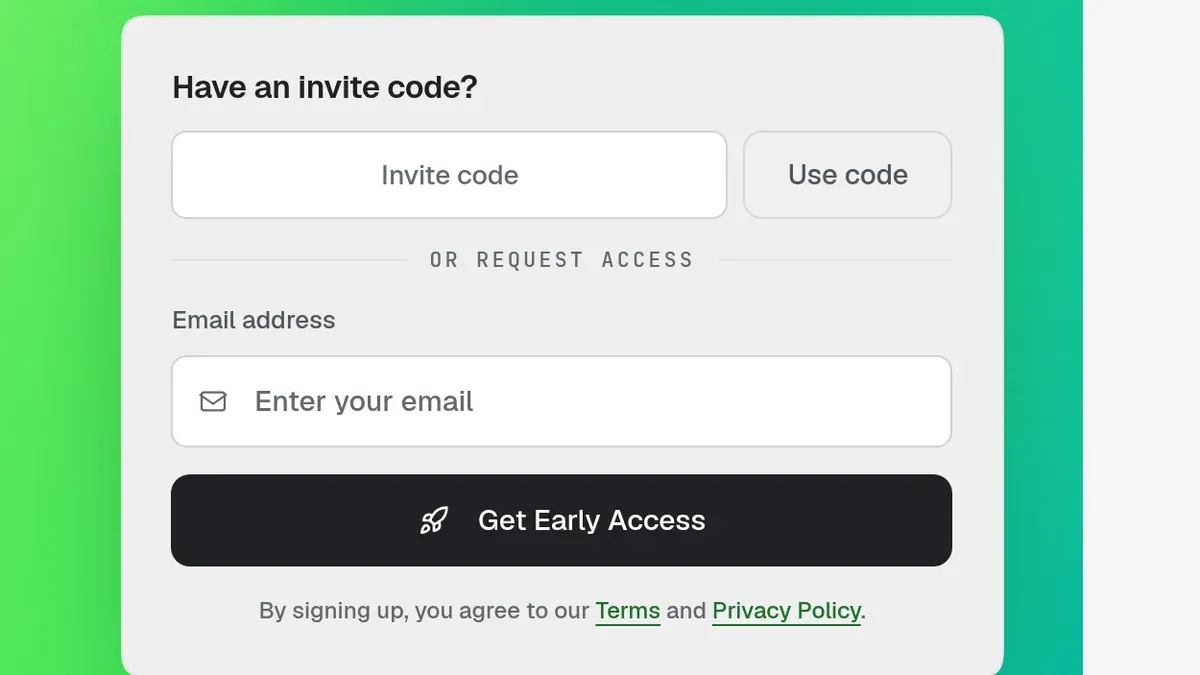
Update, Oct 27, 2026: Overskill now has open sign-up. You can sign up by email; an invite code is optional.
Overskill · Getting access
Overskill is open for sign-up. Enter your email, confirm your account and start a small project. An invite code is optional.
You heard about Overskill and went to sign up (I earn a commission if you buy through this link). Older guides may mention an invite-only beta. That is no longer a requirement to sign up.
This guide explains email signup, optional codes and your first steps. The current public signup page was checked October 27, 2026. Older invite screenshots are retained as historical context.
Quick answer
You do not need an invitation. Open the official signup page, enter your email and follow the confirmation instructions. An invite-code field is optional. Check paid-offer terms before checkout.
Do you need an invitation?
The current public page offers email signup and account confirmation. The invite-code field is optional. Opening an account and purchasing a paid plan are separate decisions.
Use regular email signup without waiting for an invitation. If an old waitlist screen prevents access, return to the current signup page or contact support.
New to the tool? Start with what Overskill is.
Signup options: email, referral link or optional code
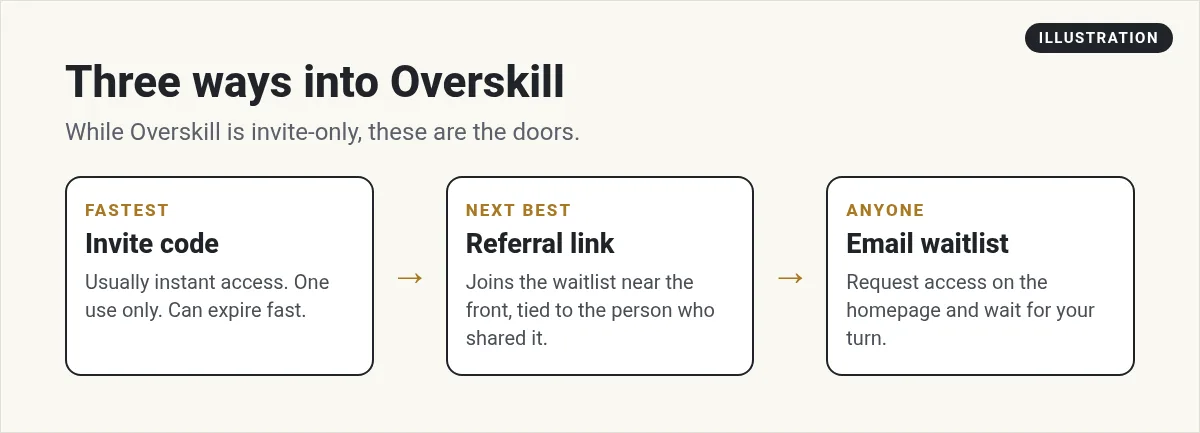
| Way in | What happens | Speed |
|---|---|---|
| Invite code | Optional: enter a code you already have, then follow the instructions shown. | Optional |
| Referral link | Follow the shared link and complete signup; do not assume it guarantees a bonus or priority. | Check the offer |
| Email signup | Enter your email on the official signup page and confirm your account. | No invite required |
Current email signup checked October 27, 2026. The older image above shows a previous rollout and is kept for readers comparing older instructions.
How to use an Overskill invite code
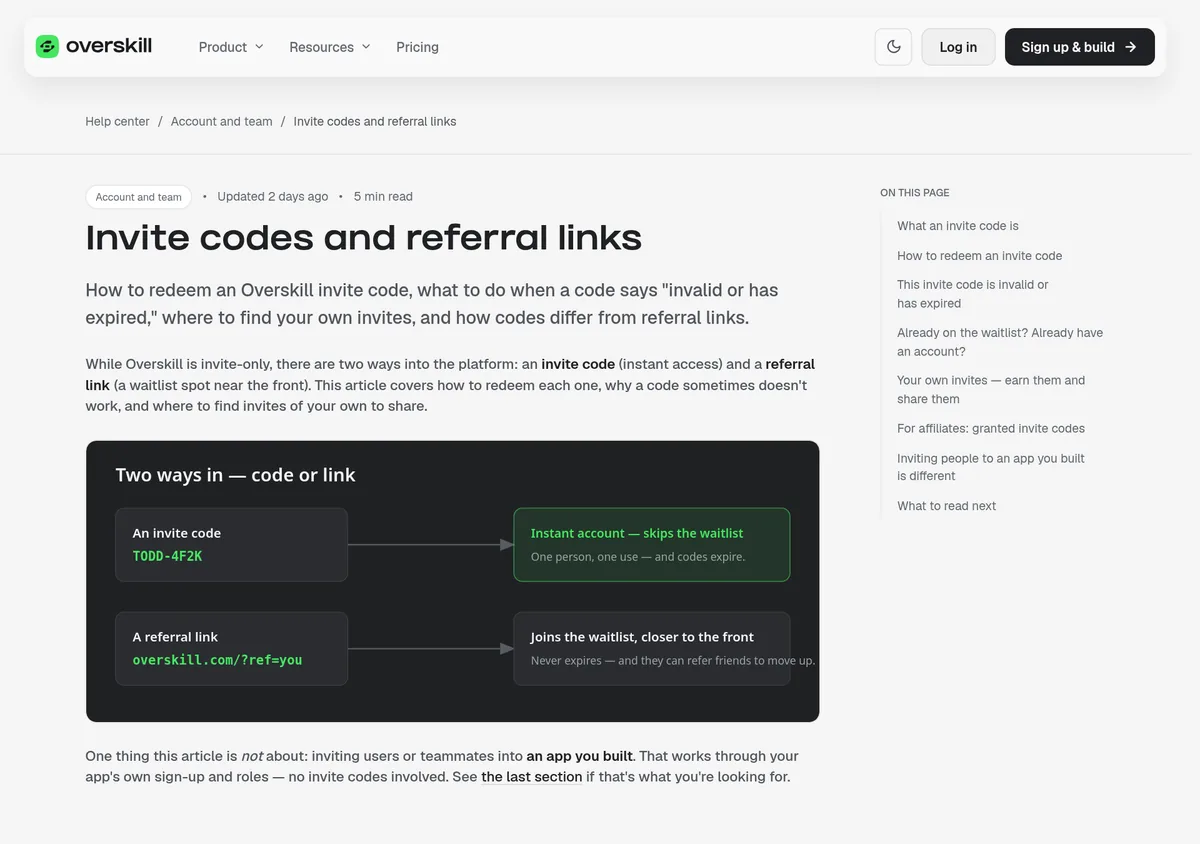
An invite code looks like this example from Overskill's help center: TODD-4F2K. Here is how to use one:
- Open the invite link the person sent you. It looks like overskill.com/waitlist/invite/YOURCODE. Or go to overskill.com/join and open "Have an invite code?"
- Type the code if you did not use a link. Capital letters do not matter, but include the dash.
- Check the invite page. It shows who invited you and confirms the code is valid.
- Enter your email and accept the invite.
- Check your email for a link to set your password. Then sign in and start building.
If your invite code says "invalid or has expired"
Older invite-code help lists these reasons and fixes. You can also use regular email signup without a code:
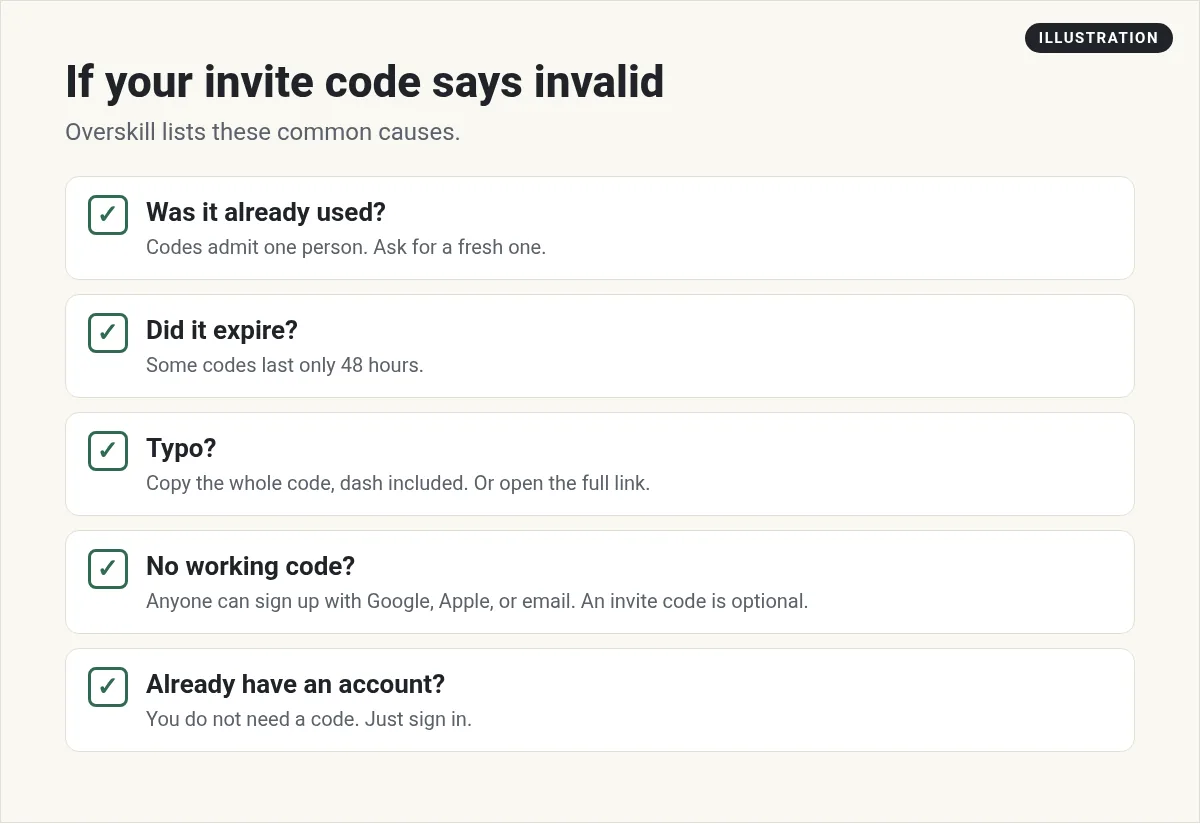
| Reason | What to do |
|---|---|
| It was already used | Codes are single-use. Ask the person for a fresh one. |
| It expired | Ask for a fresh code and use it right away. |
| A typo | Copy the whole code, dash included. Or open the full link instead of typing. |
| It was cancelled | Ask the sender or contact Overskill support. |
Two more cases trip people up:
- You are already on the waitlist. Try the current signup page with your email. If an old waitlist record prevents access, contact Overskill support rather than creating duplicate accounts.
- You already have an account. You do not need a code. Just log in.
How to sign up without a code
No code? Use the normal signup flow:
- Go to the Overskill homepage.
- Enter your email in the signup field.
- Click the signup button shown on the current page.
- Check your inbox and follow the account confirmation instructions.
If someone shared a referral link, you can use it to reach the signup offer. Review the terms shown there; a referral link is not a requirement to create an account.
What happens after you get in
Overskill's homepage says new accounts start with 500 credits under the current signup offer. Opening an account includes a limited starting allowance, not unlimited usage. Check the current pricing page for paid plans, credits and any additional costs. My Overskill pricing guide breaks it all down.
Your first hour inside, I would do three things:
- Look at a few templates close to your idea.
- Write a short brief: who the app is for, the one job, and what done looks like.
- Make one small build. Watch how many credits it uses.
My Overskill tutorial for beginners walks through that first build.
How to get your own invites to share
If your account offers referral or invite sharing, review the terms displayed there. The historical help material describes these features, but they are not needed for regular email signup:
- Your invite codes. Older invite codes had usage and expiry limits. Check the current terms for your code.
- Your referral link. Share only the referral link provided by your account and follow its current terms.
- Bonus invites. Any referral reward depends on the current program terms; do not assume older bonus rules still apply.
There is no need to recruit people or move up a waitlist to use the current public email signup.
Overskill login: signing in after signup
Once your account exists, you do not need a code again. Here is how signing in works, based on Overskill's help center:
- First time in. Follow the confirmation and account setup instructions sent to your email, then sign in.
- Every time after. Click "Log in" at the top of the Overskill homepage and use the email and password you set.
- Want to change your login email? Overskill says you can do it yourself. Open the account menu, click Your Profile, then the Security tab. Enter the new email and click the confirmation link they send. The change only happens after you confirm.
Is it safe to sign up?
It is smart to check before you hand over your email. Here is what I found on Overskill's own pages when I checked:
- The About page names the company (Overskill, LLC, a Delaware company) and its founders, including Todd Dickerson and Russell Brunson.
- The homepage says your data is never sold and you can unsubscribe anytime.
- The Trust Center says it does not train AI models on customer data.
As always, read the terms before you buy anything. I go deeper on this in my guide to Overskill and Russell Brunson.
Watch the platform before you get in
This ClickFunnels training introduces the platform. It may show an older interface or access flow; use the current signup instructions above.
From the ClickFunnels channel (not mine): ClickFunnels' Coaching Corner introduction to Overskill. This video is not mine. It is a long live training, so skip to the parts you need.
Overskill sign-up checklist
Nothing you check here is sent or saved. Download it if you want to keep it.
Sign up for Overskill
Sign up with your email and confirm your account. An invite code is optional. The current signup page advertises 500 starting credits; check the live offer and paid-plan terms before purchasing.
Sign up for OverskillI earn a commission if you buy through this link. Plans and credits can change, so check the live pricing page before you buy.
Want an AI team to help run your business? Meet AIM Agent, an AI Chief of Staff for business owners. I am a co-founder of AIM Agent and have a financial interest in the product.
Frequently asked questions
Can anyone sign up for Overskill?
Yes. The public signup page offers email registration. An invite code is optional.
Where do I enter an Overskill invite code?
Open the invite link you were sent, or go to overskill.com/join and click "Have an invite code?" Capital letters do not matter, but include the dash.
Why does my Overskill invite code say invalid?
Overskill lists four common reasons: it was already used, it expired, there is a typo, or it was cancelled. Ask the sender for help with that code, or use regular signup without it.
How long do Overskill invite codes last?
Check the current terms for your particular code. Historical help described expiry limits, but regular email signup does not require a code.
Is Overskill free after I sign up?
The public page offers a free account with 500 starting credits. That does not mean unlimited free use. Review current paid plans and usage costs before continuing beyond the allowance.
Sources
Current signup checked October 27, 2026. Historical invite material was captured October 16. Plans, prices, and rules can change. Links to overskill.com carry my referral code. I earn a commission if you buy through those links.
