
Overskill · Tutorial
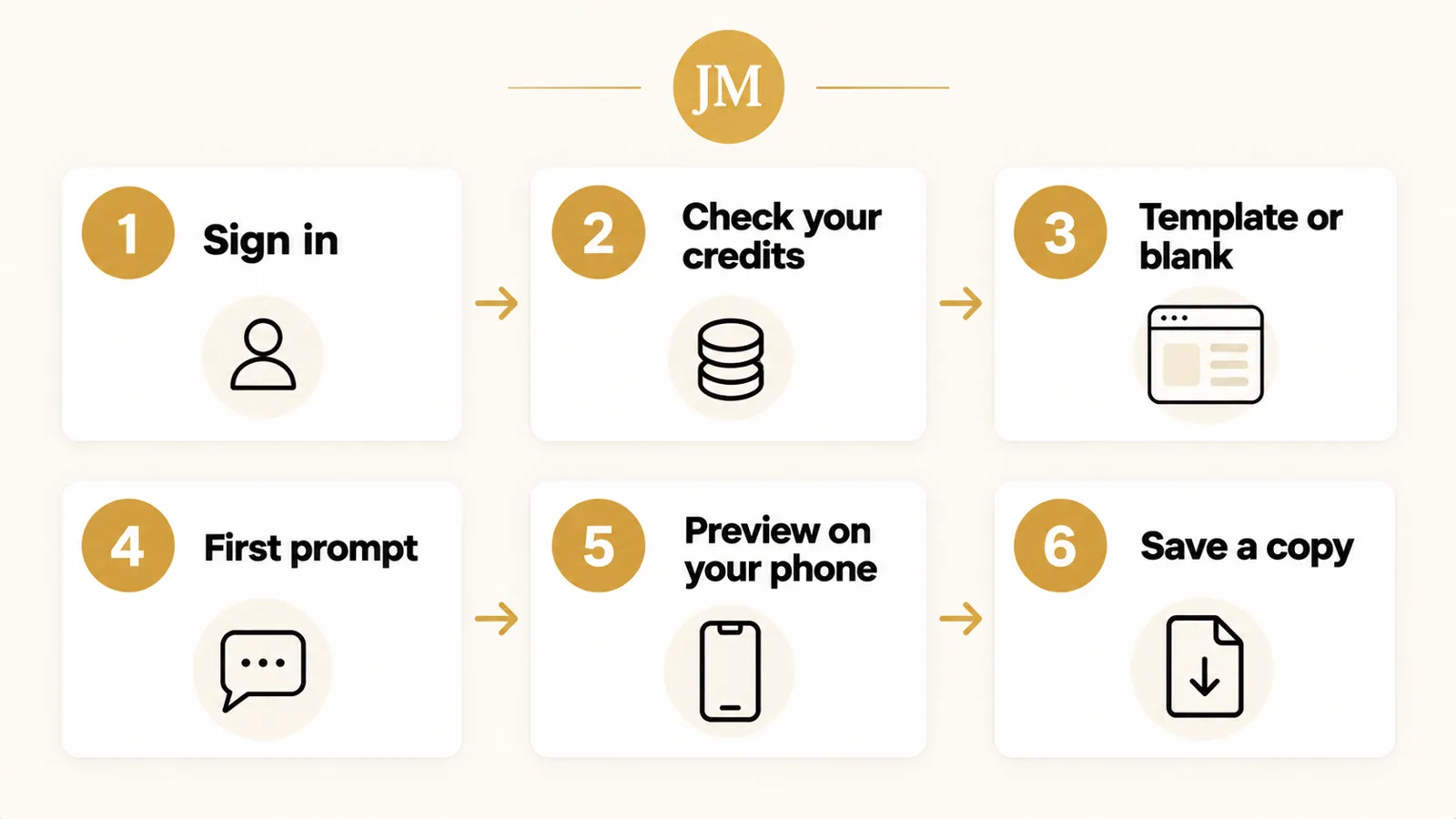
Your first hour in Overskill, step by step: sign in, check credits, pick a template or blank start, write your first prompt, preview, and save a copy. Made for total beginners.
The first time you open any app builder, it can feel like a cockpit. Lots of buttons. No idea where to start.
This tutorial is your first hour in Overskill (affiliate link: I may earn a commission), in order. You'll build a small first app, a tip splitter, so you learn the builder without risking a big project. Screens and labels can change as the product updates, so follow the ideas even if a button moves.
Quick answer
To start with Overskill, sign in with your invite, check your credits, and pick a template or a blank start. Write a short first prompt for a tiny app, answer the questions it asks, and preview it on desktop and phone. Make one small change, then export a copy. Your first session should use only a small part of your credits.
Start small on purpose
When my daughter started, I said, "just start talking to it and let's build something cool." No pressure, no big plan.
That is the right mindset for a first session. Even with years of experience, every new project starts at zero for me too. "I don't have an audience for my Bible app." So I start small and learn the tool first.
Before you start
- Credits: New accounts start with 500 credits. There is no free plan. See Overskill pricing.
- Time: Block 60 minutes with no interruptions.
Step 1: Sign in and check your credits
What to do: Sign in and find where your credit balance shows. Note the number before you build.
Why it matters: Knowing your starting balance lets you see what each action costs. That is the most useful thing you will learn today.
Step 2: Pick a template or a blank start
What to do: Browse the templates. If one is close to what you want, start from it. If not, start blank.
Why it matters: Overskill's how-it-works page lists both: "Start with a brief or template." A template can save build credits.
Step 3: Write your first prompt
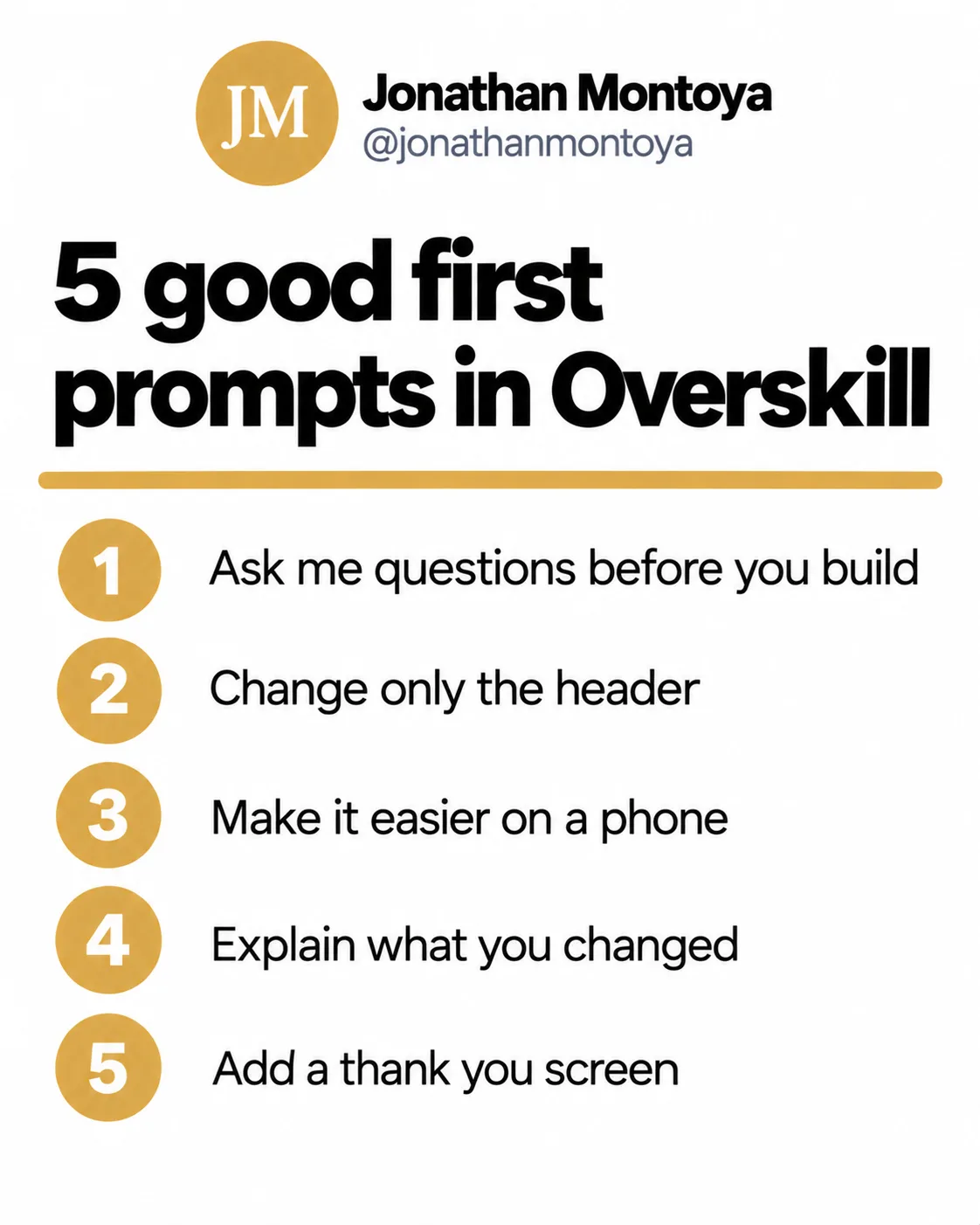
What to do: Use this tiny tutorial project. Tell it to ask questions first.
Why it matters: Asking for questions first catches gaps before you spend credits on the wrong thing.
Step 4: Preview on desktop and phone
What to do: Use the preview to try the app. Type real numbers. Then open it on your phone.
Why it matters: Overskill recommends previewing the main journey on desktop and mobile. Most of your users will be on a phone.
Step 5: Make one small change
What to do: Ask for one specific change. Then ask Overskill to explain what it changed. Check your credits again.
Why it matters: This teaches you how much a typical change costs (Overskill says about 700 credits in most cases) and how the builder thinks.
Step 6: Save a copy
What to do: Look for the export option and download the ZIP. It includes source files and table exports, per Overskill.
Why it matters: Knowing you can take your code with you builds confidence. Overskill also notes that version restore is not the same as data recovery, so keep copies.
From the ClickFunnels channel (not mine): part 2 of the ClickFunnels Overskill series, which shows how to refine an app after the first build. Not my video, but it shows the real screens.
Bonus: Build from Claude or ChatGPT
Overskill has an MCP connection at https://mcp.overskill.com/mcp. Its About page says Claude, ChatGPT, Cursor, or Grok can connect after you sign in. That means you can describe changes from the AI chat you already use. Try it once you are comfortable in the main builder. New to Claude? See vibe coding with Claude.
Tutorial project ideas
| Project | Best for | Cost type | Difficulty | My take |
|---|---|---|---|---|
| Tip splitter | Learning the builder | Small credit use | Easiest | The one in this tutorial. |
| Quote calculator | Local business practice | Small credit use | Easy | Great second project. |
| Waitlist page | Testing an idea | Small credit use | Easy | Adds saved data. |
| Booking app | A real first product | Larger credit use | Medium | Do this after the tutorial. See the full build guide. |
Training: my MakerAI walkthrough, which covers the parts builders like Overskill don't do for you: picking the idea, checking demand, and getting customers.
Results talked about in videos are not typical and are not a promise of income. Your results depend on your work and your market.
Ready for a real app? Follow build an app with Overskill: beginner steps. Learn what each action costs in how to save Overskill credits.
Overskill first hour
Nothing you check here is sent or saved. Download it if you want to keep it.
Ready for your first hour in Overskill?
Follow this tutorial step by step, then build something real. Start with my recommended link.
Try Overskill (my recommended link)Affiliate link: I may earn a commission if you sign up through it. Plans and credits can change. Check the live pricing page before you buy.
Want help planning your app before you build? See MakerAI, my own tool.
Frequently asked questions
Is Overskill good for beginners?
Yes, if you start small. You build by describing what you want in plain English. Start with a template or a tiny app so you learn the builder without spending many credits.
How do I start using Overskill?
Sign in with your invite, check your credits, pick a template or blank start, and write a short prompt for a tiny app. Preview it, make one change, and export a copy.
How many credits does the Overskill tutorial use?
It depends on the app. Overskill says a typical change uses about 700 credits and a fresh build 2,000 to 8,000. Starting from a template or a tiny app keeps it lower.
Can I use Overskill from Claude?
Yes. Overskill has an MCP connection that Claude, ChatGPT, Cursor, or Grok can use after you sign in, per its About page.
Sources
Checked October 15, 2026. Plans, prices, and rules can change.
