
Online Business · Guide
AI can help you write emails faster. It cannot make people trust you. Here is where AI really helps with email, where it hurts, and the rules that still apply to every send.
Email is still one of the best ways to stay in touch with people who asked to hear from you. I run my own newsletter. AI has made the writing part faster for me, but it has not changed what makes people open and read.
This guide covers the practical side. I checked the FTC's CAN-SPAM guide, Google's sender rules, and three email tools on October 21, 2026. Here is what AI is good at, what to watch, and a simple way to start.
Quick answer
Use AI for the slow parts of email: first drafts, subject line ideas, shorter rewrites, and sorting your list into groups. Then edit every email so it sounds like you, and check every fact by hand. Many email tools now include AI writing help, such as Mailchimp Standard (from $20 a month after a 14-day trial) and Klaviyo's free plan, which has an AI subject line generator. AI does not change the rules. CAN-SPAM still requires honest subject lines, a postal address, and a working opt-out, and Gmail requires email authentication. Checked October 21, 2026.
Where AI really helps with email
Here is where I see AI save the most time:
- First drafts. Give it your main point and your notes. Get a rough draft in seconds.
- Subject line ideas. Ask for ten. Pick one, then make it yours.
- Shorter versions. Paste a long email and ask for half the length.
- Repurposing. Turn a video, blog post, or podcast into an email.
- Sorting your list. Some tools use AI to suggest groups, like people who clicked a certain link.
- Welcome emails. Draft a short series for new subscribers, then edit it once.
Where AI hurts your emails
AI also makes some mistakes very easy:
- Everyone sounds the same. Raw AI copy reads like every other inbox. Readers notice.
- Made-up facts. AI can invent dates, prices, and links. One wrong price can cost you trust.
- Hype. AI loves big words and big promises. That can cross into misleading claims.
- Too many emails. When writing is fast, it is tempting to send more. More is not better if people stop opening.
My rule: AI writes the first draft, and I write the final one.
My simple AI email workflow
- Write one sentence: what do I want the reader to know or do?
- Give AI my notes and a past email I liked, so it can match my style.
- Ask for a short draft with one main point and one link.
- Ask for five subject lines that match what is actually in the email.
- Edit out loud. Read it like you would say it to a friend. Cut anything that sounds stiff.
- Check every fact and link by hand.
- Send a test to yourself on your phone before it goes out.
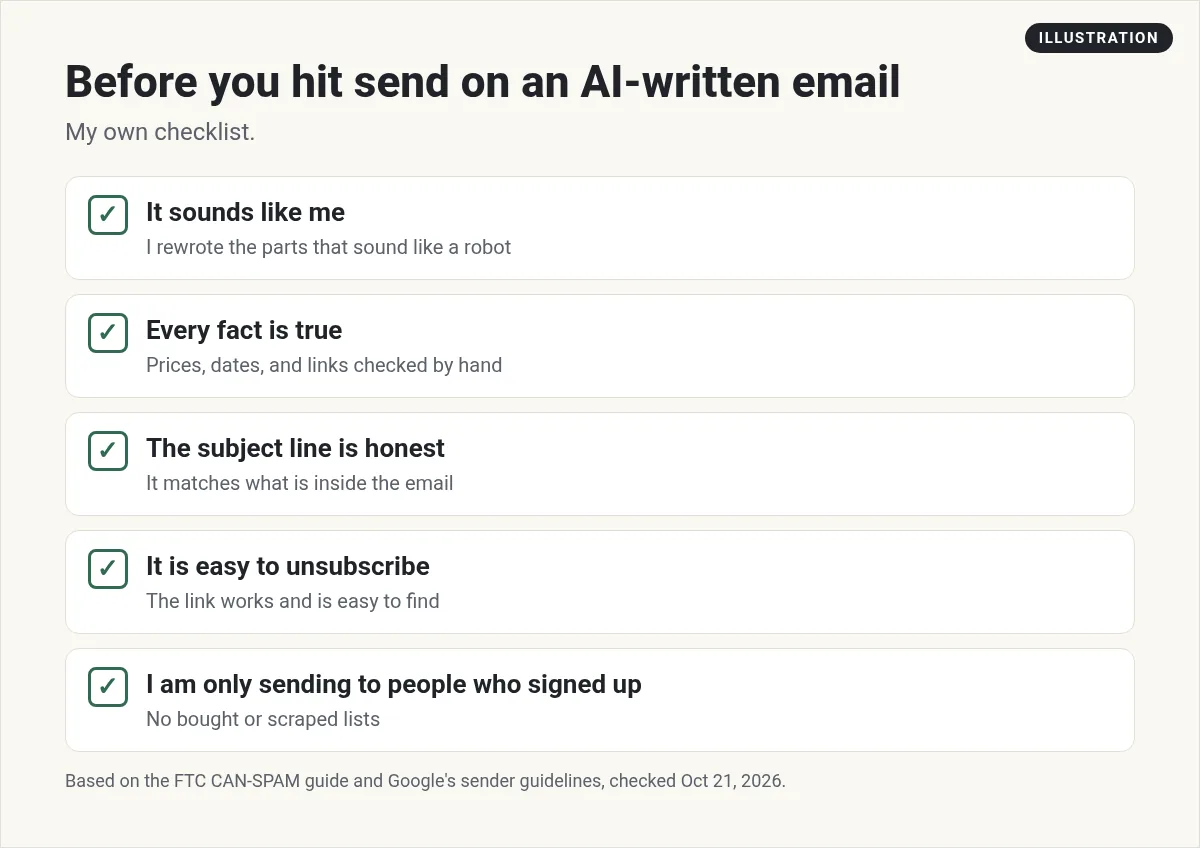
The checklist above in text form: it sounds like me, every fact is true, the subject line is honest, it is easy to unsubscribe, and I only send to people who signed up.
Prompts I would start with
These are my own example prompts. Swap in your details.
- Here are my notes for this week's email. Write a 150 word draft in a friendly, plain voice. One main point. End with one link.
- Give me 10 subject lines for this email. Each one must match what is inside. No clickbait.
- Cut this email in half. Keep the main point and the link. Use short sentences.
- Turn this video transcript into a short email with three takeaways.
For cold outreach, which is a different job, see my guide to ChatGPT for cold email.
Email tools with AI built in
You can use any chat assistant to draft emails. But many email tools now have AI inside. Here are three, checked October 21, 2026. Prices are starting prices at the smallest list size each page shows.
- Mailchimp. Free for under 250 contacts. Essentials starts at $13 a month and Standard at $20 a month, each after a 14-day free trial. Its plan table lists generative AI features on Standard and Premium, and not on Essentials.
- Klaviyo. A free plan with up to 250 profiles and 500 email sends a month. Klaviyo lists an AI-powered subject line generator in the free plan's marketing features.
- beehiiv. This is what I use for my own newsletter. The Free plan includes unlimited email sends. At 1,000 subscribers, Lite shows as $49 a month and Pro as $95 a month, both billed yearly. The Pro plan lists AI credits.
Pick the tool that fits how you sell, not the one with the flashiest AI. A store, a newsletter, and a service business each need different things.
The rules AI does not change
AI wrote the email, but you are the sender. The rules apply to you either way.
CAN-SPAM (United States)
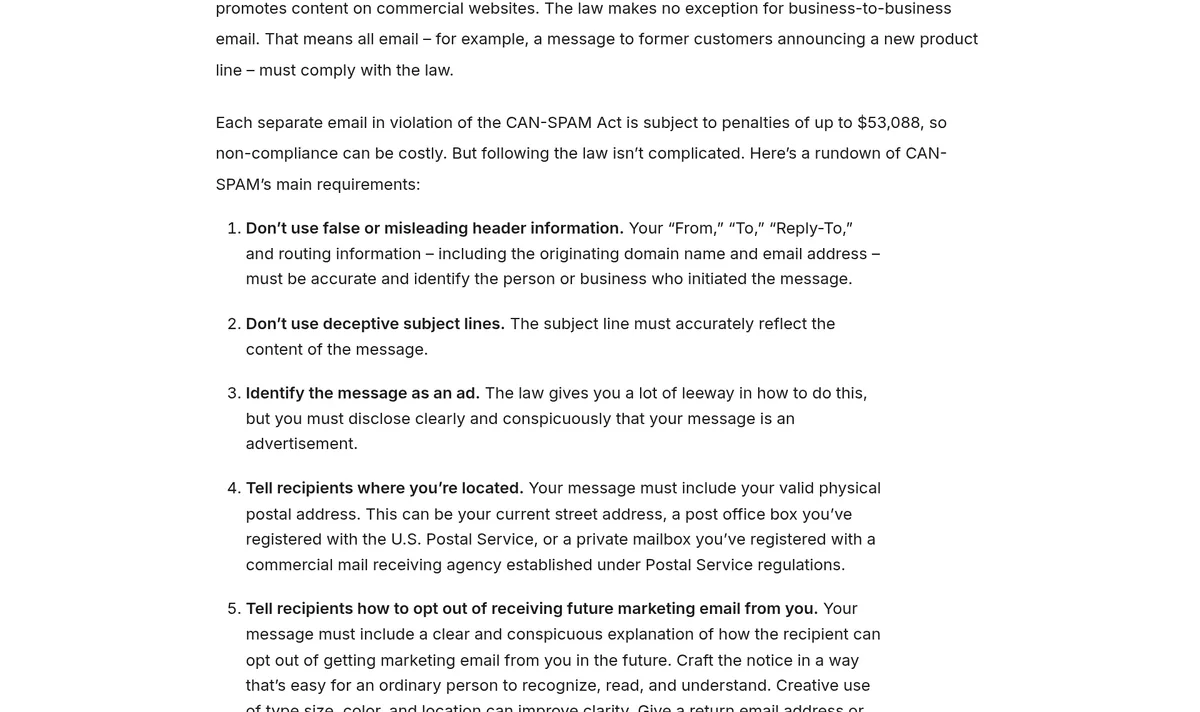
The FTC's CAN-SPAM guide lists the main rules for commercial email. Here are the ones that matter most for small senders:
- Do not use false or misleading header info. Your From line must be accurate.
- Do not use deceptive subject lines. The subject must match what is inside.
- Identify the message as an ad, when it is one.
- Include your valid physical postal address. A P.O. box you registered also works.
- Tell people how to opt out, and honor opt-outs within 10 business days.
- You are still responsible if you hire someone else to send for you.
The FTC says each separate email in violation can bring penalties of up to $53,088. I am not a lawyer, so read the full guide for your situation.
Gmail and Yahoo sender rules
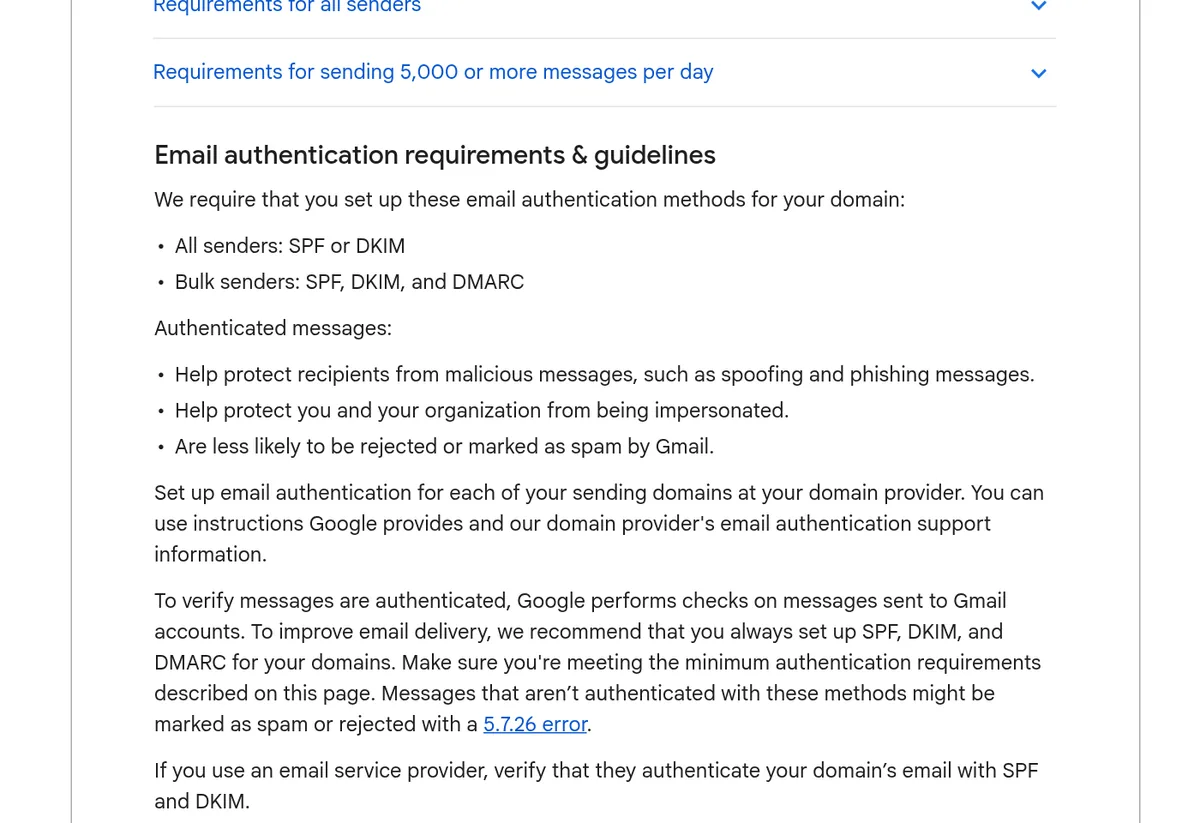
Google requires all senders to set up SPF or DKIM. If you send 5,000 or more messages a day to Gmail, you need SPF, DKIM, and DMARC, plus one-click unsubscribe. Google also says to keep your spam rate below 0.10% and avoid ever reaching 0.30%. Yahoo's guide says to keep your spam rate below 0.3%.
If you use an email tool, ask it to help you authenticate your sending domain. Most have a step by step setup.
Personal, not creepy
AI makes it easy to drop a name or a detail into every email. Use that with care. A first name and a mention of what someone signed up for feels friendly. Pulling in details people never shared with you feels strange.
A good test: would this reader be surprised that you know this? If yes, leave it out. Stick to what they told you, like the free guide they asked for or the topic they picked when they joined.
The same goes for groups. Sorting people by what they clicked is fine and useful. Someone who clicked a link about pricing probably wants a pricing email. Someone who never clicks may need a short check-in asking if they still want your emails.
Start small this week
You do not need a big system. Try this for one week. Pick one email you send often, like a weekly update or a welcome email. Use the workflow above to draft it with AI. Time yourself. Then compare the results to your last few sends. One small test teaches you more than a long list of AI tips.
AI cannot fix a bad list
The best email in the world fails if it goes to the wrong people. Google says to send email only to people who want to get messages from you. Never buy or scrape a list. Build your own with a simple free offer.
Need help with that part? Read my guides on how to build an email list and making a lead magnet.
How to tell if AI is helping
Do not guess. Watch a few numbers for a month before and after you start using AI:
- Time to write each email.
- Clicks on your main link.
- Replies, if you ask a question.
- Unsubscribes and spam reports. If these go up, your emails may sound less like you.
If writing got faster and the other numbers held steady, AI is helping. If clicks drop, go back to more of your own words.
My AI email setup
Nothing you check here is sent or saved. Download it if you want to keep it.
Want to build with AI, not just write with it?
In my free workshop, I show how regular people use AI tools to build simple apps and products, step by step.
Join my free AI workshopFree to join. No credit card needed.
Frequently asked questions
Can AI write my marketing emails?
Yes, AI can write good first drafts and subject line ideas. Edit every email so it sounds like you, and check every fact and link by hand.
Which email marketing tools have AI built in?
Many do. On October 21, 2026, Mailchimp listed generative AI features on Standard and Premium, Klaviyo's free plan listed an AI subject line generator, and beehiiv's Pro plan listed AI credits.
Do the email laws apply if AI wrote the email?
Yes. You are the sender. CAN-SPAM still requires honest headers and subject lines, a postal address, and a clear way to opt out.
How fast do I have to honor an unsubscribe?
The FTC's CAN-SPAM guide says you must honor an opt-out request within 10 business days.
What does Gmail require from email senders?
All senders need SPF or DKIM. Senders of 5,000 or more messages a day to Gmail need SPF, DKIM, DMARC, and one-click unsubscribe.
Will AI emails hurt my open rates?
They can if they sound generic. Track clicks, replies, and unsubscribes before and after you start, and add more of your own voice if they drop.
Sources
Checked October 21, 2026. Plans, prices, and rules can change.
