
Build software with AI · Beginner guide
You can build a real, working app without writing a line of code. This guide shows you how to pick an idea, plan it on one page, build it by talking to AI, and get it in front of real people.
If you have an app idea but you don't code, this guide is for you.
You will leave with a scored idea, a one-page plan, a starter prompt you can copy, and a checklist. You don't need a tech background. You need a problem you understand and a few free hours.
Quick answer
To build an app with no coding experience, pick one problem you understand and write a one-page plan. Describe it in plain English to an AI app builder like Lovable, Bolt, or Replit. Review what it builds, ask for changes, and repeat. Then show it to five real people before you add more.
How my dad built an app in a day
My dad is 65. He has been a landscaper for over 30 years. He works with his hands, and email is about the edge of his comfort zone with technology.
One day he asked me if I could make something that helps landscapers get leads. I said, "Honestly, yeah, you could."
We sat down at his computer. I opened an AI builder and said, "Just type what you want like you're explaining it to a person."
He typed slowly, one finger at a time. The AI asked him questions. What should it collect? What should it look like? He answered in plain English. Then it built the pages, the design, the whole thing.
He kept looking at me and saying, "That's it? That's all I have to do?" By the end of the day, he had a real, working tool. My daughter has built a little story app for kids the same way.
Here's the honest part. Building it was the easy part. Getting people to use it is the real work. So this guide covers both.
Training: the 3-minute story of my dad building his landscaping lead tool with AI, one finger at a time, and what he learned about getting it in front of customers.
What building an app with AI means
An AI app builder is a website where you type what you want, and the AI writes the code for you.
People call this "vibe coding." AI researcher Andrej Karpathy named it in a post in February 2025. You describe the app. The AI builds it. You look at it and ask for changes. You never have to read the code unless you want to.
You still have to think clearly. The AI does what you ask, not what you meant. That's why most of this guide happens before you open a builder.
If you're torn between AI builders and drag-and-drop tools, read vibe coding vs no-code for your first project.
Step 1: Pick one problem you already understand
What to do: Look at your job, your hobby, your church, or your family. Where do people waste time? What question do they ask over and over?
That's where your app lives. My dad knew landscapers need leads. My brother is a chef, and he built an app that helps people make meals with what's already in their kitchen. I built a Bible study app for myself because I wanted one.
Why it matters: When you know the problem, you know the people and the words they use. That makes every next step easier, from the prompt to the first users.
Need ideas? See 7 small tools you can build with AI for a local business.
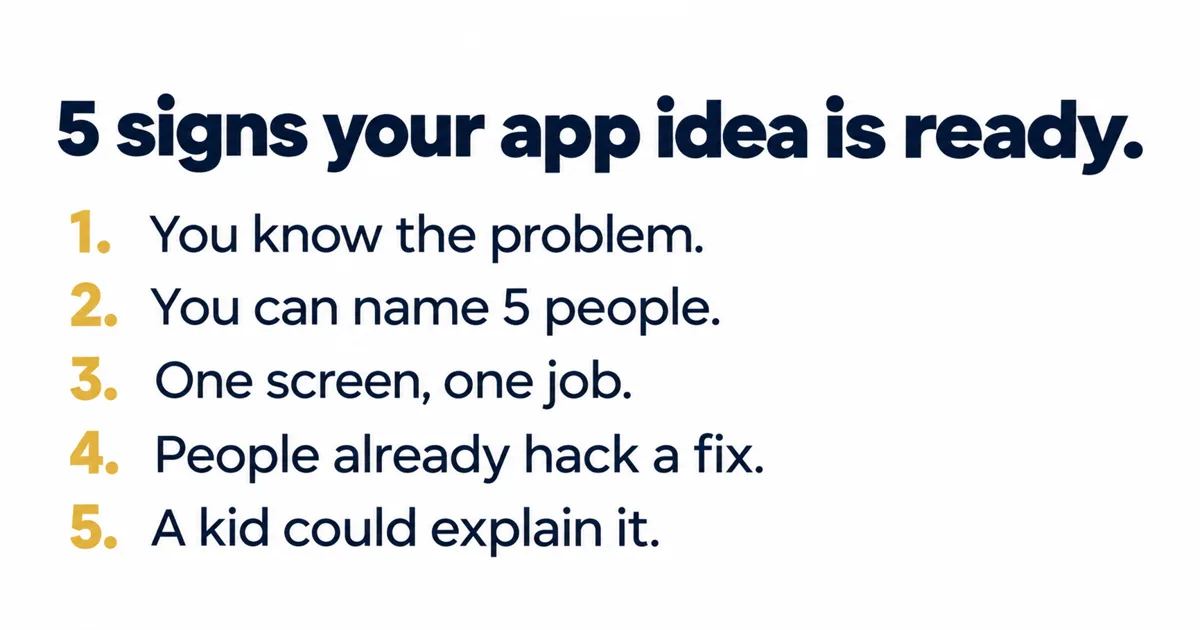
Score your app idea in 60 seconds
Answer honestly. This scores how ready your idea is to build. It does not predict sales or income.
Step 2: Talk to five people before you build
What to do: Message five people who have the problem. Ask them how they handle it today. Listen more than you talk.
Ask these four questions:
- How do you handle this right now?
- What's the most annoying part?
- What have you tried that didn't work?
- If a simple tool fixed it, would you try it this week?
Why it matters: I learned this the hard way.
“I built things nobody asked for. Launched to crickets. Wondered why nobody was buying.”
Now I do it the other way around. Before you build anything, talk to people. Find out if they actually have the problem.
Step 3: Write a one-page plan
What to do: Before you open a builder, write down six things. Keep each one short.
- Who it's for: one type of person.
- The problem: one sentence, in their words.
- The main job: the one thing the app must do.
- Three screens: for example, a home screen, a form, and a results page.
- What it saves: the info it keeps, like names or requests.
- Done looks like: how you'll know the first version works.
Why it matters: AI builders work best with clear input. A short, clear plan gets you a better first version and fewer fixes.
Copy this starter prompt and fill in the brackets:
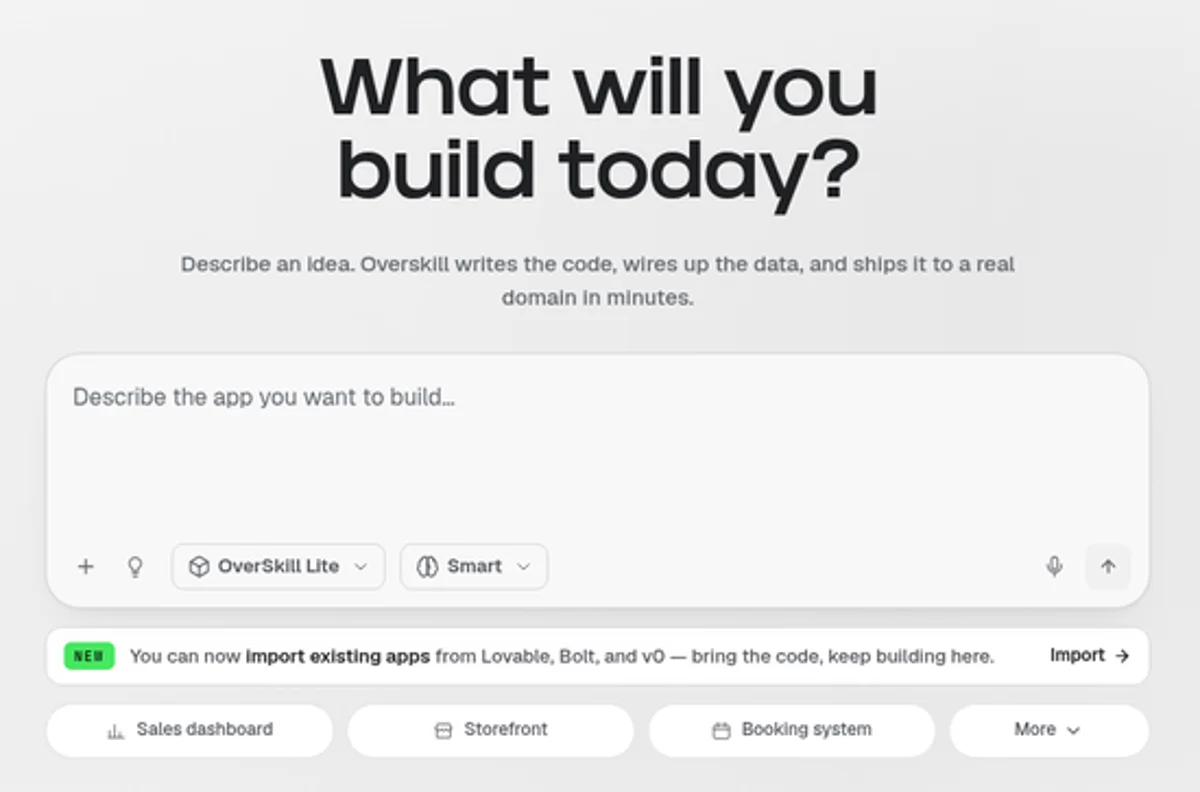
If you want to try it, you can start with Overskill, the app builder shown above. You describe your idea, and it helps you build a real app.
Step 4: Pick your builder
What to do: Pick one tool and stick with it for your first app. Here is how the common choices compare.
| Tool | Best for | Cost type | Difficulty | My take |
|---|---|---|---|---|
| Lovable | A first web app with a clean design | Free plan with limits, paid plans | Easy | A good first pick. You chat, it builds, and you see it right away. |
| Bolt | Quick web app tests in your browser | Free plan with limits, paid plans | Easy | Similar feel to Lovable. Try both and keep the one you like. |
| Replit | Apps that need more behind the scenes | Free plan with limits, paid plans | Easy to medium | Its AI agent can build a lot. There's a bit more to learn on screen. |
| Cursor | People who want to see and edit the code | Free plan with limits, paid plans | Medium to hard | A code editor you install. Great later, a lot for day one. |
| MakerAI | Picking an idea, checking demand, and getting customers | Paid | Easy | I co-founded it. It gives you the build prompts for Lovable, Cursor, or Bolt, plus the marketing side. |
Plans and limits change often. Check each tool's site before you sign up.
Why it matters: Switching tools halfway through costs you time. Every builder can make a simple first app. Pick the one that feels easy to you.
Step 5: Build with the AI creation loop
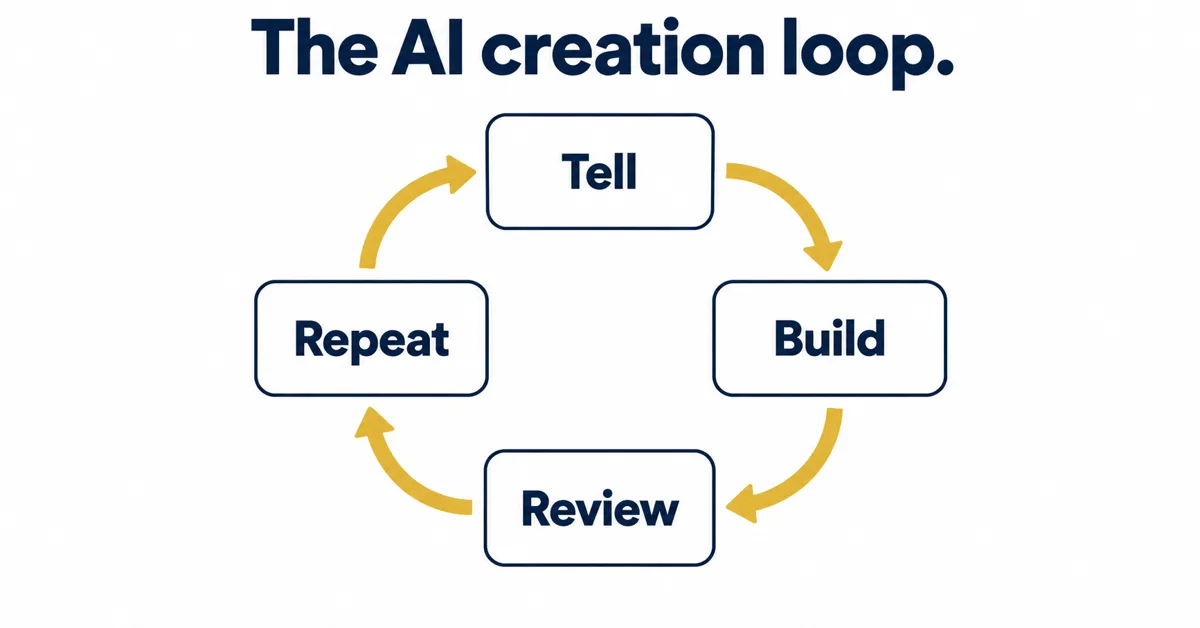
What to do: Paste your plan into the builder. Then follow the loop I use on every app:
- Tell: describe what you want, in plain English.
- Build: the AI builds it.
- Review: click through it like a real user.
- Repeat: ask for one change at a time until you're happy.
Expect the first version to feel off. That's normal.
“You're going to look at the product and you're not going to love it. I promise you, the first go around, you're going to be like, this is dumb.”
Two tricks make the loop faster:
- Talk to it like a person. Take a screenshot, paste it in, and say what to change. "Move this button to the top. Make the text bigger." I talk to the AI like it's an actual coder.
- Record your review. I use Loom, a free screen recorder. I click through the app and say what needs to change. Loom gives me a transcript, and I paste that into the builder.
Training: I walk through my four-part method: pick an idea with a real pain point, build it with the AI creation loop, set up a simple sales system, and get customers. Watch the AI creation loop part right after this step.
Want to see a full beginner build from start to finish? Follow along with this walkthrough where I build a simple quote calculator with AI.
Step 6: Put it in front of real people
What to do: Publish your app so it has a link. Most builders do this with one click. Send the link to the five people from Step 2.
Then watch them use it, on a call or in person if you can. Don't explain anything. Write down where they get stuck. Fix the top one or two problems first.
Why it matters: This is where most people stop. They build something cool, nobody sees it, and they quit. Getting it in front of people is the real work. AI doesn't do that part for you.
Once people use it and come back, you can think about a custom domain, payments, and marketing. If you're wondering what that costs, read what an AI-built website really costs.
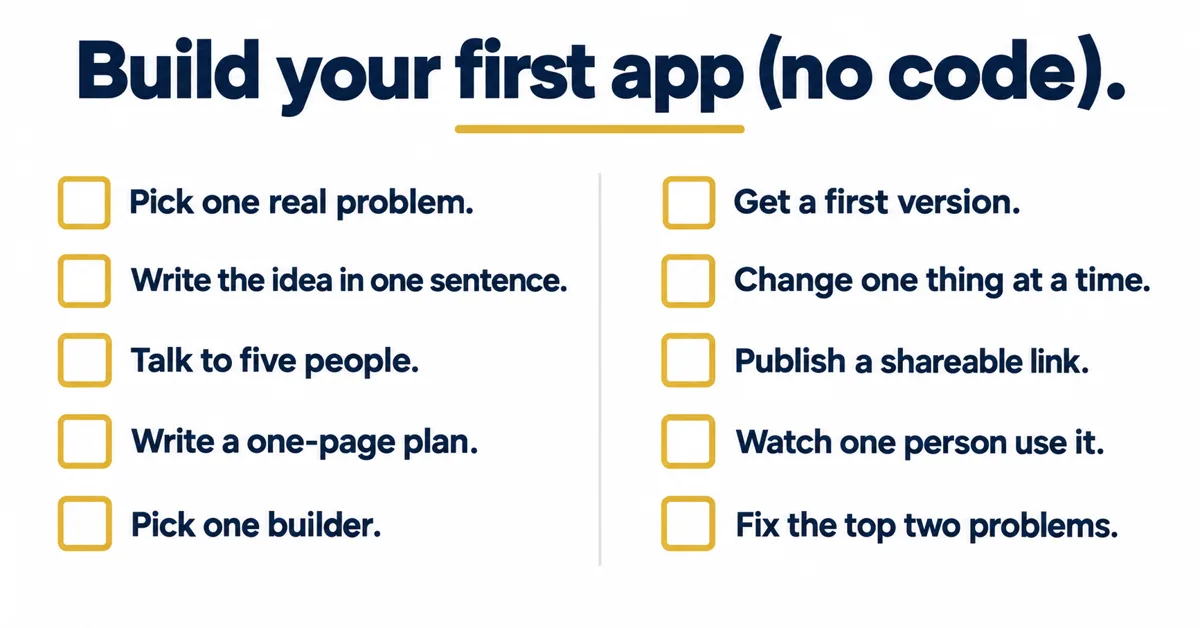
My first app build checklist
Nothing you check here is sent or saved. Download it if you want to keep it.
Want help picking an idea people will use?
MakerAI helps beginners find an idea, check if people want it, build it with AI, and get first customers. Start on the MakerAI homepage. No coding experience needed.
Try MakerAIFrequently asked questions
Is it easy to build an app with AI?
Building a simple first version is easier than ever. You describe it in plain English and the AI writes the code. The hard parts are picking a problem people care about and getting them to use it. Plan on a few rounds of fixes.
Can I build an app with AI for free?
Yes, you can start free. Lovable, Bolt, Replit, and Cursor all have free plans with limits on how much you can build. Paid plans give you more room. Check each site, since plans change often.
Do I need to learn to code first?
No. You can build and fix a simple app by talking to the AI. Learning a little about how apps work helps you ask better questions, and you can pick that up as you go.
Can I put an AI-built app in the App Store?
Most beginner builders make web apps that run in a browser on any phone or computer. Getting into the Apple App Store or Google Play takes extra steps, a developer account, and a review. Start with a web app, then move to the stores if people use it.
How long does it take to build an app with no coding experience?
A simple first version can take an afternoon or a weekend. Getting it right for real users takes longer. Give yourself about a week to build, test with five people, and fix the top problems.
Who owns the app I build with AI?
It depends on each tool's terms, so read them before you build. Many builders, including Lovable, let you connect GitHub so you keep your own copy of the code.
Sources
Checked October 15, 2026. Plans, prices, and rules can change.
