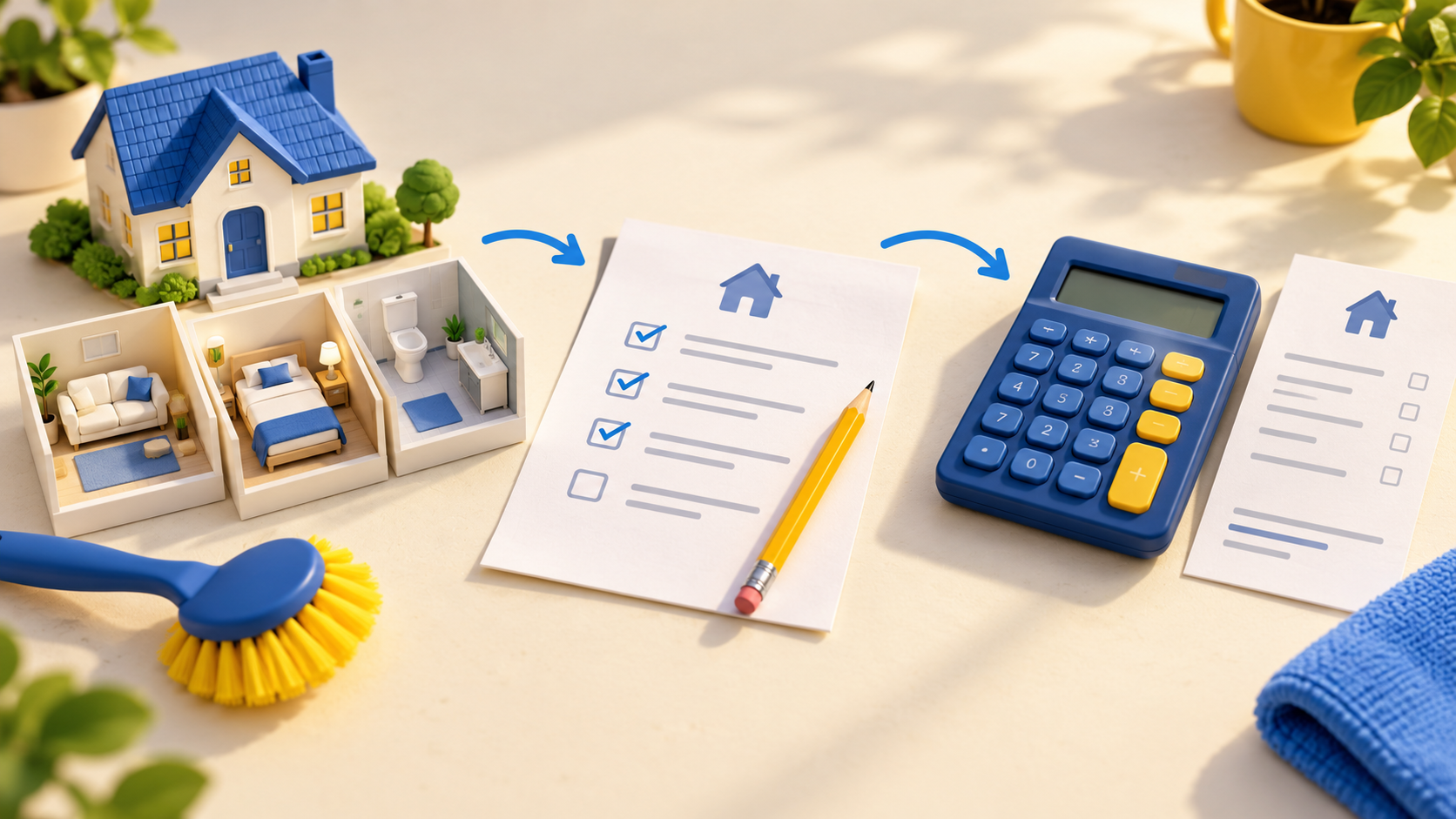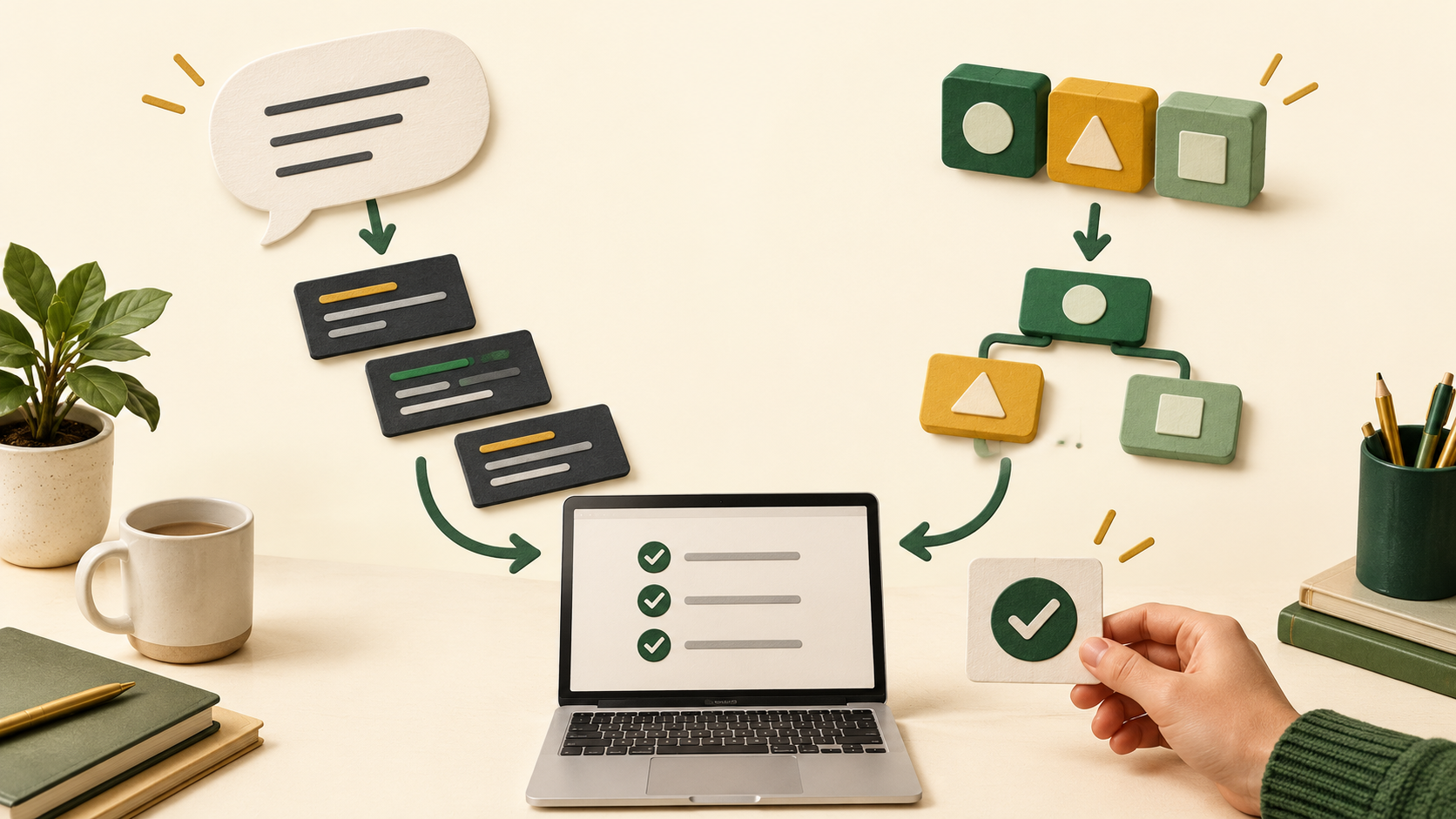
Build something an owner can understand
A good first AI build helps a customer finish one small job: find opening hours, prepare for a visit, get an approved answer, check a service-area list, understand an inquiry, see a sample price range or plan a visit request. Choose one question the owner hears repeatedly, write the correct answer, then build a small page around it.
You do not need to begin with a huge app. Imagine showing a cleaner a page and saying, “Choose the kind of clean. Your customer sees what to do before you arrive.” That is a clear demonstration. The owner can tell you whether the list is right and whether it would be useful.
This guide gives you seven working miniature examples to try, a way to pick your first project, and a brief you can give an AI builder. The examples are original practice code with fictional business rules. AI can help you create the code; these finished examples run ordinary rules on this page and do not call an AI service. They are not screenshots or tests of a MakerAI account.
Choose the question before the tool
Ask an owner: “What do customers keep asking that already has a short answer?” Listen for the actual question. “We need more automation” is vague. “People arrive on Sunday even though we are closed” gives you a specific starting point.
Pick an idea only when you can fill in these three lines:
- Someone needs to know: the question in their own words.
- The approved rule is: the answer or small set of choices the owner supplies.
- The page should show: the exact result after one action.
For a first build, favor a tool you can check against a written list. An hours card needs approved hours. A prep list needs approved instructions. A page that takes payments or books real appointments needs a much larger working process.
| If the repeated question is… | Start with… | Ask the owner for… |
|---|---|---|
| “When can I visit?” | Opening-hours card | Regular hours and exceptions |
| “What should I do before you arrive?” | Job-prep checklist | Instructions for each visit type |
| “Do you cover my address?” | Service-area list checker | Exact included areas and an uncertain-case reply |
| “What do you need from me?” | Inquiry field planner | The minimum details needed to reply |
This small-first approach also appears in Lovable’s official building guide: start with a specific user action, use sample information, and check each small change. That is documented advice, not evidence that a business will buy your idea.
Try the seven-tool demo lab
Choose a tool below, change one choice, then use its button. Notice how a clear rule creates a useful answer. The lab uses fictional examples, saves nothing and sends nothing. For the postcode and visit-request examples, try leaving a required choice blank as well.
Try the idea before choosing your build
Seven tiny tools. One useful job each.
Original practice examples: the business, rules, postcodes and USD ranges are fictional. These controls run on this page. They do not call AI, save your entries, contact anyone, check a real calendar or make a booking.
Choose a tool. With a keyboard, use Left/Right arrows or Home/End on the tool buttons, then Tab into its controls.
Show the hours for one day
A customer wants a quick answer before making a trip.
Monday example shown.
Regular sample hours. Confirm holidays and temporary changes with the owner.
Give a customer the right prep list
A cleaner wants customers ready for the type of visit they requested.
Standard-clean example shown.
- Clear kitchen counters.
- Move breakables.
- Keep pets safe.
Find an approved answer
Search four fixed answers. This finder does not make up replies.
All four approved sample answers shown.
- Do I need to be home?
- Arrange access with the owner.
- Do you bring supplies?
- Confirm supplies with the owner before the visit.
- How do I change a visit?
- Contact the owner to request a change.
- How do I get a price?
- Send the owner the job details for a quote.
Check a sample service-area list
Fictional list: M1 1AA, M1 2AB, M2 3CD. These codes do not establish a real business’s coverage.
Try M1 1AA, then try an unlisted code.
Plan the questions for an inquiry
Choose a reply route. See the fields to plan; do not enter anyone’s personal details.
Phone-reply field plan shown.
- Name
- Phone number
- Job description
- Permission to reply about this request
Planning only. No inquiry is sent.
Explain a small sample price range
Use two made-up window-cleaning sizes to see how a range card works.
Smaller-job example shown.
Fictional planning range for 10-15 windows. The owner must confirm the final price, access and exclusions. This is not a quote.
Make a visit request easier to explain
Select example preferences, then check the summary an owner would need. No slot is held.
Choose the four preferences to build a sample request plan.
The seven ideas, with one test each
1. An opening-hours card
Useful for: a shop, studio or other business with published visiting hours. The customer chooses a day and sees the regular hours for that day.
Our example: Monday through Friday show 09:00-17:00, Saturday shows 09:00-12:00, and Sunday shows Closed. It does not say “Open now,” because it does not check the current date, time, timezone or exceptions.
Small build prompt: “Let a visitor choose a day. Show only that day’s approved regular hours and a note to check exceptions.”
Try this: select Sunday. Closed should replace the weekday answer. Before real use, ask how holidays, lunch breaks or temporary closures will be updated. Google’s Business Profile guidance treats special hours separately from regular hours; this practice card does not update Google.
2. A job-prep checklist
Useful for: a cleaner or other service business that repeats preparation instructions. The customer chooses the job type and sees the matching list.
Our example: Standard clean shows “Clear kitchen counters,” “Move breakables,” and “Keep pets safe.” Deep clean includes those three and adds “Tell us priority rooms.” The instructions are fictional; a real owner must approve their own.
Small build prompt: “Choose a cleaning type and replace the prep list with exactly the matching approved items.”
Try this: switch from Deep clean back to Standard. The priority-rooms line should disappear. This catches a common mistake: a page adds new items but leaves the old ones behind. Keep the first version about preparation; adding reminders, staff schedules and customer accounts is a separate decision.
3. An approved-answer finder
Useful for: a business with a short list of repeated questions. Search the wording and show an answer the owner has already approved.
Our example: four fixed question-and-answer pairs cover access, supplies, changing a visit and requesting a price. Searching “supplies” finds the supplies answer. Searching with no words shows all four.
Small build prompt: “Search these four supplied question-and-answer pairs. Show matching pairs; if none match, ask the owner.”
Try this: search “parking.” There is no approved parking answer in our list, so the page tells you to ask the owner. This is a simple search tool, not a chatbot. It does not guess a parking policy. That clear limit is often more useful for a first demonstration than a conversation that sounds certain about missing information.
4. A service-area list checker
Useful for: a mobile service business that has an exact list of areas it covers. The visitor checks whether an entered code appears on that list.
Our example: the fictional list contains M1 1AA, M1 2AB and M2 3CD. Spaces and capital letters do not change the match. It compares the whole code; entering only M1 does not match.
Small build prompt: “Compare the whole entered code with this exact sample list, ignoring spaces and letter case. Send unlisted cases to the owner.”
Try this: enter “m1 1aa,” then an unlisted code. The second answer says to ask the owner, rather than claiming a real address is outside coverage. Before real use, decide whether the owner works by full postcode, broader area or travel distance. Those are different rules; this example performs no map or address lookup.
5. An inquiry field planner
Useful for: an owner who wants better inquiries without making a visitor complete a long form. The planner helps decide what to ask before building the actual form.
Our example: choose Phone or Email. The planned fields are Name, the selected reply detail, Job description, and Permission to reply about this request. Choosing Email replaces Phone number with Email address.
Small build prompt: “Show a field plan for the chosen reply route. Include only the matching contact detail, not both.”
Try this: switch both ways and check that the page does not demand both contact methods. The lab collects no personal details and sends no inquiry. A real form also needs a working destination, an accurate confirmation message and appropriate handling of the information. MDN’s form guidance explains why browser checks alone cannot secure submitted information.
6. A simple price-range card
Useful for: an owner who can explain a starting range for clearly defined job sizes. This can help a visitor understand what information changes a price.
Our example: 10-15 windows show $60-$90 USD; 16-25 show $90-$140 USD. These are made-up planning figures, not market research, recommended rates or an offer from a real cleaner.
Small build prompt: “Choose between these two sample job sizes and show the supplied USD range with the owner-confirmation note.”
Try this: choose the larger size. Both ends of the range should change, and the “not a quote” explanation should remain. The owner would need to confirm access, exclusions and final pricing. When you need editable quantities and calculation rules, use the separate beginner quote-calculator walkthrough instead of stretching this two-choice example into a full quoting system.
7. An appointment-request checklist
Useful for: an owner who needs clear preferences before replying about a visit. The first version can help explain what a request needs, even before you connect any calendar.
Our example: choose a service, a preferred Monday/Tuesday/Wednesday, a morning/afternoon window, and a phone/email reply route. The page lists those preferences and says no appointment is booked.
Small build prompt: “Require four preferences before showing a request summary. A missing choice needs a message and focus; never confirm a booking.”
Try this: leave the time blank. The page should ask for that choice, move focus to it, and withhold the completed summary. A real booking tool has to check availability and handle competing requests; this checklist does neither. Never label an unconfirmed preference “Your booking is confirmed.”
Turn your chosen idea into a clear AI build brief
You can describe a small tool in ordinary language. Include the person using it, the approved rules, the result, and what happens when the information is missing. Here is an original prompt you can adapt for the prep example:
Build brief: “Create a simple mobile-friendly page for a fictional cleaning business. Let a visitor choose Standard clean or Deep clean, then press Show prep list. Standard shows: clear kitchen counters; move breakables; keep pets safe. Deep shows those three plus: tell us priority rooms. Replace the old list when the choice changes. Show a visible label for the choice and a clear keyboard focus outline. Keep the answer hidden after an edit until the visitor presses the button again. Include a Restore example button. Use sample information only; do not add customer fields, accounts, email, payments or bookings.”
Give the AI one small change at a time. If Deep clean adds the fourth line correctly but Standard still shows it, describe that exact mistake. “Make it better” is much harder to check than “Returning to Standard must show exactly the original three items.”
If you are choosing between asking AI to write code and assembling the screen with a visual builder, the vibe coding versus no-code comparison walks through that decision. The goal here is to choose a manageable tool; you do not need seven different platforms to explore these seven jobs.
Check the rule before showing an owner
A good-looking screen is only one part of a useful demonstration. Write the expected answer first, then try the page and record what you actually see.
| Check | Example expected result | Record afterward |
|---|---|---|
| Usual choice | Standard clean shows exactly three approved items | The actual items shown |
| Different choice | Deep clean adds only the priority-rooms instruction | Any missing or leftover items |
| Missing information | Blank postcode asks for a code; no coverage result appears | The visible message and focus location |
| Unknown answer | Parking search says ask the owner | Whether any invented policy appears |
| Changed choice | The old result is cleared until the updated example is requested | Whether stale information remains |
| Phone and keyboard | Labels and buttons fit; choices work without a mouse | Device/width, keys used and observed result |
The worksheet gives you blank expected/observed rows. A blank result is not a passed test. If you find a mismatch, fix it and repeat that case before calling the example complete.
When showing the owner, ask: “Is this the right answer? What exception is missing? Where would customers use it?” A correction is useful evidence. A compliment is not permission to install it on the owner’s site, nor proof anyone will pay for it.
Before real customer use, agree who owns the page, who updates the rules, what it costs to run, and how a person gets help when the page cannot answer. If information will be sent or stored, test that complete path with permission. The local examples here do not certify those later steps.
Take one idea into your next build
Choose the tool whose rule the owner can give you today. For many first practice builds, that will be hours, preparation or a short approved-answer list. Save the larger job for when you understand the smaller one.
Use it for your own example
Save the editable worksheet
Includes the worked example, a blank plan and separate expected-versus-observed checks. No purchase or account is needed for this download.
Download the worksheetRead the complete worksheet here
ONE SMALL BUSINESS TOOL, CHOOSE, BUILD AND CHECK
Companion to: 7 Small Tools You Can Build With AI for a Local Business
Jonathan Montoya | Original planning worksheet | Prepared 2026-10-13 UTC

Use this file as an editable worksheet. No software purchase is needed to plan.
This is a planning aid, not a contract, invoice, real coverage check or booking.
Do not put real customer information into a shared practice example.

1. PICK ONE REPEATED QUESTION
Business type (fictional for practice, or owner-authorized):
Person who needs the answer:
Their exact repeated question:
How they get the answer now:
Why a small page might help:
Chosen tool (circle one):
Hours / Job prep / Approved FAQ finder / Area-list check / Inquiry fields /
Price-range card / Visit-request checklist
What is deliberately outside version one?

2. WRITE THE OWNER-APPROVED RULE
Rule source (owner/document) and date checked:
Owner permission to use the information:
Inputs/choices the page needs:
Expected output for each choice:
Known exception(s):
What to say when information is missing:
What to say when the question/code/choice is unknown:
Who confirms facts before real use?

Keep the boundaries clear:
- Regular hours are not a current-time, holiday or timezone check.
- An FAQ finder shows approved answers; missing answers go to the owner.
- An exact postcode list is not a map or travel-distance lookup.
- Planning inquiry fields does not collect, save or deliver an inquiry.
- An example range is not a quote or recommended market price.
- A visit request is not availability or a confirmed appointment.

3. WRITE A SHORT BUILD BRIEF
Build a small page for [person] who needs to [one job].
They choose/enter [input].
The approved rule is [exact choices and outputs].
After [action], show [result].
If [blank/unknown case], show [message] and [focus/next step].
If the choice changes, clear the previous answer until it is updated.
Use visible labels, clear keyboard focus and a phone-friendly layout.
Restore/clear should return to [specific starting state].
Do not add [accounts/customer data/messages/payments/real bookings/etc.].

My adapted brief:


4. ORIGINAL WORKED PRACTICE PLAN, FICTIONAL CLEANER
Person: a customer preparing for a cleaning visit.
Repeated question: What do I need to do before you arrive?
Input: Standard clean / Deep clean.
Action: Show prep list.
Standard output, exactly:
- Clear kitchen counters.
- Move breakables.
- Keep pets safe.
Deep output: the same three items plus Tell us priority rooms.
Changed-choice rule: hide and clear the old list until Show prep list is pressed.
Restore example: Standard selected; original three items shown.
Outside this example: reminders, customer accounts, addresses, staff routing,
paid services, personal data storage and real visit booking.
These are original fictional instructions, not professional cleaning guidance.

Expected test: choose Deep, show list, then choose Standard and show again.
Expected answer: Standard has exactly the first three items; no priority line.
Observed answer: ______________________________
Result (pass/fix/not tried): ___________________
Date, browser and person checking: ____________
This worked plan contains no claimed completed test of your own build.

5. DEMO LAB REFERENCE RULES
These match the original article examples, not any real business.

A. Hours: Mon-Fri 09:00-17:00; Sat 09:00-12:00; Sun Closed.
Show the selected day's regular sample hours. No open-now/holiday claim.
B. Prep: Standard 3 items above; Deep adds Tell us priority rooms.
C. FAQ: fixed pairs:
Do I need to be home? / Arrange access with the owner.
Do you bring supplies? / Confirm supplies with the owner before the visit.
How do I change a visit? / Contact the owner to request a change.
How do I get a price? / Send the owner the job details for a quote.
Search question+answer without case sensitivity; trim surrounding spaces.
Blank search shows all 4. No match says ask the owner, not an invented answer.
D. Area list: M1 1AA, M1 2AB, M2 3CD. Remove spaces, ignore letter case,
match the whole code. Blank asks for a code. Unlisted means ask owner to check.
E. Inquiry fields: Name; Phone number OR Email address according to choice;
Job description; Permission to reply about this request. No real details sent.
F. Window-cleaning range: 10-15 windows $60-$90 USD; 16-25 windows $90-$140 USD.
Fictional planning figures only. Owner confirms price, access and exclusions.
G. Visit-request plan: Service (window/home cleaning), preferred day (Mon/Tue/Wed),
preferred time (morning/afternoon), reply route (phone/email), all required.
Blank choices focus the first missing field and withhold the completed result.
Complete choices show a request plan, not checked availability or a booking.

6. YOUR ACCEPTANCE CHECKS, FILL OBSERVED AFTER TRYING
Do not mark pass just because the AI says it works.

Case 1: the usual choice
Input/action:
Expected result (write first):
Observed result (write after trying):
Browser/device/date:
Pass / Fix / Not tried:

Case 2: a different choice
Input/action:
Expected result:
Observed result:
Browser/device/date:
Pass / Fix / Not tried:

Case 3: blank required information
Input/action:
Expected message and focus:
Observed message and focus:
Pass / Fix / Not tried:

Case 4: an unknown question/code
Input/action:
Expected result/fallback:
Observed result:
Pass / Fix / Not tried:

Case 5: change a choice after an answer appears
Input/action:
Expected clearing/stale-answer behavior:
Observed result:
Pass / Fix / Not tried:

Case 6: restore/clear
Input/action:
Expected selection and result:
Observed selection and result:
Pass / Fix / Not tried:

Case 7: keyboard and narrow screen
Browser/device/width:
Keys used:
Expected labels/buttons/focus/result:
Observed result:
Pass / Fix / Not tried:

Issue found:
Change made:
Case repeated after change:
Actual observed result:

7. SHOW ONE OWNER, THEN DECIDE
Do the rules match how you work?
What exception is missing?
Where would the customer use this?
What current process would it replace or support?
Would an existing page/list/form do the job just as well?
Permission to install/use the real business name or information:
Agreed next step (or stop):

8. BEFORE REAL CUSTOMER USE, SEPARATE FROM LOCAL PRACTICE
Who owns the page and can remove/restore it?
Who approves the answers, prices, prep rules and service-area changes?
Who updates the page and when?
Hosting/tool/domain costs and who pays:
Exact public page/destination to verify:
Help/handoff when the page cannot answer:
If data is sent/stored: what is needed, permission/privacy handling,
where it goes, who can access it and how delivery/failure is checked:
If actual appointments are booked: availability/conflict/confirmation checks:
Actual complete-path tests and observed results:
Unfinished work before real use:

No traffic, sales, savings, paid clients or earnings are guaranteed by a tool,
a prompt, an owner conversation or this worksheet.
Your first useful result can be small: one correct answer, one clear screen and a written record of what you checked. Start there, then let the owner’s feedback tell you what deserves another feature.
Sources and what was checked
Current primary documentation was checked October 13, 2026, except where a source is explicitly dated earlier. The examples and illustrations are original learning aids. No live platform setup, call, billing, signup, purchase, traffic or income result was tested for these articles.
- How to build a real product with LovableChecked 2026-10-13 · Primary source or explicitly dated offer record.
- How to set Special hoursChecked 2026-10-13 · Primary source or explicitly dated offer record.
- Client-side form validationChecked 2026-10-13 · Primary source or explicitly dated offer record.
- Tabs PatternChecked 2026-10-13 · Primary source or explicitly dated offer record.
- MakerAI public offerChecked 2026-10-13 · Primary source or explicitly dated offer record.
Frequently asked questions
What can I build with AI for a small business?
Simple tools that save an owner time: quote calculators, intake forms, booking helpers, FAQ assistants, and internal checklists are good first projects.
Do I need to code to build these tools?
No. Modern AI app builders let you describe what you want in plain words, then you test and adjust the result. Basic logic skills still help.
How do I know if an owner will use it?
Show the owner a rough version on a real task from their week. If they ask to keep using it or want changes, it solves a real problem.