
Overskill builds
Every small team has a messy spreadsheet or group text that should be a simple tool. Here is how to decide if it should be an app, and how to build it in Overskill.
Disclosure: Some links in this post are affiliate links. I earn a commission if you buy through this link. It does not change the price you pay. MakerAI is my own company.
Quick answer
To build an internal tool with Overskill, describe one team workflow, the records it needs, and who can change them. Start from a template like Toolbelt or a blank prompt, import your current data as a CSV, set roles like Member and Admin, and test it with two accounts before your team uses it. First, check that the spreadsheet truly is the problem.
What counts as an internal tool
An internal tool is an app only your team uses. Customers never see it. It is the job board, the checklist, the tracker, or the dashboard that keeps work moving.
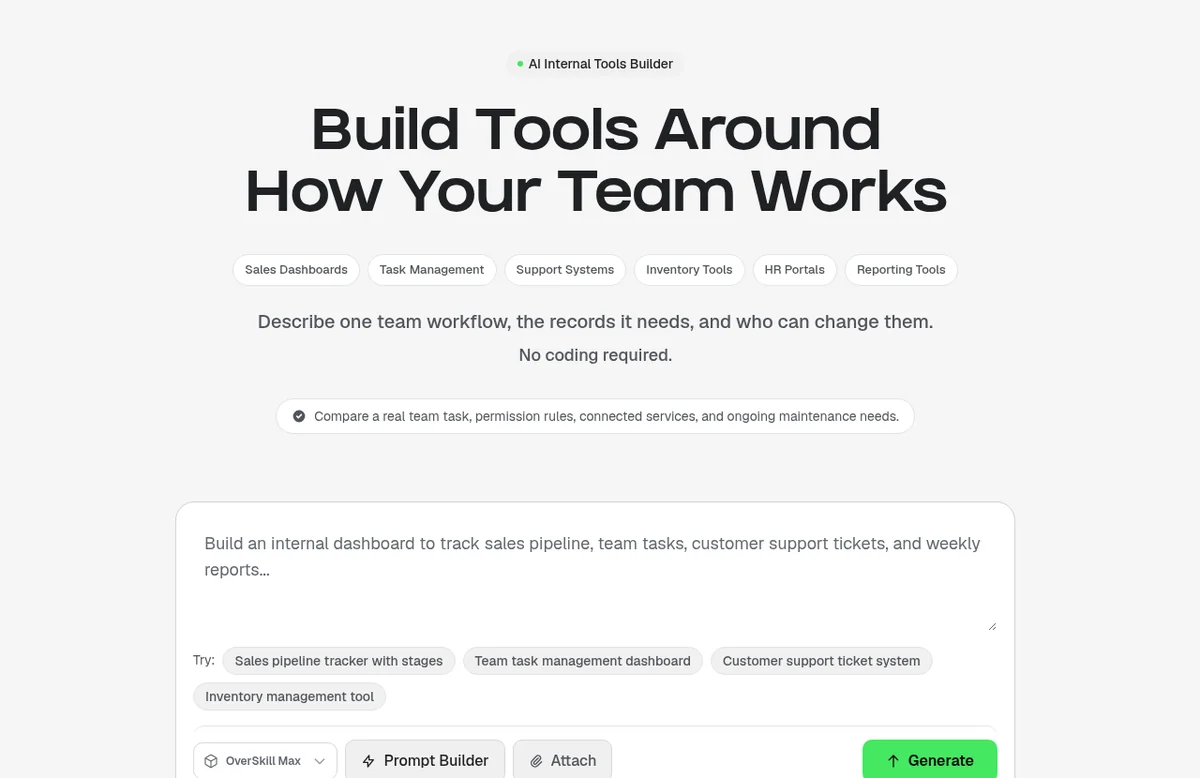
Overskill (I earn a commission if you buy through this link.) has a page just for this. It lists sales dashboards, task management, support systems, inventory tools, HR portals, and reporting tools. Its main advice fits on one line: "Describe one team workflow, the records it needs, and who can change them."
| Team | Messy way today | Simple internal tool |
|---|---|---|
| Small trades crew | Paper, phone calls, group texts | A job board with who, where, and status |
| Office team | A shared sheet anyone can overwrite | A request tracker with an owner per request |
| Support | Emails in one inbox | A ticket list with priority and status |
| Warehouse or shop | A clipboard by the door | An equipment check-out log |
Should it be an app at all?
This is the step most people skip. Overskill's own guide, "Decide whether to keep the spreadsheet," says something honest: keep the sheet when the people using it can finish the job safely and the same way every time.
An app becomes worth it when one specific workflow or access need is hard to meet today, and someone will own the new system. Here are signs from that guide, in plain words:
| What you see | What to check first |
|---|---|
| Someone overwrote a formula | Who should edit what, and how do you recover? |
| Everyone means something different by "ready" | Agree on the handoff rule before picking software |
| A client must see only their own records | Test real access with separate accounts. A hidden tab is not security. |
| Staff type the same info in many places | Find the one true record and why copies exist |
| Nobody will maintain a custom system | Keep a simpler process, or use a product someone else maintains |
Adapted from Overskill Learn, "Decide whether to keep the spreadsheet," checked Oct 16, 2026.
Design clear states before screens
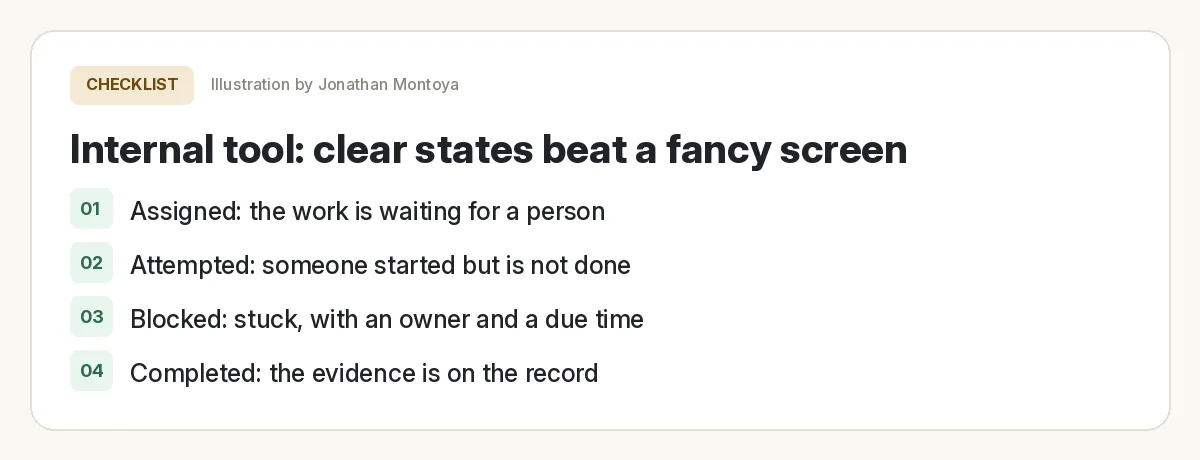
A good internal tool answers one question fast: where is this job right now? Overskill has a worked example called "Design a field visit completion record." It uses a made-up company, Cedar Desk, and four states.
| State | What it means | What happens next |
|---|---|---|
| Assigned | A named worker has a site and time. Nothing started yet. | The worker starts. |
| Attempted | Work started but is not proven done. | Record what is missing or explain the blocker. |
| Blocked | It cannot go on. There is a reason, an owner, and a due time. | The owner clears the blocker. |
| Completed | The evidence is on the record. | Close it out. |
From Overskill Learn, "Design a field visit completion record" (fictional example), checked Oct 16, 2026.
The guide makes a sharp point: a worker was assigned, a worker arrived, and the work was done are three different facts. A scheduled time passing does not mean the job is finished. Build those differences into your tool from day one.
Build your internal tool in Overskill
You can start from a template or a blank prompt. For a small trades team, the Toolbelt template is a strong start. Its page calls it "a job dispatch and scheduling console for small skilled-trades crews (HVAC, plumbing, electrical; 1-6 techs) who juggle work on paper, phone calls, and group texts."
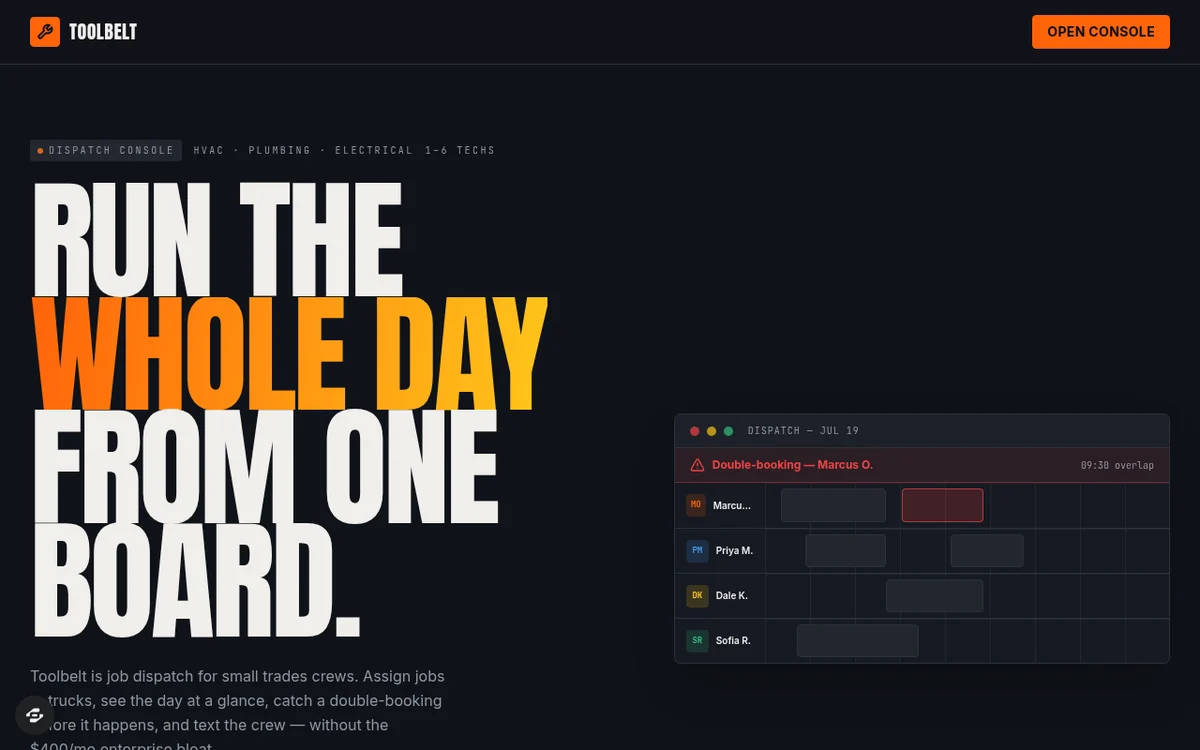
Other templates the internal tools page points to include Blueprint (a contractor sales pipeline), Ledger, and Roster. Or write your own brief:
If this is your first build, my Overskill tutorial for beginners covers the editor basics.
To see how refining an app works on screen, the ClickFunnels team walked through a roofer project app in Overskill. It is a good look at changing one thing at a time.
From the ClickFunnels channel (not mine): Refining an app in Overskill, step by step.
Bring in your current data
Most teams already have a sheet. Here is what Overskill's help center says about moving it in:
| Question | Answer from Overskill help |
|---|---|
| Can I upload Excel files? | No. Save as CSV first (File, Save As, CSV). Same for Google Sheets: download as CSV. |
| How big can an import be? | One import stops at 100,000 rows. Split bigger files. |
| Will my sheet stay in sync? | No. There is no live sync with Google Sheets, Airtable, Excel Online, or Notion. |
| Can I get data back out? | Yes. CSV export is supported. |
From Overskill help articles on importing data and spreadsheets, checked Oct 16, 2026.
Set roles and access
Two kinds of access matter here, and Overskill keeps them separate.
- Who can edit the app itself. You invite workspace teammates as Member or Admin. Admins can also invite people and manage the team.
- Who can use the app. Every new app starts with two roles, Member and Admin. You can add more roles and set per-page permissions.
For team tools, there is a handy option. The roles article says you can give users from your company email domain a role automatically. For example, everyone at @yourcompany.com could get Admin.
Test it like your team will
Internal tool launch check
Nothing you check here is sent or saved. Download it if you want to keep it.
Overskill's internal tools page gives a good test rule: save a record, come back later, and check it with a second account. Then make one change and repeat the same checks before you publish.
Meet AIM Agent
AIM Agent is an AI Chief of Staff for business owners. You give it a real task, and it brings the work back for you to review. You stay the one who approves.
Meet AIM AgentI am a co-founder of AIM Agent and have a financial interest in the product.
Frequently asked questions
Can Overskill build internal tools?
Yes. Overskill has an internal tools page that lists sales dashboards, task management, support systems, inventory tools, HR portals, and reporting tools. You describe the workflow, the records, and who can change them.
Should I replace my spreadsheet with an app?
Not always. Overskill's own guide says keep the sheet when people can finish the job safely and consistently. Build an app when a specific workflow or access need is hard to meet and someone will own it.
Can I import my Google Sheet or Excel file into Overskill?
Yes, as a CSV. Overskill does not accept .xlsx files in the chat, one import stops at 100,000 rows, and there is no live sync with Google Sheets.
How do I control who sees what in an Overskill app?
Every new app starts with Member and Admin roles. You can add roles, set per-page permissions, and give a role automatically to users from your company email domain.
Which Overskill template is good for a trades team?
Toolbelt. Its page describes it as a job dispatch and scheduling console for small skilled trades crews of 1 to 6 techs.
Can my team use the internal tool on their phones?
Yes. Overskill apps can be installed from the browser to a phone home screen. App Store publishing is still waitlist only.
Sources
All checked October 16, 2026. Overskill is in beta and changes often, so plans, features, and rules can change. Links to overskill.com below include my affiliate code. I earn a commission if you buy through this link.
- Overskill: Internal tools builder
- Overskill Learn: Decide whether to keep the spreadsheet
- Overskill Learn: Design a field visit completion record
- Template: Toolbelt
- Help: Importing data into your app
- Help: Connecting Google Sheets and other spreadsheets
- Help: Exporting your data
- Help: Roles and permissions in your app
- Help: Inviting team members
- Help: Installing your app on iPhone and Android
- Help: App Store publishing FAQ
- YouTube: Overskill Series Part 2, Coaching Corner #043 (ClickFunnels)
