
Affiliate Marketing · Pinterest
Pinterest lets you put affiliate links right on your Pins. But it has clear rules, and breaking them can get your account limited. Here is how to do it the right way.
Pinterest lets you put an affiliate link right on a Pin. People go there to plan and shop, so the fit is natural.
On October 23, 2026, I read Pinterest's own pages on affiliate links, its Affiliate Guidelines, its Pin guide, and the FTC's rules on disclosure. Here is the simple version of how it works and how to stay on the right side of the rules.
Quick answer
Pinterest affiliate marketing means adding an affiliate link as the destination link on a Pin. When someone clicks the Pin and buys, you get a commission from the affiliate program. Pinterest is not part of the deal, so you join a network yourself. Pinterest's official partners are Rakuten, LTK, Shop Style, and Amazon Associates US. Your Pins must be original, the link should go straight to the product page, and you must be clear that it is an affiliate link.
How Pinterest affiliate marketing works
Pins are what people save on Pinterest. Pinterest calls them "visual bookmarks that people use to save content they love on Pinterest."
Each Pin can have a link. When someone clicks the Pin, they go to that link. For affiliate marketing, you use your affiliate link as the Pin's link. If the person buys, the affiliate program pays you a commission.
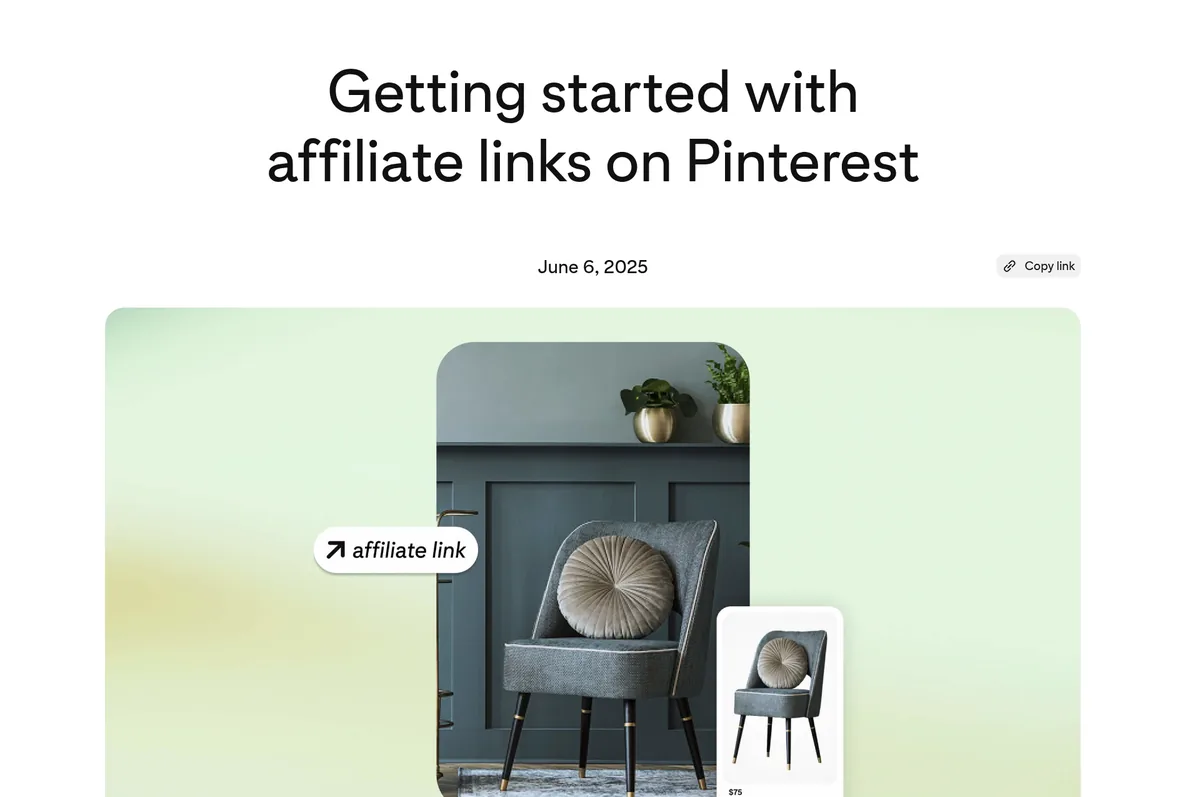
Here is the key thing to know. Pinterest's own blog says, "Pinterest isn’t part of the affiliate agreements, so you’ll need to choose an affiliate network." Pinterest does not pay you. The program you join does, based on its own terms.
Pinterest lists its official partners as Rakuten, LTK, Shop Style, and Amazon Associates US. You can use other programs too, as long as you follow the rules. Networks like CJ are one route. See my CJ Affiliate guide.
Pinterest's affiliate rules
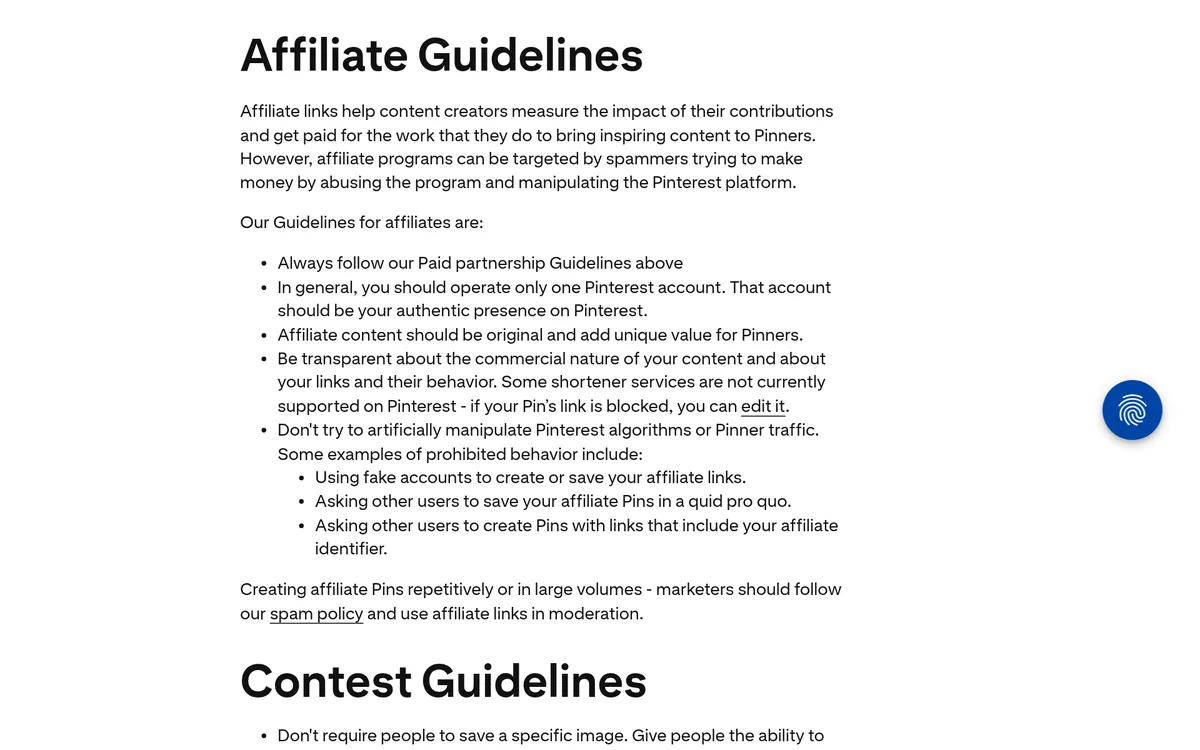
Pinterest has a short list of Affiliate Guidelines. They are worth reading in full, because breaking them can get your Pins or account limited. Here are the main ones, in Pinterest's own words:
- "In general, you should operate only one Pinterest account."
- "Affiliate content should be original and add unique value for Pinners."
- "Be transparent about the commercial nature of your content and about your links and their behavior."
Pinterest also lists things you should not do. These are called out as ways to "artificially manipulate" the platform:
- Using fake accounts to create or save your affiliate links.
- Asking others to save your affiliate Pins in a trade.
- Asking others to make Pins with your affiliate ID in the link.
- Making affiliate Pins over and over in large numbers. Pinterest says to "use affiliate links in moderation."
Pinterest says it may "remove, limit or block the distribution of content or accounts" that break these rules. So this is not just advice. It is the line you need to stay behind.
How to start, step by step
Here is the simple path, based on Pinterest's own steps.
- Set up a business account. It is free. It gives you Pin analytics, scheduling, and the option to run ads.
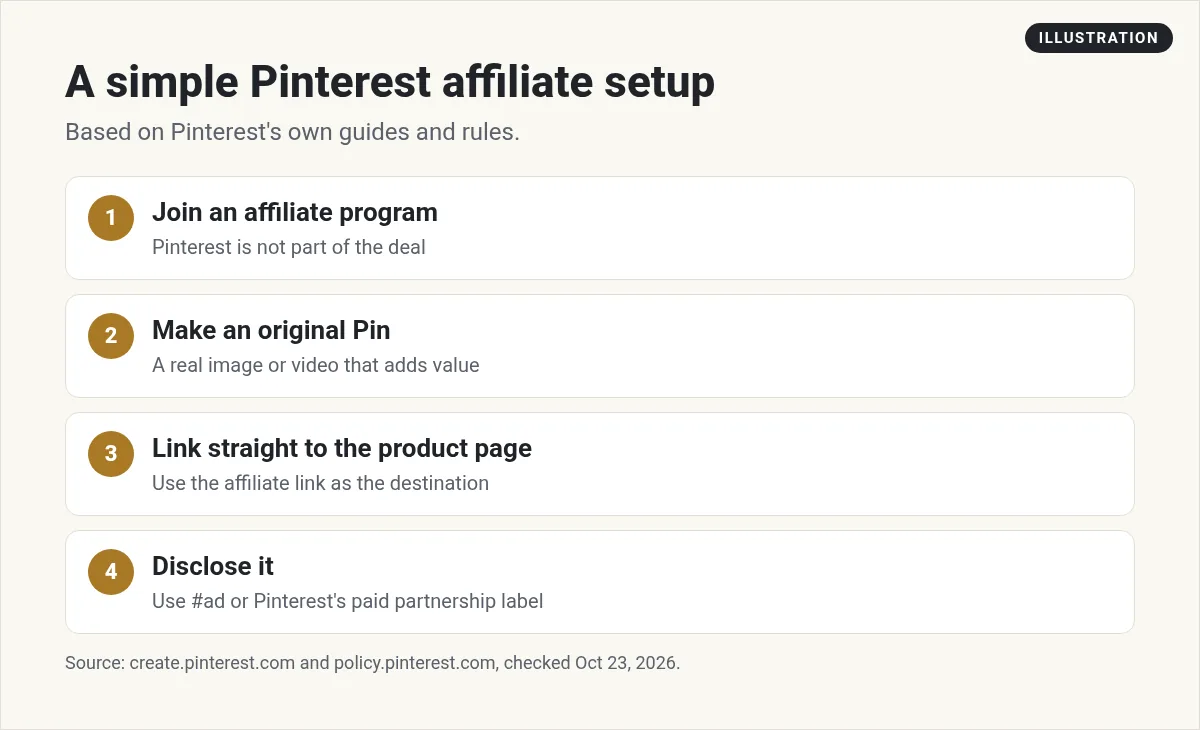
- Join an affiliate program. Pick one that sells things your audience wants. Read its rules, because some programs have their own limits on social links.
- Make an original Pin. Use your own photo or video. Show the product in use if you can. Pinterest says the image should match what people will find when they click.
- Add your affiliate link. Put it in the destination link field. Pinterest says, "The link should go directly to a shop’s product detail page." So do not send people to a home page.
- Write a clear title and description. Pinterest says they should match the page you link to and use keywords people search for.
- Disclose it. Say it is an affiliate link right on the Pin. More on that below.
- Check your links. Look for broken or old links every so often.
How to disclose affiliate links on Pinterest
Do not skip this step.
Pinterest asks you to be clear about the commercial nature of your content. For paid partnerships, its guidelines give examples like "the use of #ad" or a label from its paid partnership tool.
The FTC in the US has rules too. Its FAQ says a picture alone can count as an endorsement: "Simply posting a picture of a product on social media, such as on Pinterest, or a video of you using it, could convey" that you like the product, even with no words at all.
The FTC also says the words "affiliate link" alone may not be clear enough, because "Consumers might not understand" what it means. It says "Paid link" right next to the link "should be an adequate disclosure."
So here is what I would do. Put a short, plain note right in the Pin description, near the top. Something like Paid link: I may get a small commission if you buy. Plain words beat hashtags that people skim past. Also follow your affiliate program's own disclosure rules, since some ask for specific wording.
What makes a good affiliate Pin
Pinterest is a visual search engine. People search for ideas, like small kitchen storage or home office setup. Your job is to show up with a helpful Pin.
Here is what tends to work:
- Your own photos. Real photos of you using the product are original. That is what Pinterest asks for.
- A clear promise. Text on the Pin like 5 ways to clear a messy desk tells people what they get.
- A good match. The Pin should look like what people see when they click. If it does not, they bounce.
- Helpful first. A Pin that teaches something gets saved. A Pin that only says "buy this" gets skipped.
- Product tags. You can add up to five product tags per Pin, as long as they follow Pinterest's merchant and affiliate guidelines.
One more thing: once a Pin is live, you can edit the title, board, and some details. But Pinterest says you cannot change the image or video after publishing. So get the image right before you post.
Should you link to the product or to your blog?
There are two ways to do this:
- Direct links. The Pin links straight to the product page with your affiliate link. This is fast and simple.
- Blog links. The Pin links to a post on your own site, like a review or a how-to. The post has your affiliate links inside.
Pinterest's own guide says many creators "like to send people on Pinterest to their blog, website, or another website they’re affiliated with." A blog takes more work, but it gives you more room to help people and build trust. It also lets you collect emails, which you own.
If you do not have a site yet, start with direct links. You can add a blog later. My guide to affiliate marketing without a website covers other ways to start.
How long does it take?
Pinterest is a slow build. A Pin can keep getting found for a long time after you post it, but it may take weeks before you see clicks. Plan to post helpful Pins on a steady schedule for a few months before you judge it. Check your Pin analytics to see which topics get saved and clicked, then make more of those.
Mistakes that get Pins blocked
- Running many accounts. Pinterest says to run one, in most cases.
- Spamming Pins. Posting the same link over and over breaks the spam rules.
- Using other people's photos. Your content must be original.
- Hiding the link. Be open about what the link is and where it goes.
- Using blocked shorteners. Some are not supported.
My video: My older walkthrough of affiliate marketing on Pinterest. Pinterest's rules have changed since, so follow the steps in this post.
Any results mentioned in videos are not typical and are not a promise of income. Your results depend on your work and your market.
Want a simple plan for picking an offer and getting traffic, step by step? I walk through it in my free AI workshop.
Want a simple affiliate plan?
In my free workshop, I show how regular people use AI tools to make content, pick offers, and build simple online businesses.
Join my free AI workshopFree to join. No credit card needed.
Frequently asked questions
Can you do affiliate marketing on Pinterest?
Yes. Pinterest lets you add affiliate links as the destination link on a Pin, as long as you follow its Affiliate Guidelines and disclose the link.
Does Pinterest pay you for affiliate links?
No. Pinterest is not part of the affiliate agreement. The affiliate program you join pays you, based on its own terms.
What affiliate programs work with Pinterest?
Pinterest lists Rakuten, LTK, Shop Style, and Amazon Associates US as official partners. Other programs can work too if you follow the rules.
Do I need a blog for Pinterest affiliate marketing?
No. You can link straight to a product page. A blog gives you more room to help people and collect emails, but it is not required.
How do I disclose affiliate links on Pinterest?
Say it plainly in the Pin, like Paid link: I may get a small commission if you buy. For paid partnerships, Pinterest gives #ad or its paid partnership label as examples.
Why was my affiliate Pin blocked?
Common reasons are spammy posting, a link shortener Pinterest does not support, or breaking the Affiliate Guidelines. Use the full link and post in moderation.
Sources
Checked October 23, 2026. Plans, prices, and rules can change.
