
Vibe coding · Prompt library
The words you type decide what the AI builds. Here is a simple formula and 12 prompts you can copy for planning, building, fixing, and launching.
When a vibe coding project goes wrong, it is usually not the tool. It is the prompt. A vague request gets a vague app. A clear request gets something close to what you pictured.
I teach beginners to build apps with AI, and the same few prompt habits fix most problems. Below is my simple 5 part formula and 12 prompts you can copy. They are built on the official prompting guides from Lovable, Bolt, and Anthropic, checked October 19, 2026. They work in Lovable, Bolt, Claude Code, and most AI builders.
Quick answer
Good vibe coding prompts are clear and specific. Say what you want built, who it is for, the real details, what must not change, and ask the AI to ask you questions first. Build one feature at a time, use real words instead of placeholder text, and test after every change. The 12 prompts below cover planning, building, design, fixing bugs, and launching.
The 5 part vibe coding prompt
Use this shape for almost any build request. It is my own framework, pulled from what the official guides keep repeating.
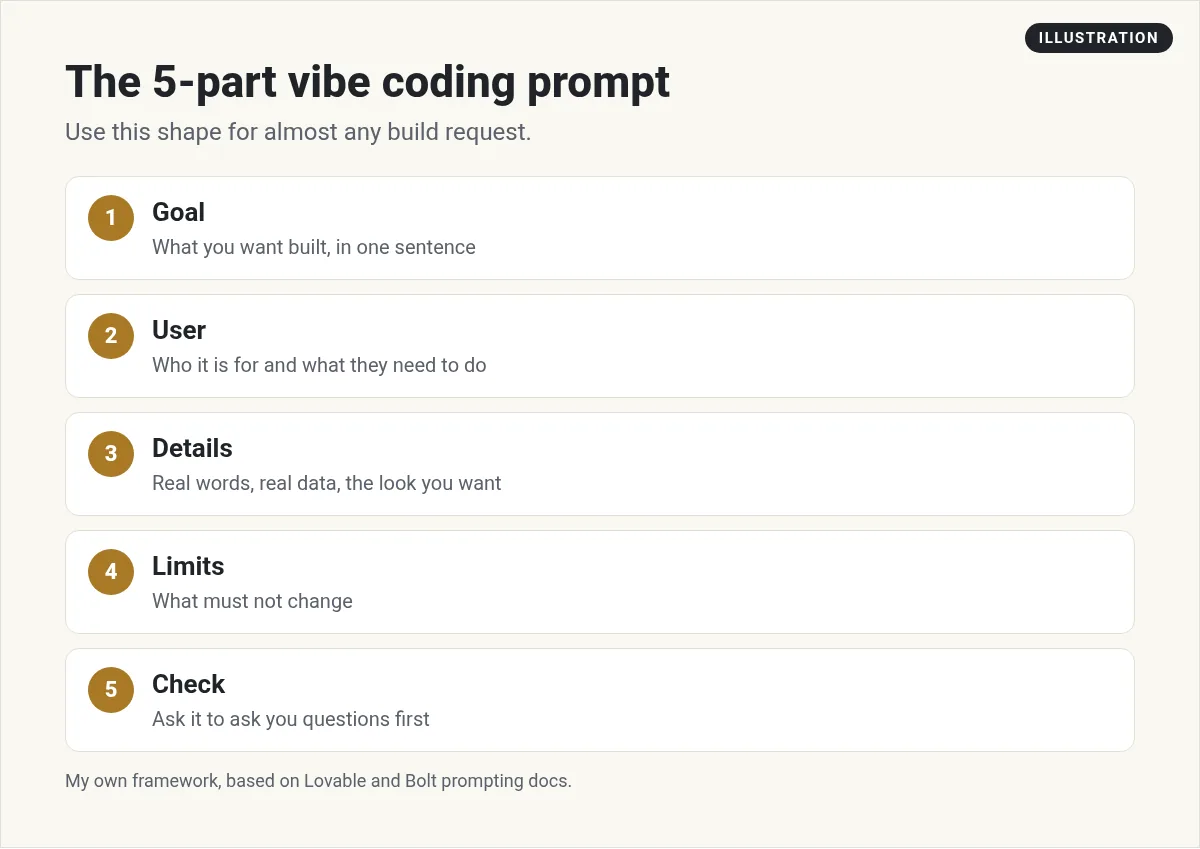
- Goal: what you want built, in one sentence.
- User: who it is for and what they need to do.
- Details: real words, real data, and the look you want.
- Limits: what must not change.
- Check: ask the AI to ask you questions before it starts.
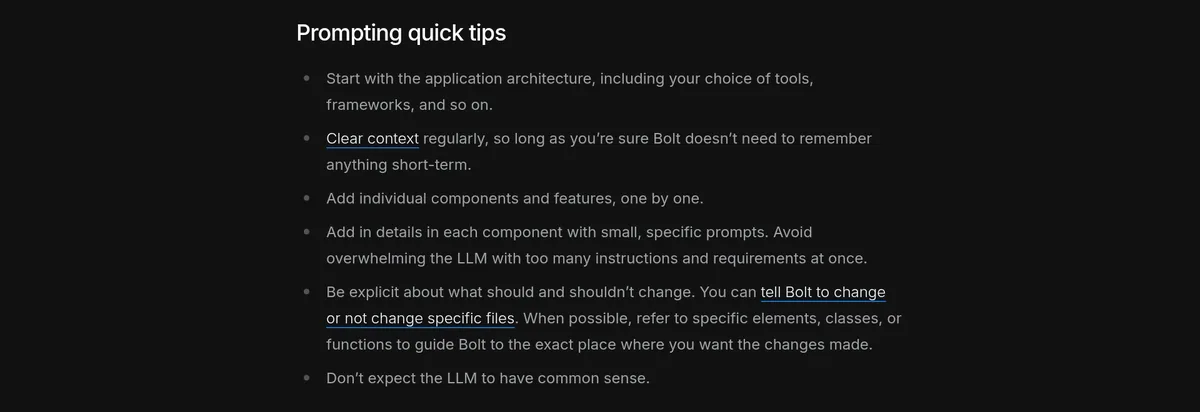
Why does this work? Anthropic's guide to prompting Claude puts it well: "Think of Claude as a brilliant but new employee who lacks context on your norms and workflows." The AI is smart, but it cannot read your mind. Bolt's guide says the same thing in fewer words: "Don't expect the LLM to have common sense."
Planning prompts (use these first)
Lovable's guide says to answer four questions before you build: what is it, who is it for, why will they use it, and what is the one key action the user should take. These two prompts help you do that.
1. The idea to plan prompt
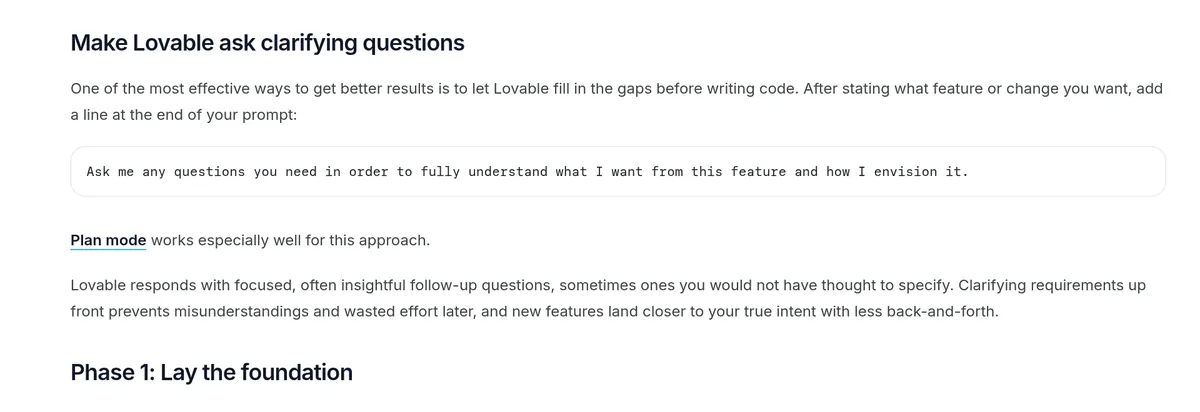
2. The ask me questions prompt
Lovable suggests adding a line like this at the end of any feature request. It says the AI then responds with "focused, often insightful follow-up questions."
Building prompts
Lovable says it works best when you build "in modular parts, not full pages at once." Bolt agrees. Its tips say to add "individual components and features, one by one."
3. The first screen prompt
4. The one feature prompt
5. The real content prompt
Lovable warns that placeholder text "gives Lovable nothing to respond to." Use real words.
6. The save data prompt
Design prompts
Lovable says style words like minimal, playful, or premium "meaningfully influence typography, spacing, shadow, border radius, and color palette." Pick a few and reuse them.
7. The style prompt
8. The mobile check prompt
Fixing prompts
Bolt's tips say to "Be explicit about what should and shouldn't change." That matters most when you fix a bug.
9. The bug fix prompt
10. The explain it to me prompt
11. The undo and retry prompt
Launch prompt
Anthropic's Claude Code guide says to give the AI "a way to verify its work," like tests or a screenshot. Use that idea before you go live.
12. The pre launch check prompt
Small tweaks for each tool
The prompts above work almost anywhere. Each tool also has a feature that makes them work better.
- Lovable: its guide says the ask me questions prompt works well with Plan mode. Use it before big features.
- Bolt: click the plus icon in the chat box, then Enhance prompt. Bolt asks you questions and writes a fuller prompt you can edit.
- Claude Code: the docs describe a plan mode, too. Ask for a plan first, read it, then approve it before Claude starts coding.
The idea is the same in every tool. Plan first, build small, and check the work.
5 habits that make every prompt better
- One thing at a time. Small prompts are easier to check and easier to undo.
- Say where. Name the page or the part you want changed.
- Say what stays. Lovable says a good change prompt names "what must stay untouched."
- Use real words. Real headlines and real data show problems early.
- Save your best prompts. Lovable suggests building "a personal prompt library." Keep a doc of the prompts that work for you.
Here is how I put these habits together when I build a real app:
My video: My vibe coding method for building software with AI, step by step. Recorded in December 2025, so check current tool prices.
Any results mentioned in videos are not typical and are not a promise of income. Your results depend on your work and your market.
Want to go deeper? My vibe coding with Claude guide walks through a full build, and my guide on how to use Claude Code covers the code side.
My vibe coding prompt checklist
Nothing you check here is sent or saved. Download it if you want to keep it.
Want to build your first app with AI?
In my free AI workshop, I show regular people how to plan, prompt, and launch simple apps with AI tools, no coding background needed.
Join my free AI workshopFree live workshop. No credit card needed.
Frequently asked questions
What is a vibe coding prompt?
It is the plain language request you type into an AI builder, like Lovable, Bolt, or Claude Code, to tell it what to build or change. Clear, specific prompts get better results.
What makes a good vibe coding prompt?
Say what you want built, who it is for, the real details, and what must not change. Then ask the AI to ask you questions first. Build one feature at a time.
Do these prompts work in Lovable and Bolt?
Yes. They are built on the prompting guides from Lovable and Bolt, and they also work in Claude Code and most AI app builders. Swap in your own details.
Why does the AI keep changing things I did not ask for?
Usually because the prompt did not set limits. Say exactly which page or part to change, and say what must stay the same.
How long should a vibe coding prompt be?
Long enough to be clear, short enough to cover one thing. A few sentences per feature is often plenty. Big prompts that ask for many features at once tend to go wrong.
How do I fix a bug with a prompt?
Describe what you did, what you expected, and what happened instead. Paste the error message. Ask the AI to find the root cause and change only that.
Sources
Checked October 19, 2026. Plans, prices, and rules can change.
