
Grok Bot · School
A Bot can save a teacher hours of drafting each week. The trick is knowing what to hand it, and what never to put on its computer.
Grok Bot for school work can be a real time saver. Teachers can hand off first drafts of lesson plans, quizzes, and rubrics. Students can build study plans and practice questions. But school work comes with student data and honesty rules, so it needs care.
I read the Grok Bot docs on November 4, 2026, and watched two creator videos. Most of this post is my own advice, and I mark it that way. Your school's rules always come first.
TL;DR
Grok Bot works well as a drafting helper for school. Use it for lesson plans, quizzes, rubrics, research with sources, and weekly plans. Keep student data out: no rosters, grades, IEPs, named student work, or class photos. Do not sign its computer in to your school's learning system or email unless your school approves. The docs say all your Bots share one cloud computer, so files and logins there are open to every Bot.
What Grok Bot can do for school work
A Grok Bot is an AI helper with its own cloud computer. It can browse the web, make files, and keep working while you do other things. The docs say you get better results when you name the result you want and how you will judge it. Their examples include a document with headings and source links, a spreadsheet with set columns and formulas, and a slide deck with speaker notes.
That is a great fit for school work. A lesson outline, a quiz, and a rubric are all clear results you can check.
Good first jobs for teachers
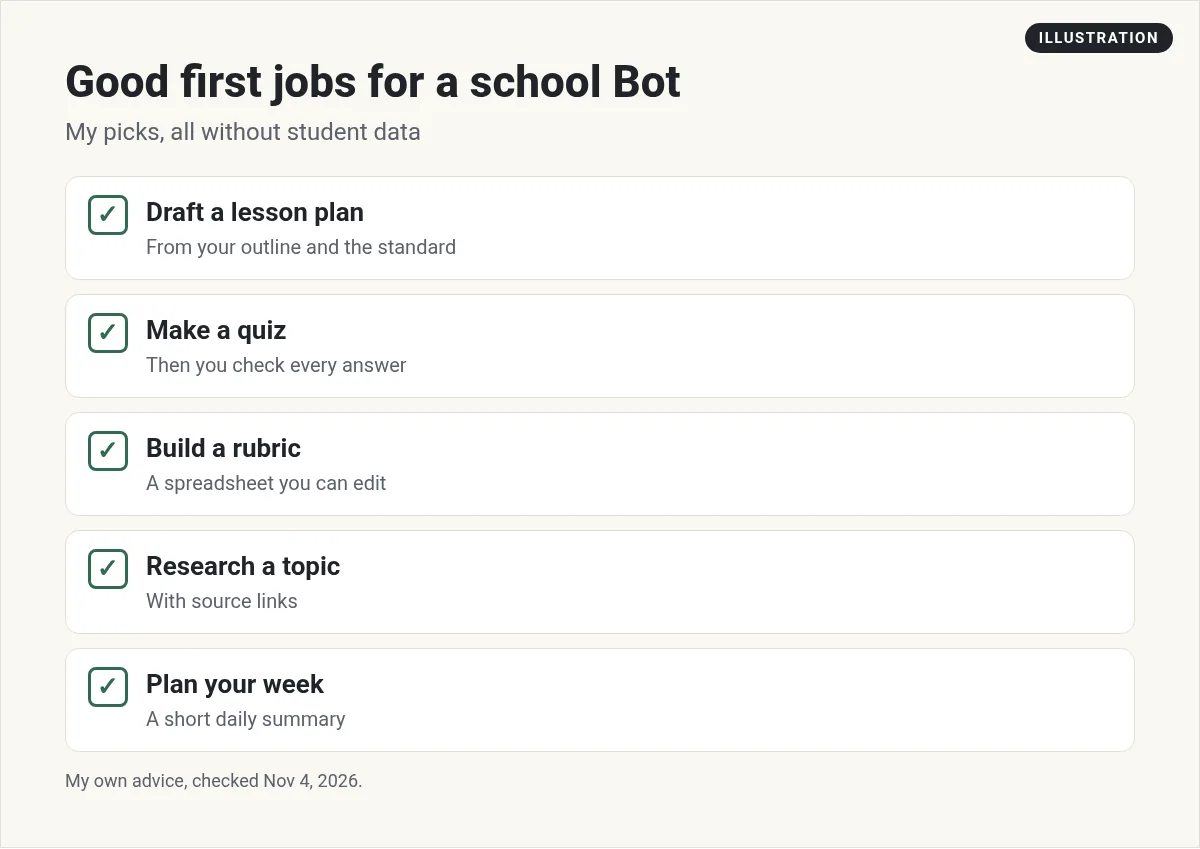
These are my own picks. None of them need student data:
- Draft a lesson plan. Give it your outline and the standard. Ask for a plan with timing and a warm up.
- Make a quiz. Ask for ten questions with an answer key. Then check every answer yourself.
- Build a rubric. Ask for a spreadsheet with criteria and point levels you can edit.
- Research a topic. Ask for a short brief with links to every source, so you can check them.
- Plan your week. Ask for a short summary of what is coming up, based on what you tell it.
The docs also describe routines, which are jobs a Bot runs on a schedule. A Friday routine that drafts next week's plan from your notes is a nice one to try.
Two requests to copy (my examples)
Here is how I would word two teacher jobs. Notice that neither one has a student name in it.
Make a 10 question quiz on the water cycle for 5th grade. Mix multiple choice and short answer. Add an answer key on a separate page. Save it as a document I can edit.
Draft a 45 minute lesson plan on fractions for 4th grade. Include a 5 minute warm up, one group activity, and an exit ticket. List any sources you used with links.
Each one names the grade, the length, and the file you want back. That makes the draft much easier to check.
Good jobs for students
Grok Bot signs in with a Cursor account, and Cursor's terms say you must be at least 18, or the age of majority where you live if that is higher, to use it. Younger students should not sign up. This part is my advice too. A Bot is a great study partner when you use it to learn, not to skip the learning:
- Turn your class notes into practice questions.
- Make a study plan that counts down to a test date.
- Explain a hard idea in simpler words, then quiz you on it.
- Find sources for a project, with links you read yourself.
Check your school's rules on AI before you use it for graded work. Many schools allow AI for studying but not for writing the work you turn in. If you are not sure, ask your teacher.
What to keep out
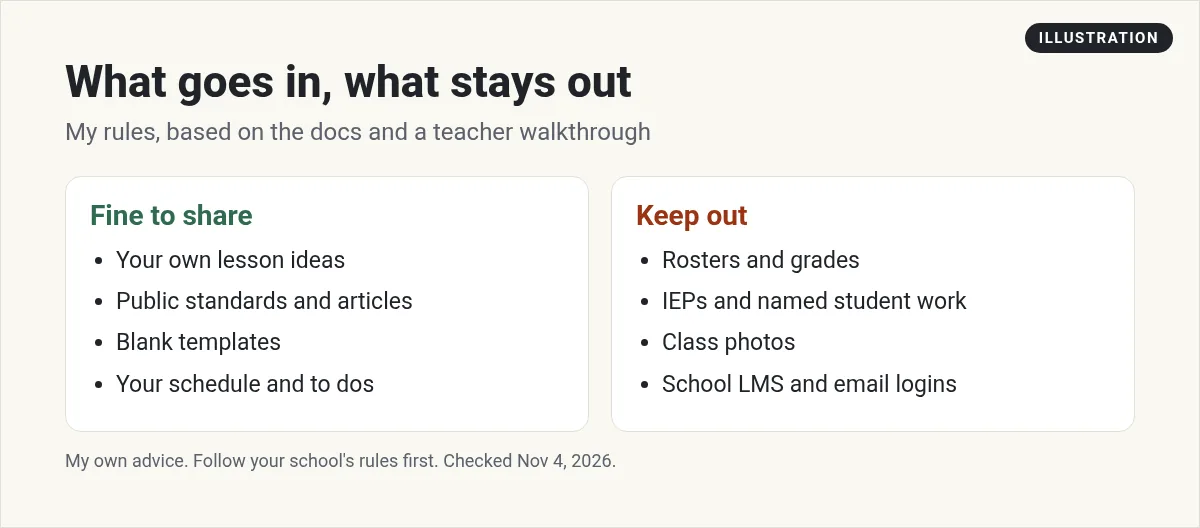
This is the most important part. The docs say all of your Bots share one cloud computer. Files, browser sessions, and logins on that computer are open to every Bot you have. The docs also say not to use separate Bots as a security wall.
So here are my rules for school:
- Keep out rosters, grades, IEPs, named student work, and class photos.
- Do not sign the Bot's computer in to your school's learning system or school email unless your school says yes.
- Use only your own ideas, public sources, and blank templates.
- Copy drafts home, edit them yourself, then put them in your school systems.
The teacher video below makes the same point. It also says Grok Bot is not FERPA certified or school approved, so you keep the boundary.
Privacy settings worth knowing
The docs say Grok Bot uses your Cursor account and its data settings. A few details:
- Grok Bot needs data storage, and does not support Legacy Privacy Mode.
- Training opt out follows your Cursor account and privacy settings.
- The docs point to the Cursor Privacy Policy and security page for details.
The docs also give clean up steps when you are done with a project. Remove sensitive files from the Bot's computer, sign out of services it no longer needs, and remove app connections you do not use.
Two videos worth watching
AI Readiness Advisory shows Grok Bot as a drafting teammate for teachers, with a clear list of what never goes in.
From the AI Readiness Advisory channel (not mine): Short and practical. The best school safety advice I found. Their description links to their own services.
Helena shares two weeks with Grok Bot, including privacy and security caveats.
From the Helena channel (not mine): A balanced look at what is useful and what is still early. Plan details in it may have changed.
My own advice
This part is my opinion. Treat a Bot like a helpful student teacher. It drafts fast, but you check everything before it reaches a student. Start with one job a week, like the quiz you write every Friday. Once that saves you real time, add the next one.
And keep a simple rule in your head: if you would not post it on the class wall, do not put it on the Bot's computer.
Teaching and running a side business?
Lots of teachers also run tutoring, courses, or a small online business. That is where a ready made team helps.
AIM Agent is an AI Chief of Staff for business owners. It comes with an AI C-suite (COO, CMO, CFO, CRO and CTO), a Business Bot Builder and 100+ business skills, and it runs on AIM OS, a private vault that holds your notes and memory. AIM Agent is a ready-made AI business team that works inside Grok Bot, so you skip the setup and get to work.
Here is what you get:
- An AI Chief of Staff that helps you plan and run your business
- An AI C-suite: COO, CMO, CFO, CRO and CTO
- A Business Bot for each business or project. Give it a real task and it brings the work back for you to review
- 100+ business skills for content, offers, research and more
- Step by step setup guides and email support
So you skip the setup and get to work.

Want an AI team to help run your business? Meet AIM Agent, an AI Chief of Staff for business owners. I am a co-founder of AIM Agent and have a financial interest in the product.
Get a ready made team inside Grok Bot
AIM Agent gives you an AI Chief of Staff, an AI C-suite, and 100+ business skills, so you skip the setup and get to work.
See AIM AgentFrequently asked questions
Can teachers use Grok Bot?
Yes, as a drafting helper for lesson plans, quizzes, rubrics, and research. Check your school's rules first.
Can students use Grok Bot?
It can help you study, like making practice questions. Follow your school's rules on AI for graded work.
Is Grok Bot FERPA certified?
The teacher video says it is not FERPA certified or school approved. Keep student data out.
What should I never put on the Bot's computer?
My rule: no rosters, grades, IEPs, named student work, class photos, or school logins.
Why does the shared computer matter?
The docs say all your Bots share one cloud computer, so files and logins there are open to every Bot.
Can I opt out of training?
The docs say training opt out follows your Cursor account and privacy settings.
Is there a faster way to get a working business team?
AIM Agent gives you an AI Chief of Staff, an AI C-suite, and 100+ business skills inside Grok Bot.
Sources
Checked November 4, 2026. Plans, prices, and rules can change.
