
Overskill features
Push notifications bring people back to your app without an email or a text. Here is how they work in Overskill, the iPhone catch most people miss, and the rules that keep users from hitting Block.
Disclosure: Some links in this post are affiliate links. I earn a commission if you buy through this link. It does not change the price you pay. MakerAI is my own company.
Quick answer
Yes, Overskill (I earn a commission if you buy through this link.) apps can send push notifications on iPhone, Android, and desktop. You ask the AI something like "when a user gets a new comment, send them a notification," and it adds an Enable notifications prompt and the trigger. There is no monthly plan allowance; sends are rate limited per app. On iPhone, the user must add your app to the Home Screen first (iOS 16.4 or later). App Store push is a separate, waitlist-only feature.
What push notifications are (and why they work)
A push notification is the little message that pops up on a phone's lock screen or a computer's corner. Your app sends it, even when the app is closed. The person taps it and lands right back in your app.
A web app can send them too. A PWA, or progressive web app, is a website that installs on a phone like an app. Every Overskill app works this way. Overskill's help says every app "automatically works as an installable mobile app."
| Good uses | Bad uses |
|---|---|
| "Your order shipped" | "We miss you!" every day |
| "You have 3 tasks due today" | Late night promos |
| "Sarah replied to your comment" | The same message three times |
| "Your booking is in 1 hour" | News nobody asked for |
Good examples are adapted from Overskill's help article. Bad ones are mine.
How to add push notifications in Overskill
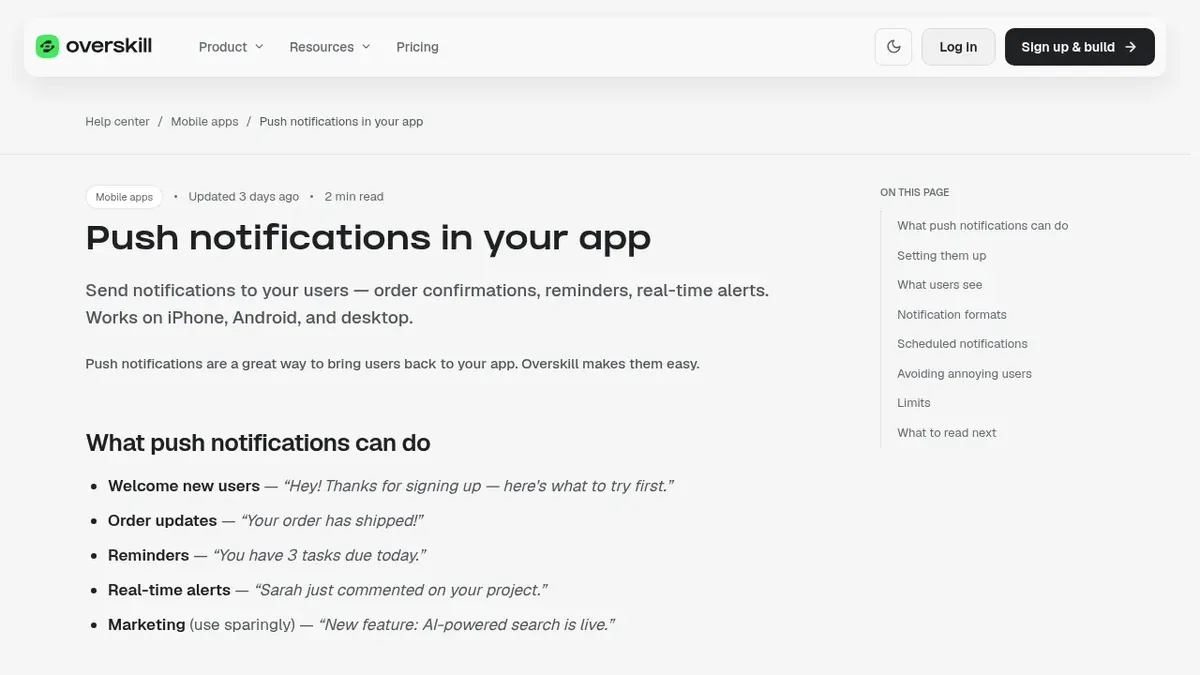
You do not write code. You describe the moment that should trigger a notification. Overskill's help gives this example prompt: "When a user gets a new comment on their project, send them a notification."
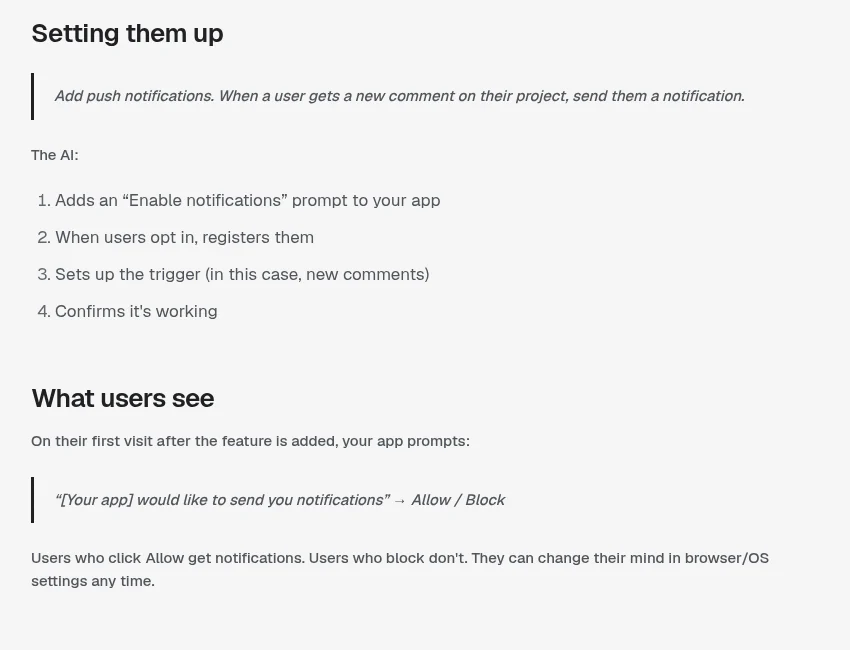
According to the help article, the AI then does four things:
- Adds an Enable notifications prompt to your app.
- Registers users when they opt in.
- Sets up the trigger, like a new comment.
- Confirms it is working.
Users see a prompt that says your app would like to send notifications, with Allow and Block. People who allow get them. People who block do not. They can change their mind later in their browser or phone settings.
The iPhone catch: Home Screen first
This is the part most guides skip. On iPhone and iPad, web push only works for web apps added to the Home Screen. Apple's WebKit team announced it with iOS and iPadOS 16.4.
WebKit's post says a Home Screen web app "can request permission to receive push notifications as long as that request is in response to direct user interaction," like tapping a subscribe button. So on iPhone, two things must be true: the app is on the Home Screen, and the person taps something to say yes.
| Device | What the user needs |
|---|---|
| iPhone or iPad | iOS or iPadOS 16.4 or later, app added to the Home Screen, then a tap to allow |
| Android | Install from Chrome or another Chromium browser, then allow |
| Desktop | Allow in the browser when asked |
Sources: WebKit blog and Overskill help, checked Oct 17, 2026. Test on real devices.
Once allowed, Apple says those notifications work like other app notifications. They show on the Lock Screen and in Notification Center, and people manage them in Settings.
How users install your Overskill app
Most users do not know about Add to Home Screen. Overskill's help says your app does not show an install prompt on its own, but the AI can add a banner. Here are the steps to give your users.
| iPhone (Safari) | Android (Chrome) |
|---|---|
| Open your app's live link in Safari | Open your app in Chrome |
| Tap Share | Tap the three dot menu |
| Tap Add to Home Screen | Tap Install app (or Add to Home Screen) |
| Turn on Open as Web App, then tap Add | Tap Install |
Source: Overskill help, installing your app on iPhone and Android, checked Oct 17, 2026.
Your icon and name on the Home Screen come from Dashboard, then Settings, then App Icon and App Name. Set those before you tell anyone to install.
What a notification contains
| Part | What it is | Example |
|---|---|---|
| Title | The bold top line | Your order shipped |
| Body | The message | Arriving Thursday. Tap to track it. |
| Icon | Your app icon by default | Your logo |
| Click action | The page that opens when tapped | The order page |
Source: Overskill help, push notifications in your app, checked Oct 17, 2026.
You can also pair push with scheduled tasks. Overskill's example: "Every Monday at 9am, send each active user a notification with their week's top 3 tasks."
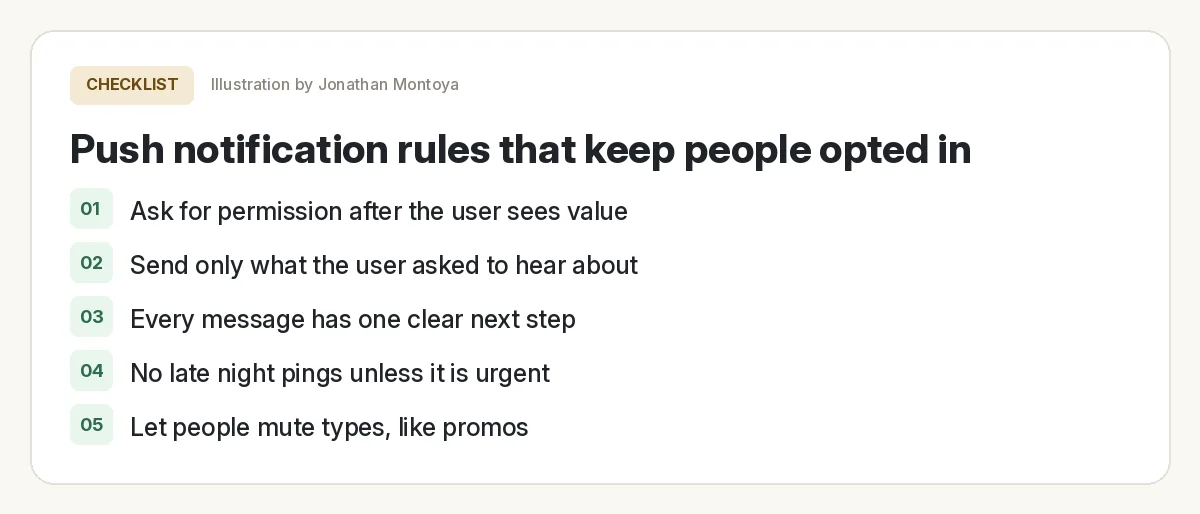
Rules that keep people opted in
Once someone hits Block, it is hard to win them back. Overskill's help has a short list of rules, and I agree with every one.
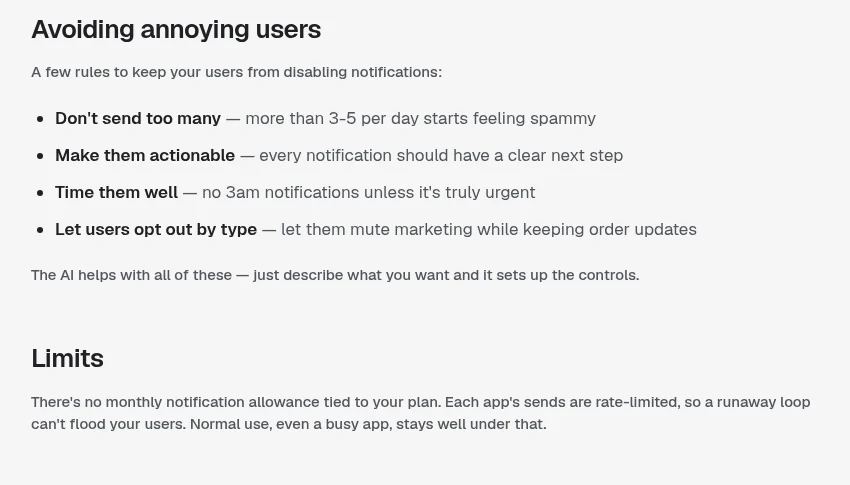
- Do not send too many. Overskill says more than 3 to 5 a day "starts feeling spammy."
- Make every one useful. Each needs a clear next step.
- Time them well. No 3am pings unless it is truly urgent.
- Let people mute types. For example, mute promos but keep order updates.
On limits, Overskill says there is "no monthly notification allowance tied to your plan." Each app's sends are rate limited so a runaway loop cannot flood your users.
What about App Store and Google Play push?
That is a different thing. Publishing your Overskill app to the App Store or Google Play is not open yet. Overskill's help says it is "Not available yet, waitlist only," on any plan.
When it does open, native push for the App Store version needs your app published with your Apple account connected, plus a separate push key. Until then, browser installed push is what works today.
For the full picture on phones, read my guide to what Overskill can build without code. It covers the App Store waitlist too.
Test before launch
Push notification test
Nothing you check here is sent or saved. Download it if you want to keep it.
Push works best in apps people use often, like booking, tasks, or orders. If you are still picking what to build, see what to build with Overskill.
Meet AIM Agent
AIM Agent is an AI Chief of Staff for business owners. You give it a real task, and it brings the work back for you to review. You stay the one who approves.
Meet AIM AgentI am a co-founder of AIM Agent and have a financial interest in the product.
Ready to add push to your app?
Pick one moment that truly helps the user, add the notification, and test it on your own phone.
Try OverskillI earn a commission if you buy through this link. Check the live pricing page before you buy.
Frequently asked questions
Can Overskill apps send push notifications?
Yes. Overskill says push works on iPhone, Android, and desktop. You describe when to send one, and the AI adds an Enable notifications prompt and the trigger.
Do push notifications work on iPhone for web apps?
Yes, on iOS and iPadOS 16.4 or later, for web apps added to the Home Screen. Apple's WebKit team says the permission request must come from a user action, like tapping a button.
How many push notifications can I send from Overskill?
Overskill says there is no monthly allowance tied to your plan. Sends are rate limited per app. It suggests no more than 3 to 5 a day so users do not turn them off.
Do I need the App Store to send push notifications?
No. Browser installed Overskill apps can send push today. Publishing to the App Store or Google Play is waitlist only as of Oct 17, 2026.
How do users install an Overskill app on their phone?
On iPhone, open the live link in Safari, tap Share, tap Add to Home Screen, turn on Open as Web App, and tap Add. On Android, open it in Chrome, tap the menu, and tap Install app.
Can users turn off notifications later?
Yes. They can change it any time in their browser or phone settings. Overskill also suggests letting users mute types, like promos.
Sources
All checked October 17, 2026. Overskill is in beta and changes often, so plans, features, and rules can change. Links to overskill.com below include my affiliate code. I earn a commission if you buy through this link.
