
AI Tools · Beginner Guide
Google AI Studio lets you test Gemini models and build small apps from a plain English prompt. Here is what it does, what it costs, and how to start.
Google AI Studio is Google's free web tool for working with its Gemini AI models. You can chat with the models, test prompts, and even build a working app just by describing it.
On October 24, 2026, I went through Google's own docs for AI Studio: Build mode, deploying, pricing, billing, and the terms. Here is what it does, what is free, what costs money, and how to build your first app.
Quick answer
Google AI Studio is a free web tool from Google for using Gemini models. Its Build mode turns a plain English prompt into a working web app or Android app. Google's docs say AI Studio use stays free unless you link a paid API key. Free tier data can be used to improve Google's products, so do not put private info in it.
What is Google AI Studio?
Google AI Studio lives at aistudio.google.com. You sign in with a Google account and get a place to try Gemini models in your browser. For research from your own notes and files, Google has a separate tool. See my NotebookLM guide.
It started as a place for developers to test prompts. Now it does a lot more. The main parts are:
- Chat and prompts: talk to Gemini models and tune settings like the model and output.
- Build mode: describe an app, and Gemini writes the code and shows you a live preview.
- API keys: get a key so your own apps can call Gemini.
Google sums up Build mode like this: "Describe what you want to build with a prompt, and Gemini will generate an app for you."
That last part is the big draw. You do not need to know how to code to get a first version running.
What Build mode can make
Build mode is the part to start with if you are new. Here is how Google's docs page describes the ways to start:
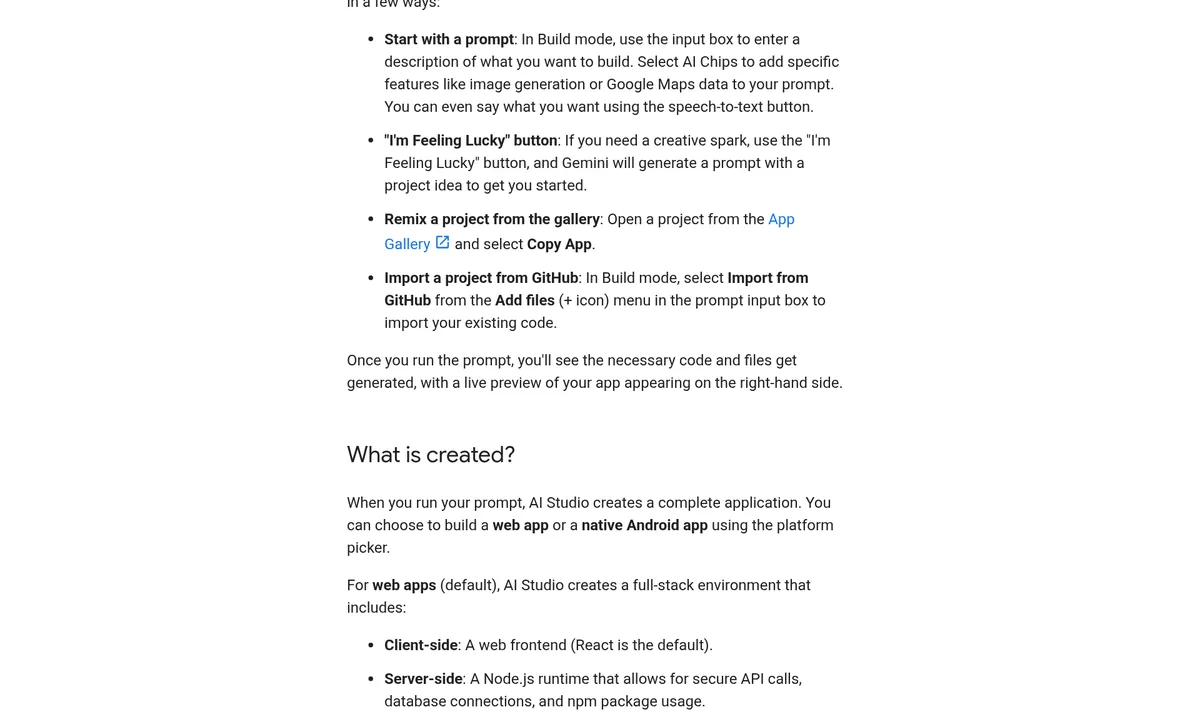
You have four ways to begin:
- A prompt: type what you want, like a quiz that tells people which workout fits them.
- The "I'm Feeling Lucky" button: Google says Gemini "will generate a prompt with a project idea to get you started."
- The gallery: open an example app and remix it.
- GitHub: bring in code you already have.
The docs say Build mode can make full stack web apps and Android apps. It can also hook up a database and sign in with Firebase, and it keeps your API keys in a Secrets panel.
How you change the app
You change the app by chatting. You can also use annotation mode. Google says it "lets you highlight any part of your app's UI and describe the change you want." So you can point at a button and ask for it to be bigger and green.
Behind the scenes, Google says the Antigravity Agent now powers Build mode. It keeps track of your whole project and edits many files at once.
How to build your first app, step by step
Here is the simple path I would follow on day one:
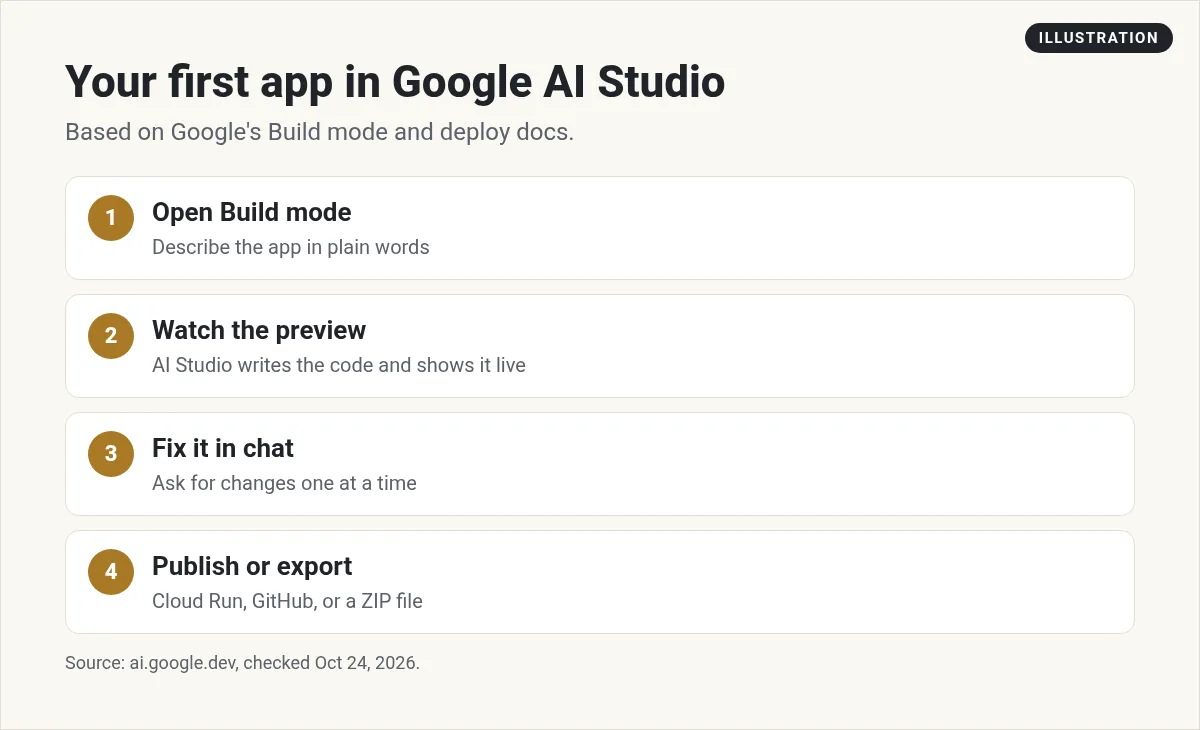
- Sign in at aistudio.google.com with your Google account.
- Open Build mode and pick a start: a prompt, the lucky button, or a gallery app.
- Write a clear prompt. Say who the app is for, what it does, and what the first screen shows.
- Watch the preview. Gemini writes the code and runs it on the right side.
- Fix one thing at a time. Ask for small changes in chat, or point at the screen in annotation mode.
- Save your work. Sync it to GitHub or download it as a ZIP file.
- Share or publish when it works the way you want.
A sample first prompt
That prompt works because it names the user, the steps, and the result. Vague prompts like make me an app give vague apps.
If you want more prompt ideas, my vibe coding prompts guide has templates you can copy.
Is Google AI Studio free?
For testing and learning, yes. Google's billing docs say: "AI Studio usage remains free of charge unless users link a paid API key for access to paid features."
Here is what the Gemini API pricing page showed for the Free tier on October 24, 2026:
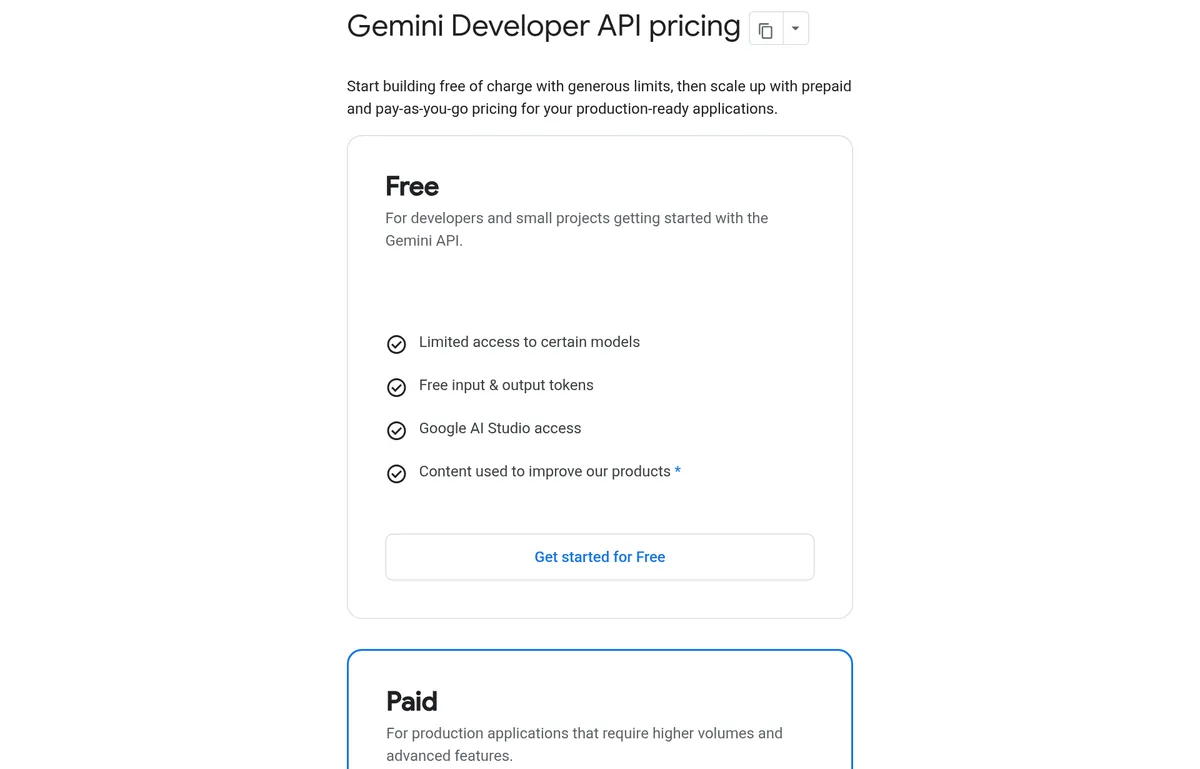
The page says "Start building free of charge with generous limits." The Free tier includes access to Google AI Studio and some models at no cost. But a few things are worth knowing:
- Not every model is free. The page says "Gemini 4 Argon is not available on the Free tier."
- Limits apply. Free use has rate limits, so heavy use can hit a wall.
- Sharing uses your limits. Google says "When sharing, API calls count toward your usage limits."
When you start to pay
You pay once you set up billing and use a paid API key. Google's billing page says new paid accounts prepay at least $5 to start. Model prices are per million tokens and change by model, so check the pricing page for the one you pick.
Google also sells Google AI Pro and Ultra plans for consumers. The docs say those plan perks apply inside the AI Studio interface only, and API use is still billed on its own.
How to publish your app
Google gives you a few ways to get your app online:
- Starter Tier: the docs say it "lets eligible accounts publish up to 2 full-stack applications without setting up a Google Cloud project or billing account."
- Cloud Run: deploy as a regular Google Cloud service. Cloud Run pricing may apply.
- Download: grab the ZIP file and host it somewhere else.
Not every account can use the Starter Tier. The docs say some accounts are not eligible, such as Google Workspace accounts or accounts with an active or past paid Google Cloud billing account. Google adds that support "can't override Starter Tier eligibility."
If you already have 2 apps live on the Starter Tier, Google says you will need to unpublish one or upgrade to a paid account.
Privacy: what to know before you type
This part matters. On the Free tier, the pricing page says your content is used to improve Google's products. On paid tiers, it says it is not.
The Gemini API terms go further for the free, unpaid services. They say "human reviewers may read, annotate, and process your API input and output." They also say: "Do not submit sensitive, confidential, or personal information to the Unpaid Services."
So here is my simple rule:
- Use the Free tier for practice, ideas, and test data.
- Do not paste in customer lists, passwords, or private business info.
- If you build something real with real user data, move to a paid key.
The terms also say you must be 18 or older to use these services. Rules can differ in the EU, Switzerland, and the UK, so check the terms if you live there.
Google AI Studio vs other app builders
AI Studio is one of several tools that turn prompts into apps. How does it compare?
- Price: it is very cheap to start, since use stays free unless you link a paid key.
- Power: it builds full stack apps with a database and sign in.
- Learning curve: it feels more like a developer tool than some builders. Settings, keys, and Cloud terms can confuse beginners.
If you want a builder made for non coders, look at my list of the best vibe coding tools. For a side by side on another option, see my Base44 review.
Tips to get better results
- Start small. Build one screen that works before you add more.
- Write down your goal. One sentence on who it is for and what it does.
- Change one thing per message. Big lists of fixes confuse the model.
- Test on your phone. Your users may open it there.
- Save often. Sync to GitHub or download a ZIP before big changes.
- Watch your limits. If you share an app and it gets busy, you may hit free limits fast.
A good first project is a tiny tool that solves one problem. Think a calculator, a quiz, or a checklist. Those are easy to test and easy to share.
Who should use Google AI Studio?
It is a good fit if you:
- Want to try AI app building for free.
- Already use Google tools and like a hands on setup.
- Want to test Gemini models before you build on the API.
Look elsewhere if you:
- Need to work with private customer data on the Free tier.
- Want a simple builder with no Cloud or key settings.
- Want hands on help from a team or community.
My first Google AI Studio app
Nothing you check here is sent or saved. Download it if you want to keep it.
Want to see how regular people use AI tools like this to build simple apps and offers? I walk through it in my free AI workshop.
Want to build your first AI app with help?
In my free workshop, I show how regular people use AI tools to build simple apps, tools, and offers, step by step.
Join my free AI workshopFree to join. No credit card needed.
Frequently asked questions
What is Google AI Studio used for?
It is a free web tool for using Google's Gemini models. You can test prompts, get an API key, and use Build mode to turn a prompt into a working web or Android app.
Is Google AI Studio free?
Google's billing docs say AI Studio use stays free unless you link a paid API key. The Free tier has limits, and some models, like Gemini 4 Argon, are not on it.
Do I need to know how to code?
No. Build mode writes the code from your prompt. Knowing a little helps when you fix bugs, but you can start with plain English.
Is my data private in Google AI Studio?
Not on the Free tier. Google says free tier content is used to improve its products, and its terms say human reviewers may read it. Do not put private info in it.
Can I publish an app from Google AI Studio?
Yes. Eligible accounts can publish up to 2 full stack apps on the Starter Tier with no billing account. You can also deploy to Cloud Run or download a ZIP file.
How old do I need to be to use it?
Google's Gemini API terms say you must be 18 or older.
Sources
Checked October 24, 2026. Plans, prices, and rules can change.
