
Grok Bot · Legal
A Bot will not replace your lawyer, and you should never treat it like one. But it can do a lot of the prep and tracking that eats legal time. Here is how the official Legal Ops team uses it.
Grok Bot for legal work means Bots that prepare meetings, sort incoming questions, keep contract trackers up to date, and draft replies that a person reviews and sends. The legal judgment stays with a lawyer.
I read the official Grok Bot for Legal Ops guide on October 30, 2026. I am not a lawyer, and nothing here is legal advice. This is about the work around legal work, and how a small business can use the same ideas safely.
TL;DR
Use Grok Bot for legal prep, not legal advice. Good jobs are meeting prep with open questions, sorting legal questions as they come in, keeping a contract tracker current, tracking which templates are the latest, and drafting replies a person reviews. Have it preview any change before it writes to a contract system. A lawyer makes the calls and a person sends every outside message.
What the Legal Ops team uses it for
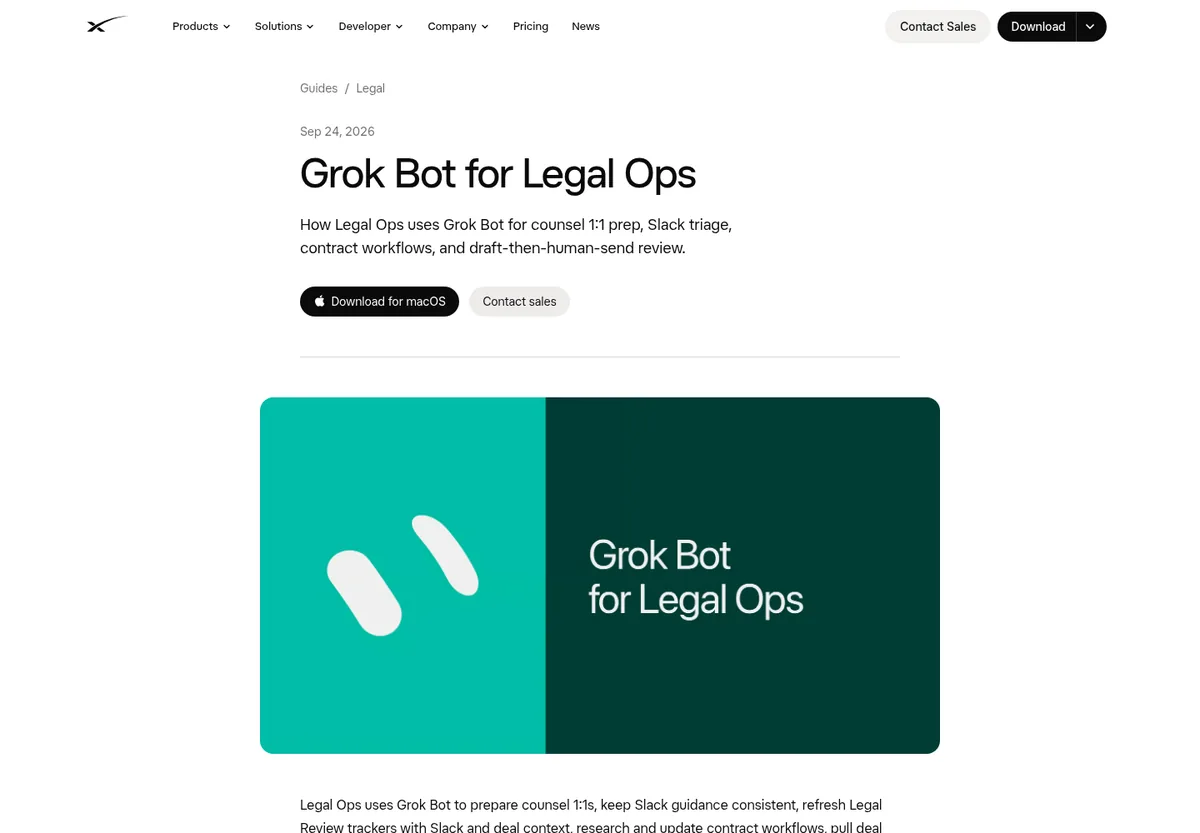
The official guide says Legal Ops uses Grok Bot to prepare counsel meetings, keep Slack guidance consistent, refresh review trackers, update contract workflows, track legal templates, check product launch readiness, and draft weekly updates. It adds one line I want to stress: humans review every outbound message.
Meeting prep and writeback
Before regular meetings with an attorney, the Bot reviews Slack, notes, and trackers. It drafts an agenda with open questions, conflicting answers, blockers, and wins. After the meeting, it writes decisions and follow ups back to the right pages.
The guide puts it well: lawyer time stays on decisions, not digging through old threads. For a small business, this is the same as going into a call with your lawyer with a clean list instead of a messy pile.
Sorting legal questions
One Bot watches the channels where people ask legal questions. It flags questions nobody answered, answers that conflict, and topics that keep coming up. Then a person handles them.
Another keeps a review tracker. It sorts open asks, refreshes on a schedule, and adds context for the attorney, like a short summary of the thread and the deal details. My guide to Grok Bot in Slack shows how a Bot can watch a channel.
Contract work, with a preview first
The Bot looks up workflows, statuses, and documents in the contract system and sums up open reviews. When asked, it helps move documents that counsel already approved into the right workflow. The guide says it shows a preview and asks for confirmation before any write. No silent changes.
That is the pattern I would copy anywhere. Read freely. Write only after a preview and a yes.
More jobs from the guide
- Template tracker. Keeps a list of current legal templates and flags new or updated ones, so nobody sends an old form.
- Weekly update. Drafts the team's weekly report from notes and calendar context.
- Skeptical reviewer. Challenges process designs, points out gaps in evidence, and cites sources.
- General helper. Researches, compares contract language, and sums up policies. The guide says it never invents facts and drafts rather than sends unless asked.
Why the team moved this work to a Bot
The review tracker used to run on scripts and older automation. The guide says the refresh, the extra context, and the summaries now run in Grok Bot. The team lists a few reasons:
- All the logic lives in one place, so they can change rules without editing scripts.
- Changes are faster. Edit a skill or a routine, and the next refresh uses it.
- One Bot owns the regular refresh and the Monday open items summary.
- The wording stays consistent, because the prompts and skills can be edited in chat.
The lesson for the rest of us: if you have a messy spreadsheet and a few scripts holding a process together, a Bot with clear skills can be easier to keep up.
A starter prompt for a contract list
Look through my contracts folder. Make a sheet with each contract, the other party, start date, renewal date, and notice period. Flag any that renew in the next 90 days. Do not change or move any file.
Run it once, check the sheet against a few real contracts, then make it a monthly routine.
Patterns that travel
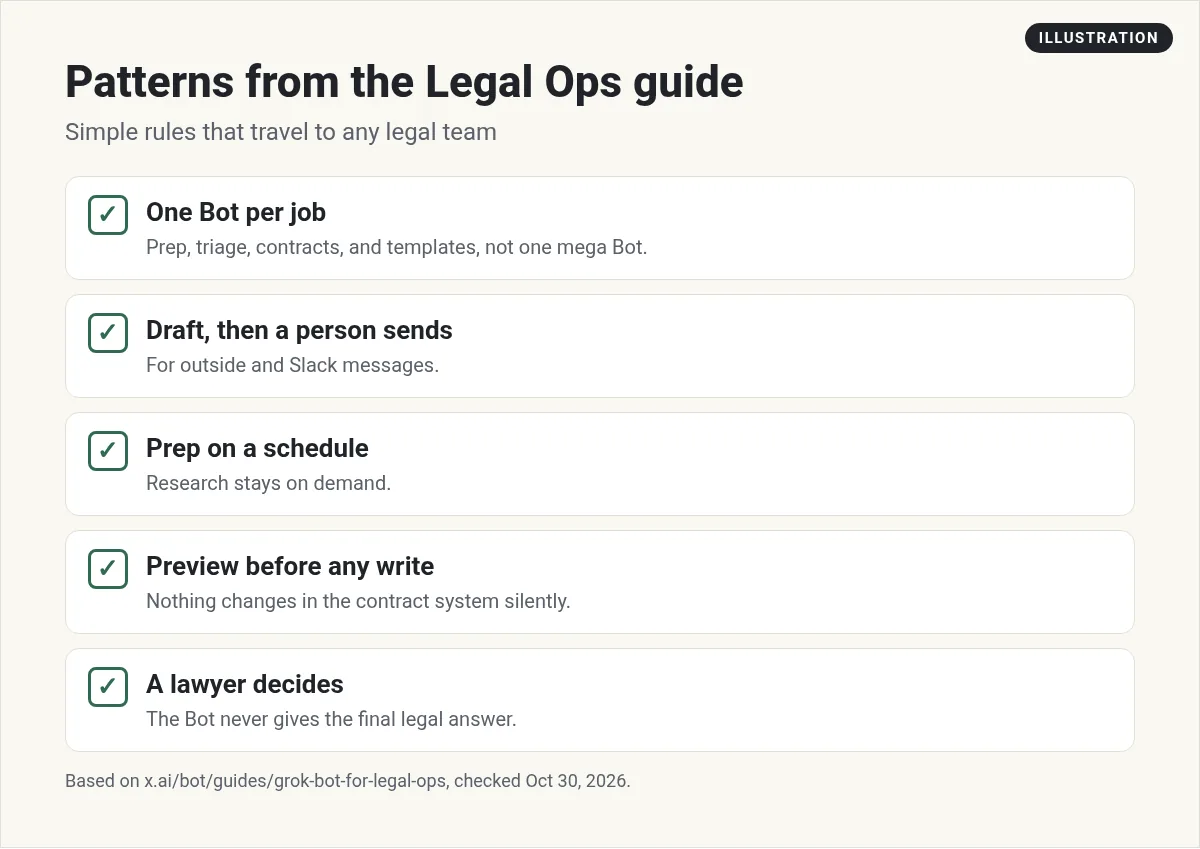
The guide ends with patterns that work for other legal teams:
- Give each Bot one job: prep, triage, contracts, or templates, not one giant Bot.
- Draft first, then a person sends, for outside and Slack messages.
- Run regular prep on a schedule, and keep research on demand.
See Grok Bot routines for how to put prep on a schedule.
The limits, in plain words
AI tools can sound sure and still be wrong. They can even make up cases or rules. So:
- Do not ask a Bot for legal advice and act on it. Ask a lawyer.
- Check every source. Ask the Bot to link the exact clause or page it used, then read it yourself.
- Keep private papers private. Only connect the folders the Bot needs.
- Never let it sign or send. Keep sending and signing behind your approval. See Grok Bot safety.
From the Kaminsky Law channel (not mine): Kaminsky Law explains the real risks of using chat AI for legal advice, like made up cases and answers that tell you what you want to hear. Not about Grok Bot, but a must watch before you use any AI near legal work.
For a small business
You may not have a legal team. You may have a lawyer you call a few times a year. A Bot can still help:
- Keep a simple list of every contract, its renewal date, and who signed it.
- Remind you 60 days before a contract renews.
- Put together a clean question list before each call with your lawyer.
- Keep your latest templates in one folder.
That alone can save money and stress. For files and folders, see Grok Bot files.
From the Grok channel (not mine): In this official Grok Bot 101 workshop, the team covers the basics, from your first Bot to running a team of Bots. Helpful before you set up Bots with one job each.
Get a team for the rest of the business
Legal prep keeps you safe. Growth needs someone working on offers, marketing, and the weekly plan.
AIM Agent is an AI Chief of Staff for business owners. It comes with an AI C-suite (COO, CMO, CFO, CRO and CTO), a Business Bot Builder and 100+ business skills, and it runs on AIM OS, a private vault that holds your notes and memory. AIM Agent is a ready-made AI business team that works inside Grok Bot, so you skip the setup and get to work.
Here is what you get:
- An AI Chief of Staff that helps you plan and run your business
- An AI C-suite: COO, CMO, CFO, CRO and CTO
- A Business Bot for each business or project. Give it a real task and it brings the work back for you to review
- 100+ business skills for content, offers, research and more
- Step by step setup guides and email support
So the business side has a team too, and you still make every legal and money call with your pros.

For more on keeping Bots safe, read Grok Bot mistakes. Want an AI team to help run your business? Meet AIM Agent, an AI Chief of Staff for business owners. I am a co-founder of AIM Agent and have a financial interest in the product.
Get a team for growth, not just paperwork
AIM Agent gives you an AI Chief of Staff, an AI C-suite, and 100+ business skills, so the growth side of your business has help too.
See AIM AgentFrequently asked questions
Can Grok Bot give legal advice?
Do not use it that way. Use it for prep, tracking, and drafts, and ask a lawyer for advice.
What does the Legal Ops guide use it for?
Meeting prep, question triage, review trackers, contract workflows, template tracking, and weekly updates.
Will it change contracts on its own?
In the guide, it shows a preview and asks for confirmation before any write.
Does it send messages for the legal team?
The guide says humans review every outbound message. It drafts and a person sends.
Can AI make up legal facts?
Yes, AI tools can be wrong. Always check the source yourself.
How can a small business use it?
Keep a contract list with renewal dates, set reminders, and prep questions for your lawyer.
Is there a faster way to get a Bot team for my business?
AIM Agent gives you an AI Chief of Staff, an AI C-suite, and 100+ business skills, so you start with a team built for business work.
Sources
Checked October 30, 2026. Plans, prices, and rules can change.
