
Overskill · Getting started
A template can save you hours, or it can cost you more than starting fresh. Here is a simple test to tell which one you are looking at.
When you open Overskill (I earn a commission if you buy through this link), you have two ways to start. You can pick a ready-made app from the template library and change it. Or you can describe your app from scratch.
Both work. The trick is knowing which one fits your idea. Pick the wrong template and you will spend credits ripping out things you do not need. This guide gives you a simple test, a five-step way to inspect any template, and a remix prompt you can copy. I checked everything on Overskill's site on October 17, 2026.
Quick answer
Use an Overskill template when it already matches your main job, your data, and who can see what. Start from scratch when you would have to remove more than you keep. Overskill's rule of thumb: judge a template by how it works, not by its screenshot. Templates are included with your account, but customizing them uses credits.
What an Overskill template really is
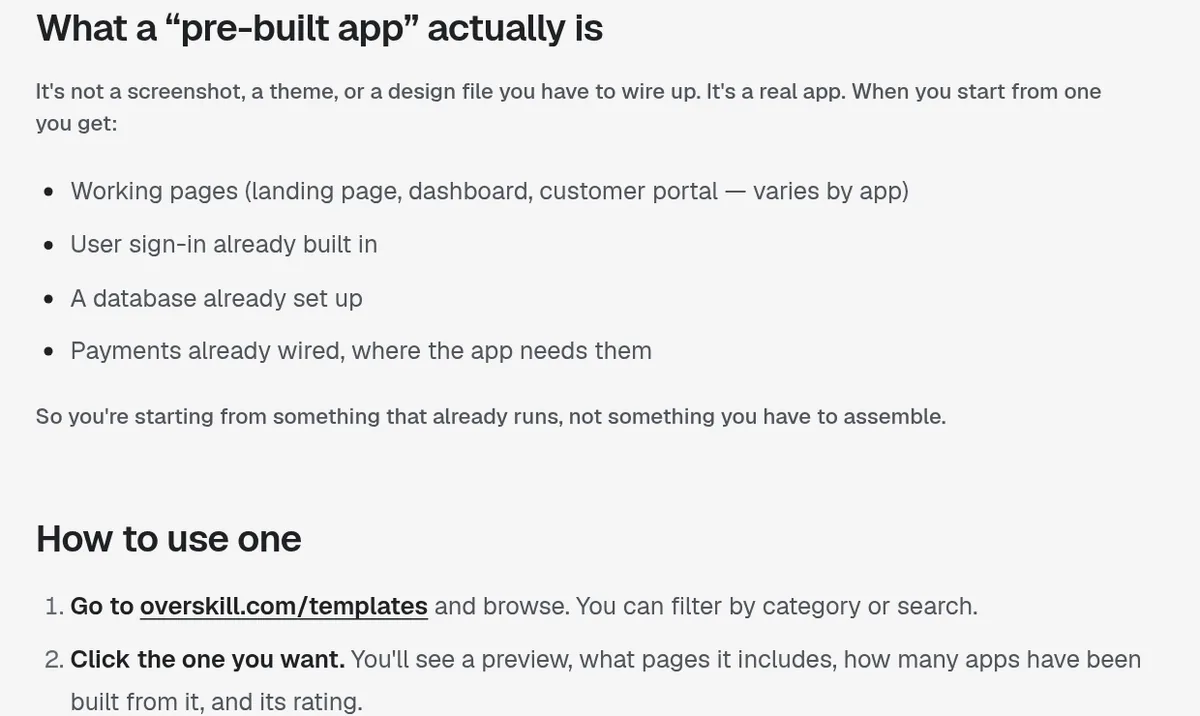
An Overskill template is not a theme or a picture of an app. Overskill's help center says it is a real, working app. When you start from one, you get working pages, user sign-in, a database already set up, and payments already wired where the app needs them.
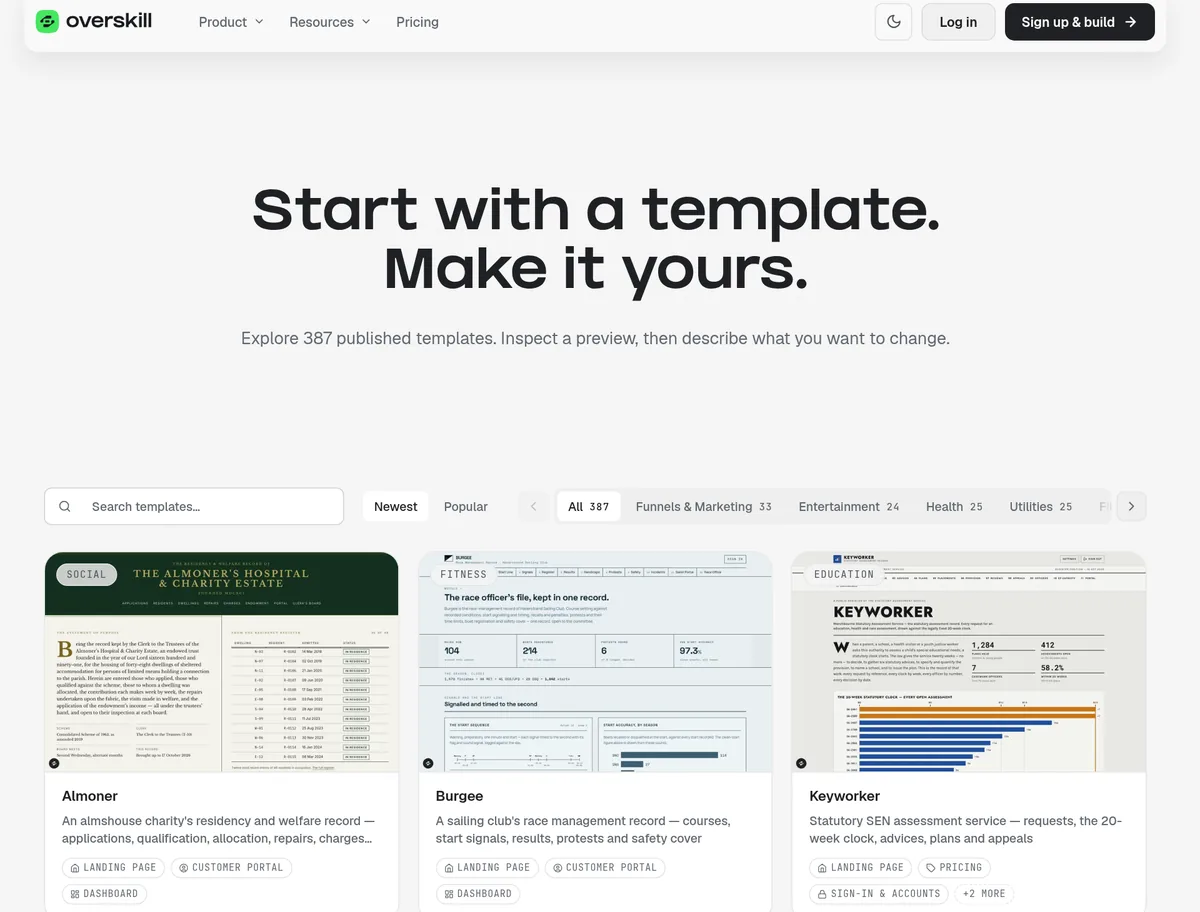
On October 17, 2026, Overskill's templates page said, "Explore 387 published templates." You can sort by Newest or Popular and filter by category, like Business, Funnels and Marketing, Health, or Education.
Here are the basics from Overskill's help article "Starting from a pre-built app template":
| Question | Overskill's answer |
|---|---|
| Do I need a special plan? | No. Templates are included with your account. |
| Does starting from one use credits? | Starting is cheap compared to building from scratch. Customizing uses credits like any AI change. |
| Can I use one template more than once? | Yes, as many times as you like. |
| Can I change anything? | Yes. Once it is yours, it is a normal Overskill app. |
From Overskill's help center, checked October 17, 2026.
The 5-point test: remix or start fresh?
Overskill's Learn guide "Remix a template or build from scratch?" gives the clearest rule I have seen. Remix when a template "already matches your core workflow and permission model." Start from a brief when "it would take more work to remove assumptions than to describe the app you need."
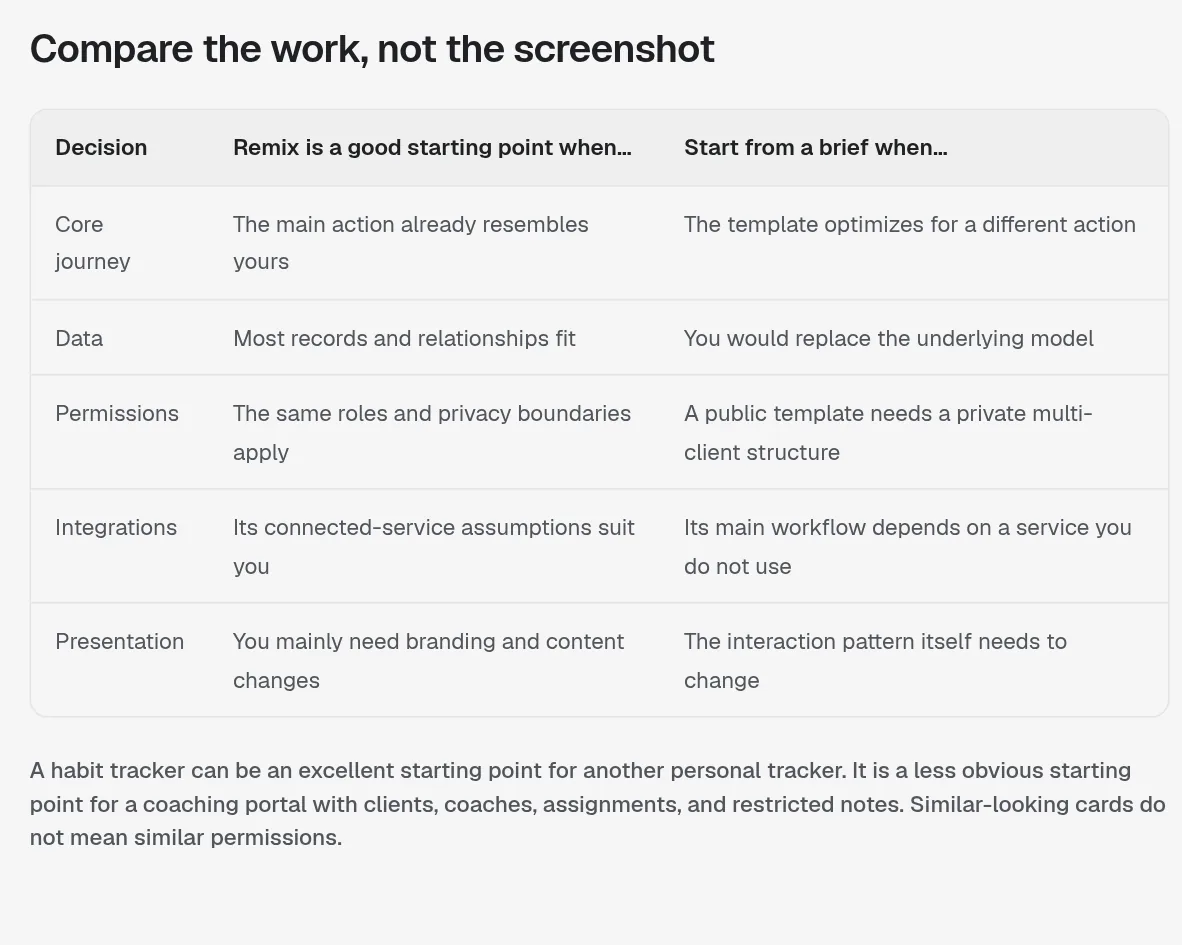
It breaks the choice into five points:
| Point | Remix when... | Start fresh when... |
|---|---|---|
| Core journey | The main action already looks like yours | The template is built for a different action |
| Data | Most records and how they connect fit | You would replace the whole data model |
| Permissions | The same roles and privacy rules apply | A public template needs a private, multi-client setup |
| Integrations | Its connected services suit you | It depends on a service you do not use |
| Look and feel | You mainly need branding and copy changes | The way it works needs to change |
Adapted from Overskill's Learn guide, updated September 8, 2026, checked October 17, 2026.
Score it
Here is a simple way I would use that table. Give the template one point for each row where "Remix when" is true.
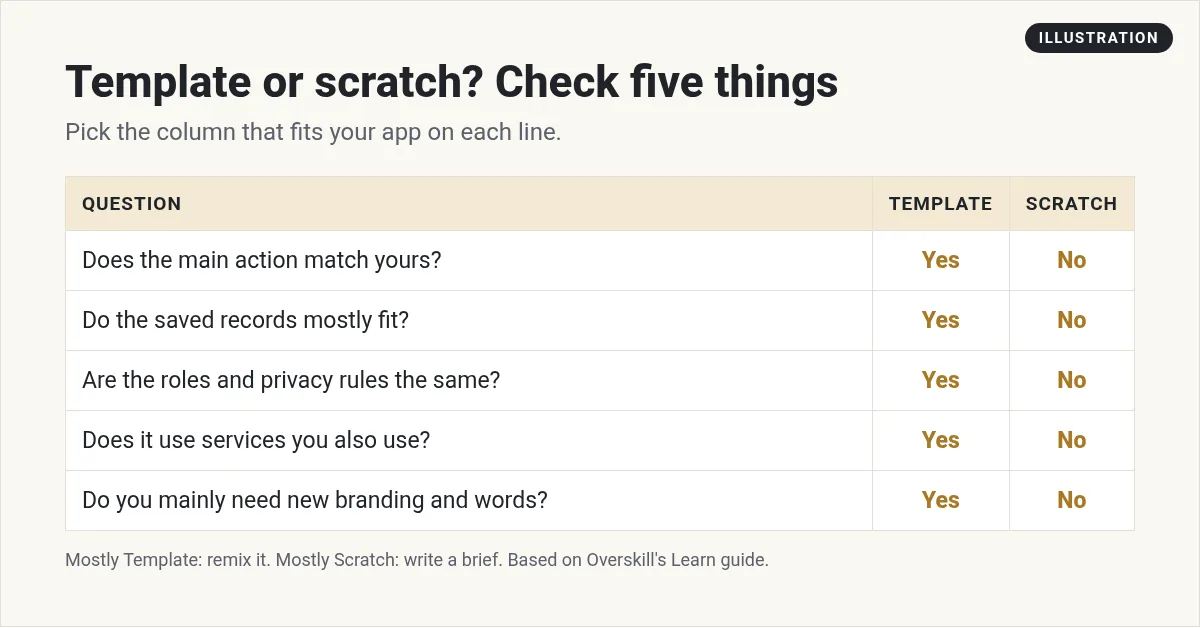
- 4 or 5 points: remix it.
- 3 points: remix only if the journey and data rows are two of your points.
- 0 to 2 points: start fresh. Borrow the look if you like it.
Why do journey and data matter most? Because those are the hardest to change later. Colors and words are easy. Rebuilding what the app stores is not.
Overskill's guide has a good example. A habit tracker is a great start for another personal tracker. It is a poor start for a coaching portal with clients, coaches, and private notes. In its words, "Similar-looking cards do not mean similar permissions."
How to inspect a template in five passes
Before you click to start from a template, Overskill's guide suggests five checks:
- Finish its main journey. Use the preview and do the main thing the app is for. If there is no live preview, mark that part as unknown.
- List the records. What data does it store, and who does each piece belong to? Compare that to your app plan.
- Check the edge cases. Look at empty lists, failed forms, long names, and the phone layout. These show how much finishing work is left.
- Spot what it depends on. Write down outside services, payment setup, and data you would need to bring. Overskill says not to assume a creator's connections or accounts move over to you.
- Read the terms and cost. Check the template's detail page and Overskill's current pricing.
Overskill also warns: follow the template's own button to start from it. Do not try to build a remix link yourself. A public app is not always open to remixing.
A remix prompt that keeps what works
Once you pick a template, your first message matters. Overskill's guide gives a prompt built on four words: Keep, Change, Add, Remove. Here is part of it, word for word:
"Keep: the working request list, mobile navigation, and status filters. Change: copy and visual identity to suit a small design studio. Add: a client workspace on each request and agency/client access roles. Remove: sample people, sample email addresses, and unrelated checkout UI."
It then asks the AI to explain the existing records and permissions before changing anything. I love that step. It makes the AI tell you what you are working with before it starts swinging a hammer.
For a simple rebrand, Overskill's help center offers a shorter prompt. In plain terms, it asks the AI to change the colors to match your brand, swap the placeholder company name for your real one, and rewrite the homepage to describe what you actually sell. It also tells the AI to ask you for your brand colors, business name, or offer instead of guessing. That last part is the key. It stops the AI from making things up.
Save credits: check the model first
Here is a tip most people miss. Overskill's help center says new apps and remixes start on your plan's default AI model. On Studio and Max plans, that default is Overskill Max, which Overskill says uses about five times as many credits per message as Overskill Lite.
Overskill's advice is to check the model on every new app and remix before your first message. You do that from the cube icon under the chat box. For simple rebranding, a lighter model is often plenty. For pricing details, see my Overskill pricing guide.
When starting fresh is the better call
Overskill's guide says to start with a new brief when your app depends on unusual rules, like a complex approval chain or a special kind of inventory. You can still borrow a look you like without taking the whole workflow.
It also makes a point I agree with. A fresh app with a clear scope is often easier to work with than a heavily changed template that still has old behavior scattered around. If you go that way, write a short brief first: who it is for, what they need to finish, what it saves, who can see what, and how you will test it.
See Overskill in action
If you have never seen the Overskill builder, this ClickFunnels live training gives a full introduction, from idea to working app.
From the ClickFunnels channel (not mine): a full introduction to Overskill from the ClickFunnels team: how the platform works and the flow from an idea to a live app. It is about 30 minutes long.
Your remix is ready when it is tested
A template is a starting point, not a finished product. Overskill's guide says your remix is ready when you have used your own sample data and accounts, completed the main journey after a refresh and on a phone, and checked that links, messages, and brand assets describe your app.
New to all this? Start with what Overskill is and my Overskill tutorial for beginners. Need ideas? See my AI app ideas.
Want to see a template remix in action? My salon booking app guide starts from the Bookslot template. And to keep costs down, read how to save Overskill credits.
Template decision checklist
Nothing you check here is sent or saved. Download it if you want to keep it.
Browse the templates yourself
Templates are included with your Overskill account. Score a few with the 5-point test and start from the best fit.
Try OverskillI earn a commission if you buy through this link.
Want an AI team to help run your business? Meet AIM Agent, an AI Chief of Staff for business owners. I am a co-founder of AIM Agent and have a financial interest in the product.
Frequently asked questions
Are Overskill templates free?
Overskill says templates are included with your account, with nothing to unlock. Starting from one is cheap, but customizing it uses credits like any AI change.
How many templates does Overskill have?
On October 17, 2026, Overskill's templates page said "Explore 387 published templates," sorted by categories like Business, Funnels and Marketing, and Health.
Should I use a template or start from scratch in Overskill?
Use a template when it matches your main journey, data, and privacy rules. Start from scratch when you would remove more than you keep.
Is an Overskill template a real app?
Yes. Overskill says a template is a working app with pages, user sign-in, a database, and payments where the app needs them.
Can I use the same Overskill template twice?
Yes. Overskill says you can start from the same template as many times as you like.
Why did my remix use so many credits?
Overskill says new apps and remixes start on your plan's default model, which is Overskill Max on Studio and Max plans. Check the model before your first message.
Sources
Checked October 17, 2026. Plans, prices, and rules can change. Links to overskill.com carry my referral code. I earn a commission if you buy through those links.
