
AI Tools · Explained
Claude in Chrome is Anthropic's browser extension. It reads the page you are on, then clicks, types, and fills forms for you. Here is what it can do, what it costs, and how to keep it in check.
Most AI chat tools can only talk. Claude in Chrome can act. It works inside your Chrome browser, on the sites you are already signed in to.
People search for it as Claude for Chrome. Anthropic calls it Claude in Chrome. I checked its official page and Claude's pricing page on October 26, 2026. Here is what it does, who can use it, and how to set it up with care.
Quick answer
Claude in Chrome is a Chrome extension from Anthropic. Its page says it "reads the page you're signed in to, then clicks, types, and fills forms while you decide what happens next." It is "Available on all paid plans," so not on Free. On October 26, 2026, Claude Pro was $17 a month billed annually ($200 up front) or $20 billed monthly, and Max started at $100 a month. You can let it auto-approve steps or grant access site by site, and it stops before purchases.
What Claude in Chrome does
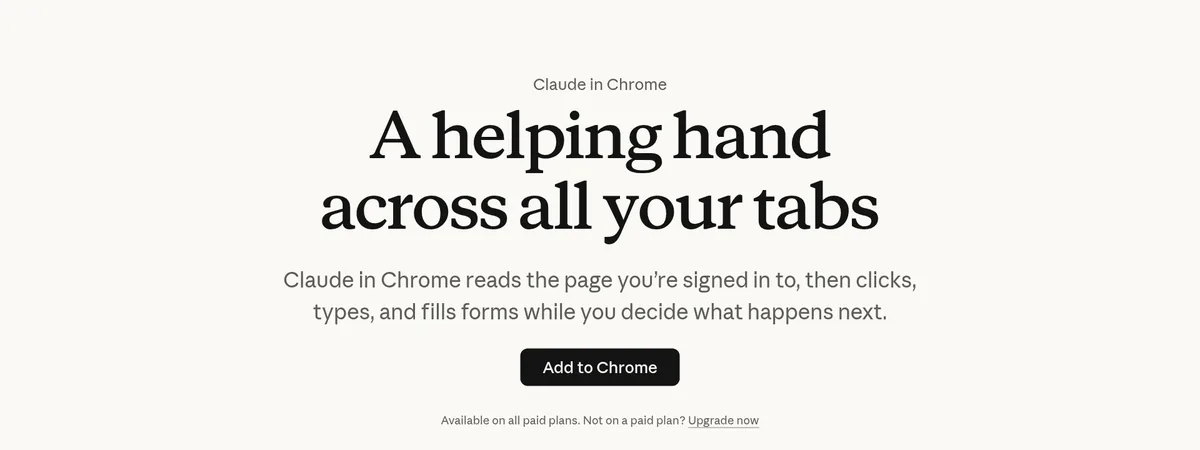
Claude in Chrome sits in a side panel next to the page you are on. You type what you want, and it works on the page for you. Anthropic's page says: "No more copying, pasting, and switching tabs."
It works with your logins. The page says: "Claude works with the logins you have, on the tab in front of you." That means it can reach tools that have no API, like "internal tools, legacy portals, admin consoles, and invoice systems."
You can also give it more than one tab. The page says to "Drag more tabs into Claude's tab group and Claude works across all of them."
What you can use it for
Anthropic's page lists these examples:
- Pull numbers from dashboards. It can "navigate your analytics dashboard, extract the numbers you need, and compile them into a summary."
- Tidy Google Drive. It can sort files into folders and flag duplicates for you to review.
- Plan your day. It can read your calendar and email threads and flag meetings to prepare for.
- Research competitors. It visits competitor sites and pulls pricing and features.
- Log sales calls. It drafts CRM activity logs. "You add notes and approve before anything gets created."
- Clean up your inbox. It lists promotional emails "for you to review before deleting in bulk."
In each example, you stay in the loop to review or approve.
Who can use it and what it costs
The page says Claude in Chrome is "Available on all paid plans." Claude's pricing compare table shows it as not included on Free, and included on Pro, Max 5x, and Max 20x.
Here are the individual prices on October 26, 2026:
- Pro: $17 a month with the annual discount ($200 billed up front), or $20 billed monthly
- Max: from $100 a month, with 5x or 20x more usage than Pro
The page adds that "Prices shown don't include applicable tax." Team and Enterprise plans also have it, with admin controls. For a full breakdown, see my guide to Claude Pro vs Max.
How to stay in control
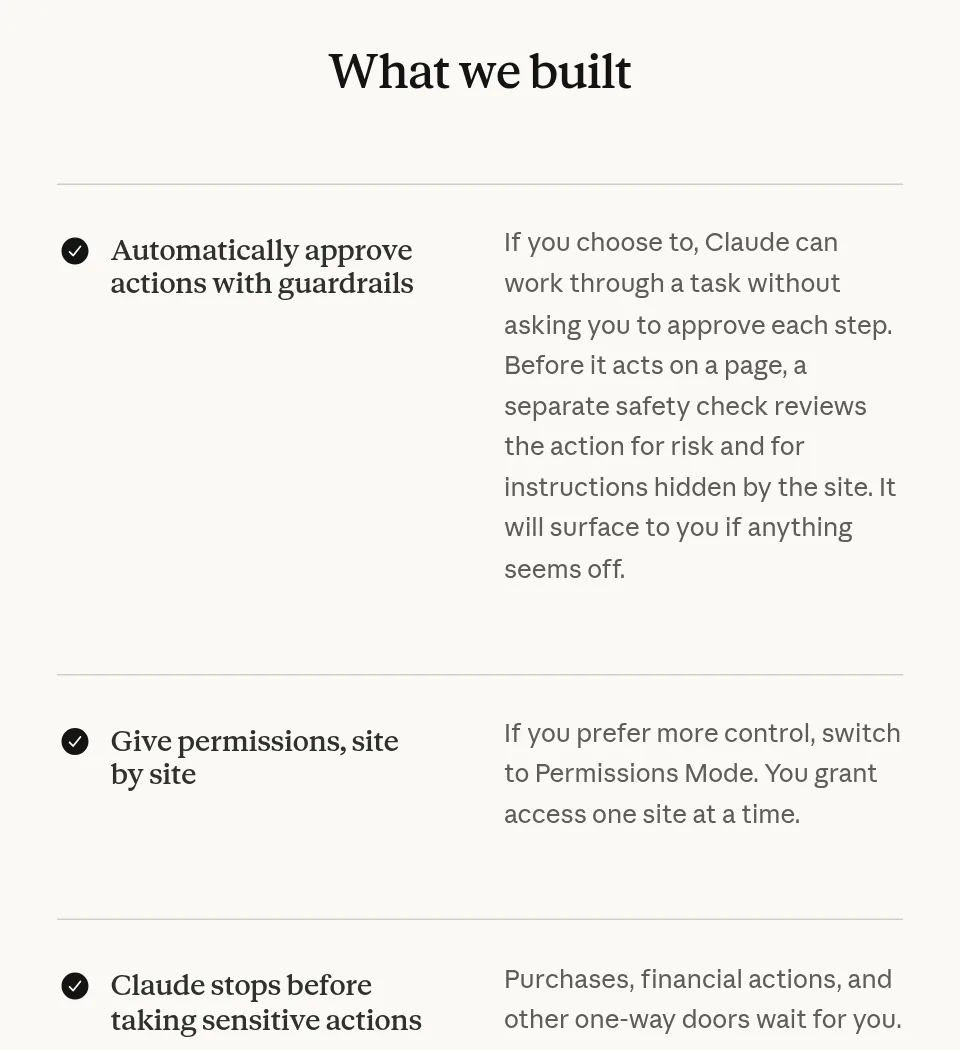
An AI that can click and type on your accounts needs limits. Claude in Chrome has a few:
Auto-approve with a safety check
If you choose, it can work through a task without asking at each step. The page says: "Before it acts on a page, a separate safety check reviews the action for risk and for instructions hidden by the site."
Permissions Mode
For more control, "switch to Permissions Mode. You grant access one site at a time."
Sensitive actions wait for you
The page says: "Purchases, financial actions, and other one-way doors wait for you."
Admin controls
"On Team and Enterprise, admins turn the extension on or off org-wide and set site allowlists and blocklists."
The risk to know about: hidden instructions
Anthropic is open about this. The page says: "Hidden instructions on a page can try to redirect Claude's actions." This is called prompt injection.
Its FAQ explains that "malicious actors might try to trick Claude into unintended actions, such as sharing your bank information or deleting important files." It adds that its protections "aren't foolproof."
Anthropic's own tips:
- "Skip banking, health records, and anything with credentials you wouldn't share."
- "Start with workflows you already know well."
- If Claude acts unexpectedly, "pause and review."
- Report anything odd through the feedback options.
The FAQ also says to avoid "financial transactions, password management, or anything involving sensitive personal data."
How to start with Claude in Chrome
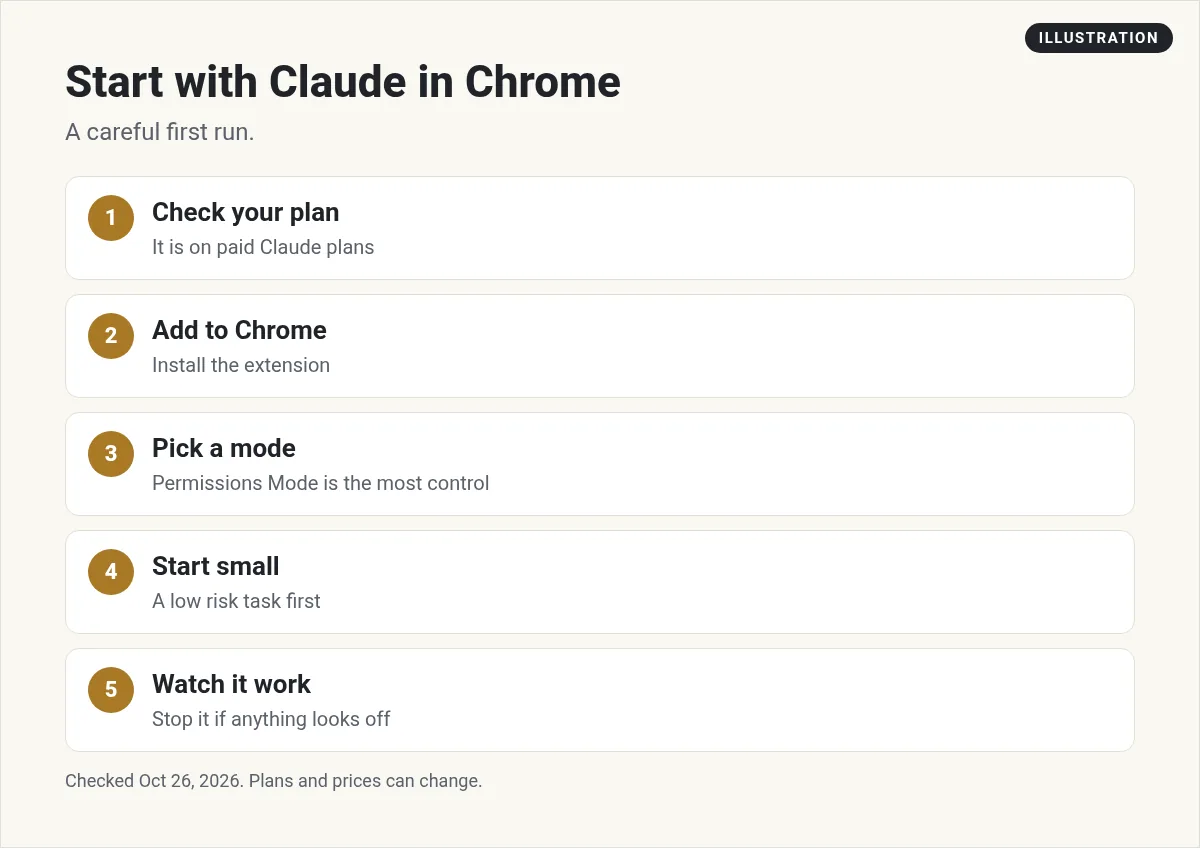
- Check your plan. You need a paid Claude plan.
- Add the extension. Install it from the Chrome Web Store, using the link on Anthropic's Claude in Chrome page.
- Pick Permissions Mode first. Grant access one site at a time while you learn how it works.
- Start with a low risk task. Try something like pulling a few numbers from a dashboard into a summary.
- Watch it work. Read each step. Stop it if anything looks off.
Once you trust a task, you can try auto-approve for that kind of work. Keep money, passwords, and private records out of it.
Three ways to use it
Anthropic's page lists three ways to reach the extension, each for a different kind of job:
- The side panel. Use it "when the work is on the page in front of you and nothing else needs to be open."
- Inside Claude Cowork. Use it when "the browser is one step in a longer job," like research that ends in a report.
- Inside Claude Code. Use it "when you're building the site you're testing." That lets Claude check a web page it just helped build. My guide on how to use Claude Code covers the setup.
Whichever way you use it, write clear requests. Say which site, what to collect or change, and where the result should go. For example: open my analytics tab, copy last week's visits and sign ups, and put them in a short summary. Clear steps mean fewer surprises and less time fixing mistakes.
Claude in Chrome and Claude Cowork
Claude in Chrome pairs with Claude Cowork, Anthropic's tool for longer jobs. The page says: "Chrome navigates and gathers information, Claude Cowork produces Excel models, comparison decks, and reports."
The side panel "now runs a full Claude Cowork session," with your skills, plugins, and connectors. Sessions "live with your account, not the machine," so you can start in Chrome and pick up on desktop or mobile.
The FAQ adds that Claude Cowork "now includes its own built-in browser," separate from your own browsing. If you already use Claude in Chrome, that stays your default.
One naming note: on October 26, 2026, Claude's pricing page had a banner that said "Claude Cowork is now just Claude." The Chrome page still used the Cowork name, so you may see both.
Here is my full walkthrough of Cowork for beginners.
My video: My beginner walkthrough of Claude Cowork, which pairs with Claude in Chrome. Recorded in March 2026, so plans, names, and screens have changed since. Use this post for current details.
Any results mentioned in videos are not typical and are not a promise of income. Your results depend on your work and your market.
Is Claude in Chrome worth it?
If you already pay for Claude, it is included, so it is worth trying on simple, repeat tasks. Think reports, research, and tidying up.
If you are on Free, it is a reason to look at Pro, but only if you have browser tasks that eat your time each week. Want the bigger picture of AI that takes actions? See my guide to agentic AI.
Before you let Claude act in Chrome
Nothing you check here is sent or saved. Download it if you want to keep it.
Meet AIM Agent
AIM Agent is an AI Chief of Staff for business owners. You give it a real task, and it brings the work back for you to review. You stay the one who approves.
Meet AIM AgentI am a co-founder of AIM Agent and have a financial interest in the product.
Frequently asked questions
What is Claude for Chrome?
Claude in Chrome is Anthropic's Chrome extension. It reads the page you are signed in to, then clicks, types, and fills forms while you decide what happens next.
Is Claude in Chrome free?
No. Anthropic's page says it is available on all paid plans. Claude's pricing table shows it as not included on Free.
How much does Claude in Chrome cost?
It comes with paid Claude plans. On October 26, 2026, Pro was $17 a month billed annually ($200 up front) or $20 billed monthly, and Max started at $100 a month.
Does Claude in Chrome ask before it acts?
You choose. Permissions Mode lets you grant access one site at a time. Auto-approve lets it work without asking each step, with a separate safety check. Purchases and financial actions wait for you.
What should I not use Claude in Chrome for?
Anthropic says to skip banking, health records, and anything with credentials you would not share, and to avoid financial transactions and password management.
What is prompt injection in Claude in Chrome?
It is when hidden instructions on a web page try to redirect Claude's actions. Anthropic says its protections are not foolproof, so pause and review if Claude acts unexpectedly.
Sources
Checked October 26, 2026. Plans, prices, and rules can change.
