
Grok Bot · Construction
Contractors are drowning in bid emails, spec books, quotes, and daily reports. Here are five Grok Bots that take the paperwork off your plate, and where a person must stay in charge.
Grok Bot for construction works best on the paperwork around a job: bid invites, spec and contract notes, supplier quotes, daily reports, and follow ups. It is not a replacement for your estimator, and it should never sign, buy, or send to a client without your OK.
I read the Grok Bot docs on November 2, 2026 and watched two construction pros test it. Here are five Bots a contractor can start with this week.
TL;DR
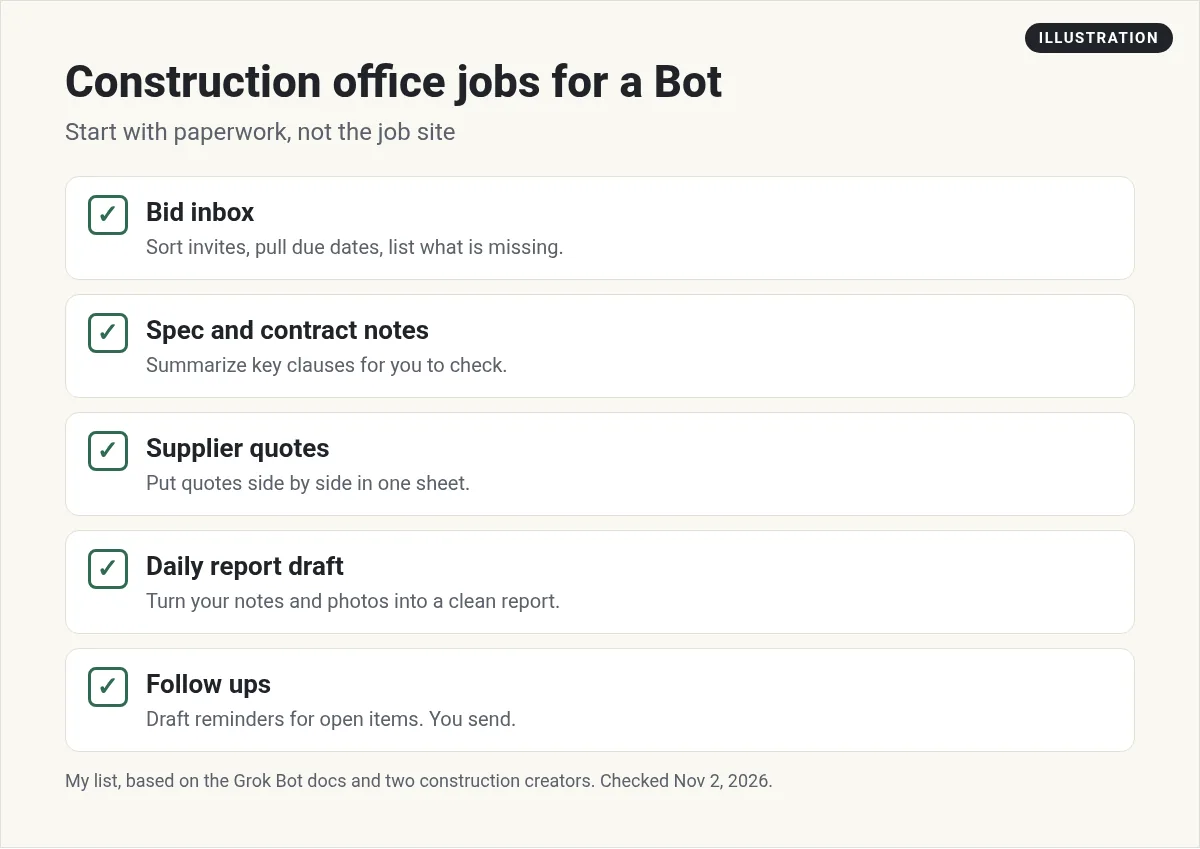
Start with five Bots: a Bid Inbox Bot that sorts invites and due dates, a Spec Notes Bot that pulls key terms from spec books and contracts, a Quote Bot that lines up supplier quotes side by side, a Daily Report Bot that turns your notes and photos into a clean draft, and a Follow Up Bot that drafts reminders for RFIs and change orders. Give each one job, attach real documents, and have every Bot stop at a review step. Grok Bot reads PDFs, Word, Excel, images, and email files.
Why Grok Bot fits construction paperwork
A Grok Bot works on its own cloud computer. It can read your email, open files, search the web, and keep notes between chats. The Grok Bot docs list what it can read: PDFs, Word, Excel, and PowerPoint files, images, CSV files, and email files. That covers most of a job's paper trail.
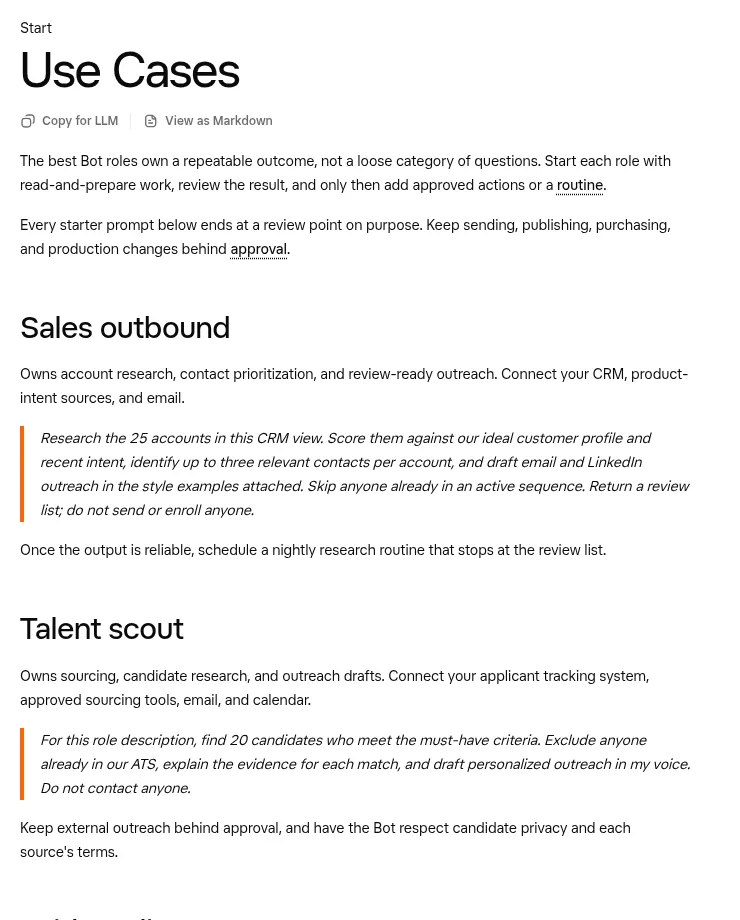
The docs also give one rule that matters a lot in construction. The best Bot roles own a repeatable outcome, and every starter prompt ends at a review point. Sending, publishing, and buying stay behind approval.
New to Bots? Start with my Grok Bot setup guide, then come back.
Five Bots for contractors
1. Bid Inbox Bot
Bid invites pile up fast. Connect your email, then ask:
Check my inbox for bid invites from the last 7 days. List each project, the general contractor, the bid due date, the walk date, and where the plans are. Flag anything due this week. Do not reply to anyone.
Once the list looks right, make it a routine that runs every morning. See my Grok Bot routines guide.
2. Spec Notes Bot
Spec books and contracts are long. Attach them and ask the Bot to pull what you care about: scope for your trade, submittal needs, retainage, insurance terms, liquidated damages, and payment terms. Ask it to quote the page or section for each item, so you can check it.
Read the attached spec section and subcontract. List every item that affects our scope, with the page and section number. Mark anything unusual. This is for my review, not a final answer.
3. Quote Bot
Ask suppliers for quotes, then attach them all. The Bot puts them in one spreadsheet: item, quantity, unit, lead time, what is included, and what is left out. That last column catches the most mistakes. You still pick the supplier and place the order.
4. Daily Report Bot
Send voice notes or photos from the site with the phone app. Ask the Bot to write the daily report in your company's format: crew count, work done, deliveries, delays, weather, and safety notes. It drafts. The super checks it and sends it.
5. Follow Up Bot
RFIs, submittals, and change orders stall when nobody follows up. Give a Bot your open log and ask it to draft polite reminders for anything past due. Have it show you the drafts first. My Grok Bot safety guide shows how to keep sends behind approval.
What construction pros found
Josh Turner tested Grok Bot for a few weeks beside another AI tool. He liked that you give it a goal and it works out the steps. He also set up a chief of staff Bot that hands work to helper Bots for estimating, procurement, project controls, and drawings, on a demo project.
From the Josh Turner | Construction AI channel (not mine): Josh runs a paid community for contractors and links to it in his description. His honest downside: it can feel like a black box, because you cannot always see what it looked at. That is why the review step matters.
Tim Fairley spent 10 years in estimating and contract management. He walks through how he thinks Grok Bot fits a construction business.
From the Tim Fairley channel (not mine): Tim also runs a paid community and links to software he uses. Watch it for the trade view, not as proof of results.
Where a person must stay in charge
- Takeoffs and pricing. Use the Bot to organize and check, not to set your number. A wrong quantity is your loss, not the Bot's.
- Drawings. A Bot can read images and PDFs, but reading a full plan set is hard. Check every count it gives you.
- Contracts. The Bot points out terms. Your lawyer or owner decides.
- Anything sent outside. Bids, emails to GCs, and orders to suppliers need your OK every time.
- Safety. A Bot can format a safety note. It cannot see the site. Your people do that.
Share Bots with your crew
Your office manager, estimator, and super do not each need to build their own Bots. Grok Bot lets you share a Bot with your team, and people and Bots can sit in the same group chat. That way the Bid Inbox Bot posts its morning list where everyone sees it, and the estimator can ask it a follow up right there. If your team uses Slack, a shared Bot can live in a channel. See my Grok Bot Slack guide.
Keep one person as the owner of each Bot. That person fixes its instructions when it gets something wrong, so the Bot keeps getting better instead of drifting.
Tips for job files
- Say what each file is. The docs suggest telling the Bot what each attachment is and how to use it. For example: the PDF is the spec section, the spreadsheet is our quote log.
- Use clear file names. Project name, document type, and date.
- Export odd formats. If a file will not open, save it as a PDF or CSV and try again.
How to start this week
- Pick the one job that eats the most office time. For most contractors, that is the bid inbox.
- Make one Bot for it, with a clear name like Bid Inbox. See my Grok Bot names guide.
- Run it by hand for a week. Fix its instructions when it gets something wrong.
- Only then turn it into a routine.
- Add the next Bot when the first one is steady.
Get the office team without building it
Five Bots is a good start. Building them, writing their instructions, and getting them to work together is a project of its own.
AIM Agent is an AI Chief of Staff for business owners. It comes with an AI C-suite (COO, CMO, CFO, CRO and CTO), a Business Bot Builder and 100+ business skills, and it runs on AIM OS, a private vault that holds your notes and memory. AIM Agent is a ready-made AI business team that works inside Grok Bot, so you skip the setup and get to work.
Here is what you get:
- An AI Chief of Staff that helps you plan and run your business
- An AI C-suite: COO, CMO, CFO, CRO and CTO
- A Business Bot for each business or project. Give it a real task and it brings the work back for you to review
- 100+ business skills for content, offers, research and more
- Step by step setup guides and email support
So you spend your time on the job site, not on setting up Bots.

Want an AI team to help run your business? Meet AIM Agent, an AI Chief of Staff for business owners. I am a co-founder of AIM Agent and have a financial interest in the product.
Get your paperwork team ready made
AIM Agent gives you an AI Chief of Staff, an AI C-suite, and 100+ business skills, so your office work has a team from day one.
See AIM AgentFrequently asked questions
Can Grok Bot do construction estimating?
It can organize and check estimating work, like comparing quotes and pulling scope from specs. Your estimator should set the numbers.
Can Grok Bot read plans and drawings?
It can read PDFs and images, but full plan sets are hard. Check every count and measurement it gives you.
Can Grok Bot write daily reports?
Yes. Send notes or photos and ask for a draft in your format. A person should check and send it.
Will Grok Bot send bids for me?
Only if you allow it. Keep every outside send behind your approval.
What file types does it read?
PDFs, Word, Excel, PowerPoint, images, CSV, and email files, among others.
Where should a contractor start?
With one Bot for the bid inbox, run by hand for a week.
Is there a faster way to get a Bot team for my business?
AIM Agent gives you an AI Chief of Staff, an AI C-suite, and 100+ business skills, so you start with a team built for business work.
Sources
Checked November 2, 2026. Plans, prices, and rules can change.
