
Grok Bot · GitHub
GitHub is where code lives. Here is how to connect it to your Bots, what they can do there, and how to keep every change under your control.
Grok Bot GitHub is a simple idea. You connect your GitHub account, and your Bots can read your repos, follow pull requests, and start work when something happens in GitHub. You do not have to be a full time developer to use it.
I read the Grok Bot docs, the Grok Bot changelog, and xAI's engineering guide on November 4, 2026. Here is what the GitHub connection does today, plus my own setup advice, which I label as mine.
TL;DR
Connect GitHub with the Connect GitHub button and grant access to the repos you choose. Your Bots can then list repos, compare commits, read pull request commits and comments, work with issues, labels, and releases, create branches, and submit a pull request review. Routines can start from GitHub events, and one routine can watch a single pull request until it merges or closes.
How to connect GitHub
The changelog shows the setup got simpler over time. Here is how it works now:
- When GitHub is not connected, the Bot offers a single Connect GitHub action.
- When a Bot needs a repo, a card lets you connect GitHub, GitLab, Bitbucket, or Azure DevOps. The Bot keeps going once you grant access.
- If GitHub cannot see a repo, the Bot stops retrying. It gives you a link to the GitHub page where you grant access.
- If a Bot hands you its computer to sign in to GitHub, it offers the connector instead. Connecting ends the handoff.
The built in GitHub plugin also shows up in the Marketplace with a Connect button. Its page lists its tools, so you can turn each one off. That is handy if you want a Bot to read code but never touch it.
One note for teams: the docs say that if your admin turns on a network allowlist, GitHub needs the host api.github.com allowed.
What your Bots can do in GitHub
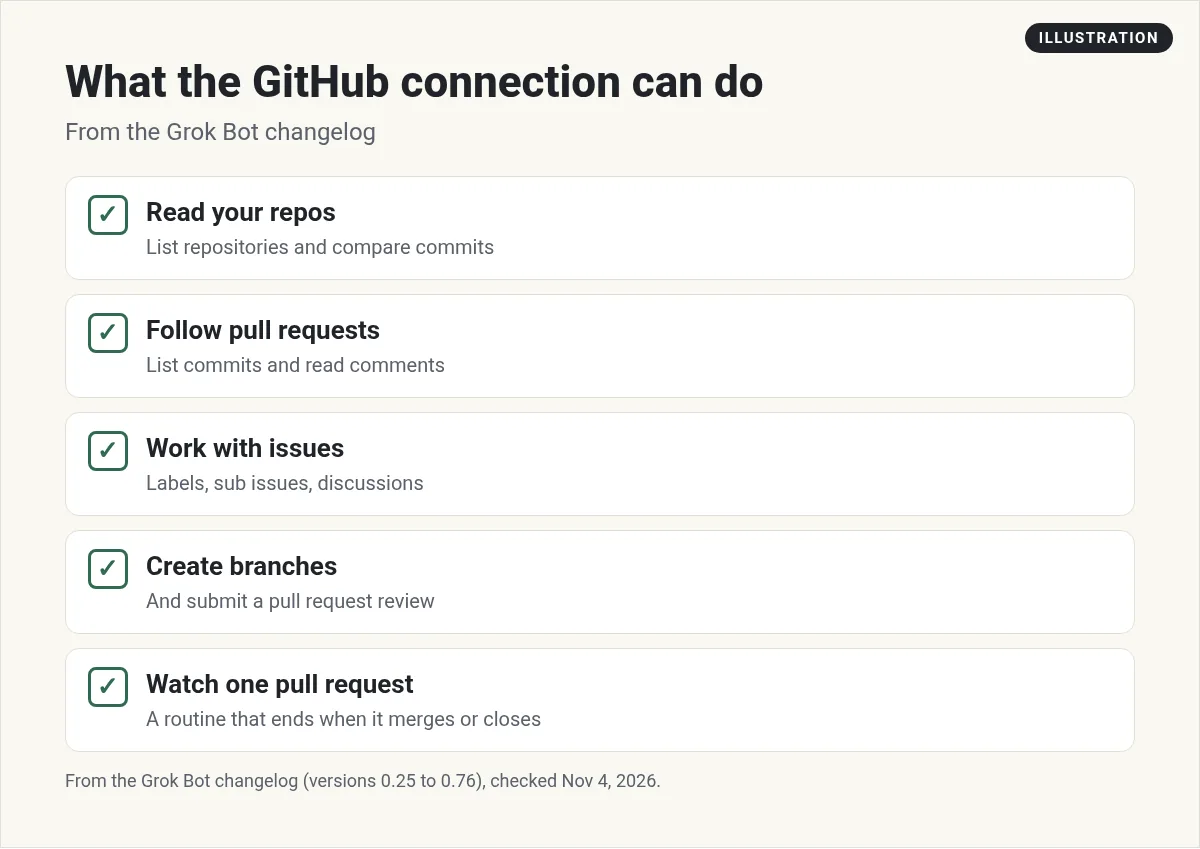
Based on the changelog, the GitHub connection lets a Bot:
- List your repositories and compare commits.
- List a pull request's commits and read branch and issue comments.
- Work with releases, tags, labels, sub issues, discussions, and collaborators.
- Create branches.
- Submit one pull request review that covers several files.
Link cards in chat also show real titles for GitHub issues and pull requests, using your connected account. Small thing, but it makes long chats easier to read.
Routines that start from GitHub
A routine is a job a Bot runs on a schedule or when something happens. The docs list GitHub events as one way to start a routine. Only new activity counts. Events from before the trigger existed do not start a run.
The changelog adds two useful details:
- A GitHub routine can watch a single pull request, including when it closes. It removes itself once the pull request merges or closes.
- A routine that watches one pull request runs only for events on that pull request.
Here is the kind of request I would give a Bot:
Watch this pull request. Each time new commits land, read the changes and post a short summary here. Flag anything that touches billing or login. Do not comment on GitHub.
My Grok Bot routines post explains schedules and triggers.
Bots that manage coding agents
xAI's Grok Bot for Engineering guide, from September 10, 2026, shows a bigger setup. The author runs five engineer Bots, each owning one area. Every Bot can create Cursor cloud agents, read their transcripts, and review proof attached to pull requests.
The key, the guide says, is a complete feedback loop. Cloud agents take screenshots, and the Bot checks that the visual change really happened. If it does not match the request, the Bot pushes back.
The guide also says Grok Bot can start cloud agents on your own worker machines, like a spare Mac mini. That helps when a job needs a VPN or a special setup.
You do not need five Bots to start. But the idea of asking for proof is worth copying. My Grok Bot for coding post goes deeper.
Common GitHub snags and fixes
A few problems come up a lot. The changelog shows how Grok Bot handles each one now:
- The Bot says it cannot reach a repo. It suggests repos it can reach, or asks you to reconnect. Grant access on the GitHub page it links to.
- The connection got blocked. GitHub tools stay available and work again once you reconnect. You do not need to start a new chat.
- You want to disconnect. Disconnect on the built in GitHub plugin works even when your Bot computer is unavailable.
- Pull request links open in the wrong place. They open where you or your team chose, or on GitHub if no one has chosen.
If none of that helps, my Grok Bot not working post has more fixes. When you ask for help, copy the exact error text. It saves a lot of back and forth.
A safe setup order (my advice)
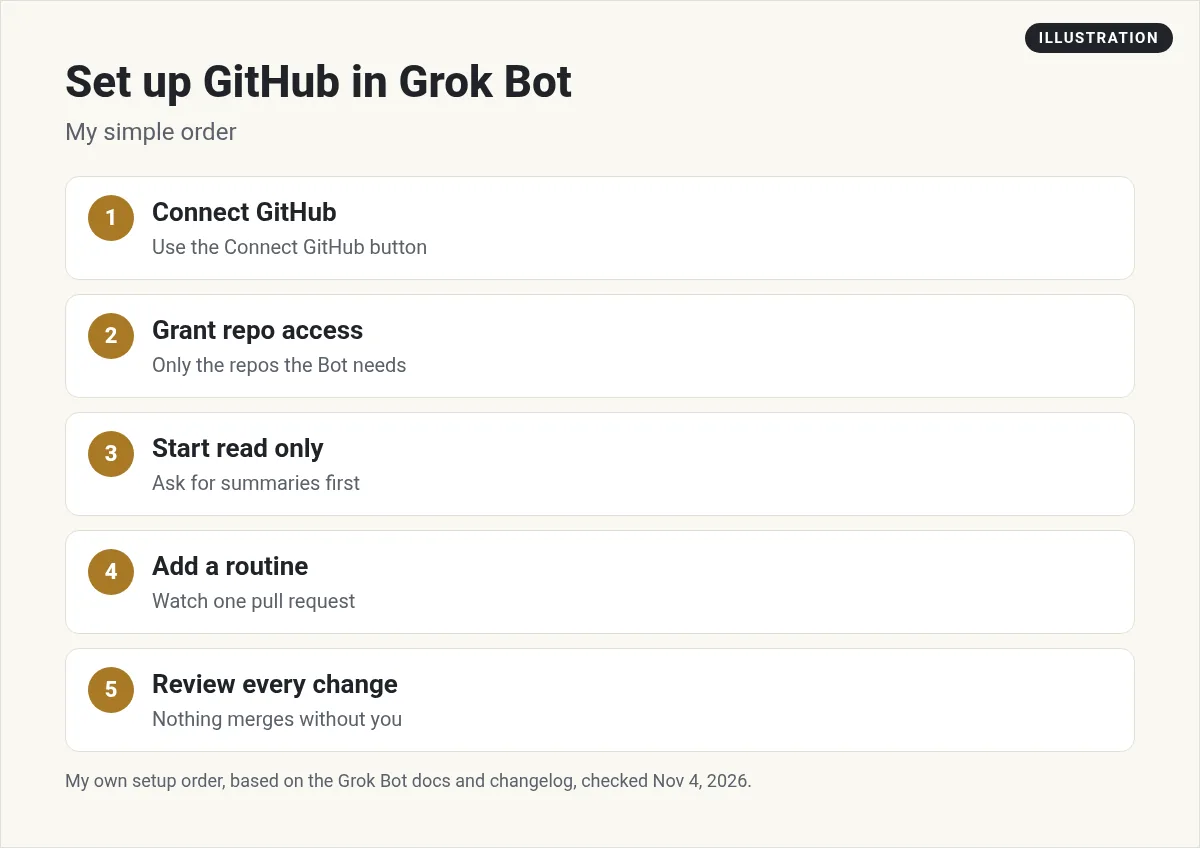
This part is my own advice, not from the docs.
- Connect GitHub with the Connect GitHub button.
- Grant only the repos the Bot needs. Not your whole account.
- Start read only. Ask for summaries of open pull requests and issues for a week.
- Add one routine that watches a single pull request.
- Review every change. Never let a Bot merge without a person looking.
If you do not want a Bot to write to GitHub through the plugin, turn off each write tool on the plugin page, one by one. You can turn them back on later.
Two videos worth watching
Kacper tries Grok Bot with Cursor cloud agents, from one message to a live website, with nothing going live until he approves.
From the Kacper Rutkiewicz | AI Made Simple channel (not mine): Watch the approve before deploy step. That is the habit to copy. His description links to his own community.
Matt Palmer walks through getting started, including permissions with allow and deny rules.
From the Matt Palmer channel (not mine): The permissions part is the most useful for GitHub. It shows how to limit what a Bot can do.
Need more than a code Bot?
GitHub covers your code. Your business also needs marketing, sales, support, and a Chief of Staff to run it all.
AIM Agent is an AI Chief of Staff for business owners. It comes with an AI C-suite (COO, CMO, CFO, CRO and CTO), a Business Bot Builder and 100+ business skills, and it runs on AIM OS, a private vault that holds your notes and memory. AIM Agent is a ready-made AI business team that works inside Grok Bot, so you skip the setup and get to work.
Here is what you get:
- An AI Chief of Staff that helps you plan and run your business
- An AI C-suite: COO, CMO, CFO, CRO and CTO
- A Business Bot for each business or project. Give it a real task and it brings the work back for you to review
- 100+ business skills for content, offers, research and more
- Step by step setup guides and email support
So you skip the setup and get to work.

Want an AI team to help run your business? Meet AIM Agent, an AI Chief of Staff for business owners. I am a co-founder of AIM Agent and have a financial interest in the product.
Get a ready made team inside Grok Bot
AIM Agent gives you an AI Chief of Staff, an AI C-suite, and 100+ business skills, so you skip the setup and get to work.
See AIM AgentFrequently asked questions
Does Grok Bot work with GitHub?
Yes. You connect GitHub with the Connect GitHub button and grant access to the repos you choose.
Can Grok Bot review pull requests?
Yes. The changelog says Bots can read pull request commits and comments and submit one review covering several files.
Can a routine start from a GitHub event?
Yes. The docs list GitHub events as routine triggers. Only new activity counts.
Can a Bot watch just one pull request?
Yes. A routine can watch a single pull request and removes itself when it merges or closes.
What if the Bot cannot see my repo?
The Bot stops retrying and gives you a link to the GitHub page where you grant access.
Does it work with GitLab or Bitbucket?
The changelog says the repo access card can connect GitHub, GitLab, Bitbucket, or Azure DevOps.
Is there a faster way to get a working team?
AIM Agent gives you an AI Chief of Staff, an AI C-suite, and 100+ business skills inside Grok Bot.
Sources
Checked November 4, 2026. Plans, prices, and rules can change.
