
Grok Bot · Accounting
A Bot can chase receipts, sort expenses, and prep your books so your month end takes minutes, not a weekend. Here is how to set it up so it helps without ever moving money on its own.
Grok Bot for accounting is about the prep work: collecting receipts, sorting expenses, matching them to your bank, and drafting reports. You and your accountant still make the calls.
I read the Grok Bot docs, the use cases page, and the changelog on October 30, 2026, and watched two bookkeeping demos. Here is a setup I would trust for a small business, plus the honest limits.
TL;DR
Give your Bot a receipts email alias, like your Bot address with +receipts, and have every vendor send receipts there. Connect QuickBooks Online, or add the Xero plugin, so it can read your books. Have it sort receipts, suggest categories, flag missing ones, and build a weekly expense summary. Keep it on drafts: it suggests entries and you approve them. Never let it pay bills alone, and have your accountant review anything that touches taxes.
What a Bot can do for your books
The official use cases page has a job called Expense Manager. It builds a weekly summary from your expense tool and sheets, logs new receipts from email, and nudges people about missing categories before review.
That is a good picture of where a Bot helps: the boring prep that eats your Friday afternoon. It is not a replacement for an accountant. Think of it as a very fast assistant who never gets tired of receipts.
Step 1: one email alias for receipts
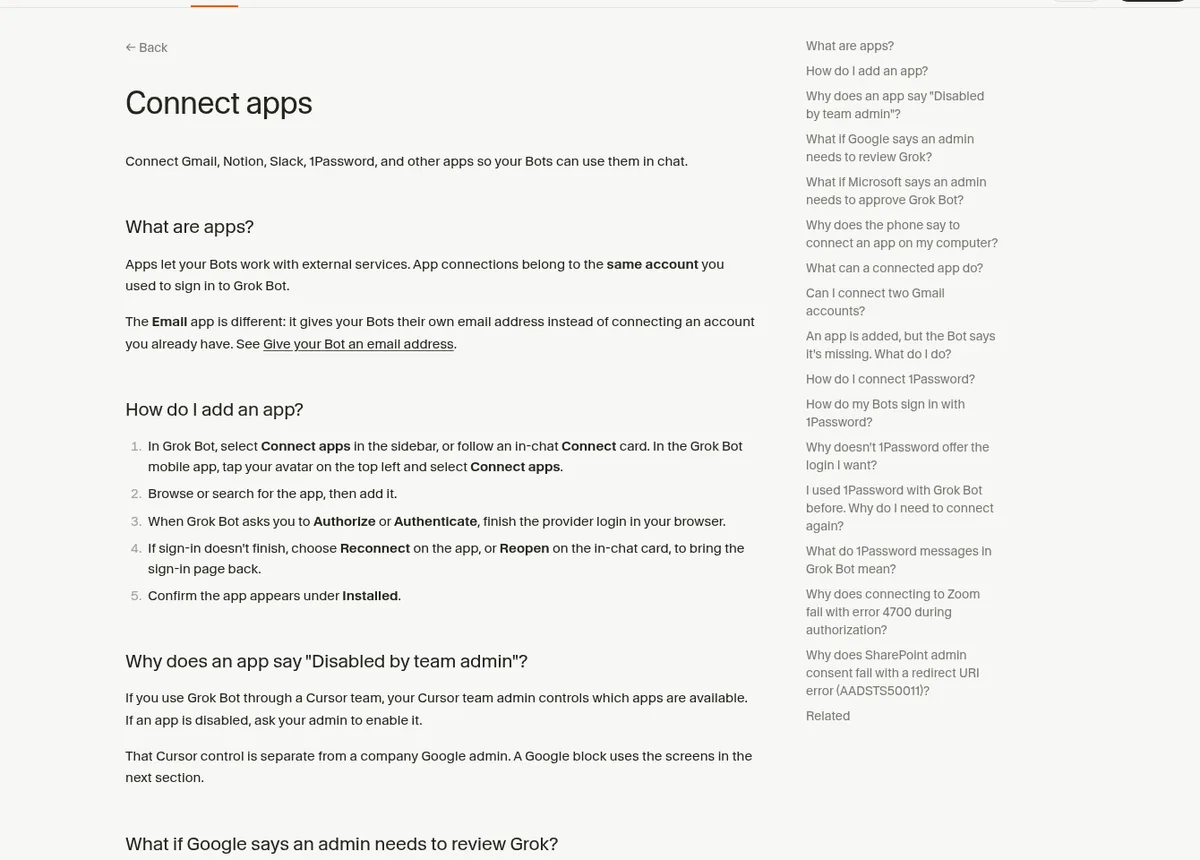
Your Bot can have its own email address. The docs say that address takes plus aliases. Mail sent to your name plus receipts lands in the same inbox. A routine that watches the alias only runs for mail sent to it.
So give every vendor your receipts alias. Then set a routine: when a receipt arrives, save it, read the vendor, date, and amount, and add a row to your expense sheet.
One warning from the docs: an alias is a label, not a lock. Anyone can write to it. So add a sender filter if the routine should act only for certain senders. My guide to Grok Bot email shows how to claim an address.
Step 2: connect your accounting app
- QuickBooks Online. The October 11, 2026 changelog says QuickBooks Online is available to connect.
- Xero. The same changelog mentions a local Xero plugin that gets the settings you entered.
- Other tools. If your app has no connector, the Bot can sign in on its computer while you take over for the login. See Grok Bot connectors.
Start with read access if your app lets you choose. Let the Bot look before it touches anything.
From the AI Tips And Tricks channel (not mine): AI Tips And Tricks shows Grok Bot importing checks into QuickBooks as a quick test. He is honest that for real volume, a fixed pipeline with the QuickBooks API is more reliable. A fair look at where a Bot fits.
Step 3: set the rules first
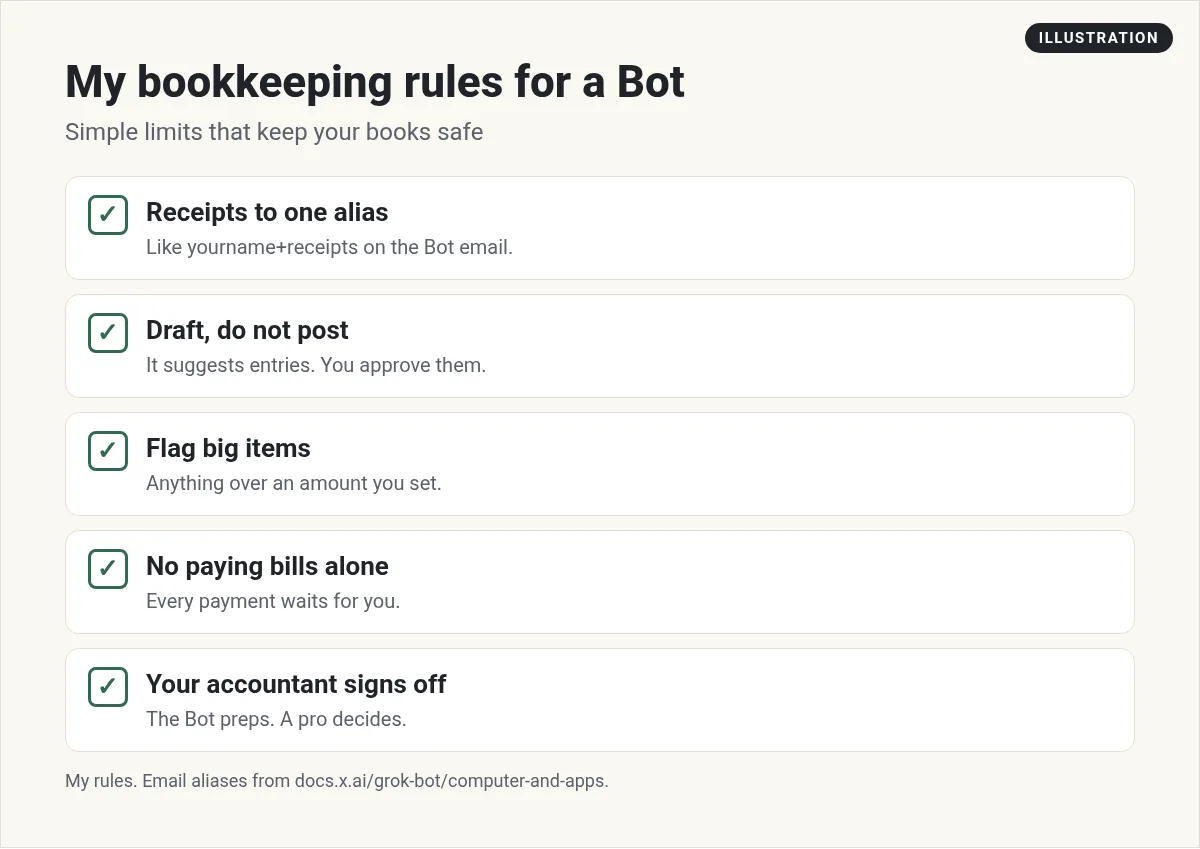
The approvals docs list purchases and financial transfers as actions where you should set clear limits. So I spell it out in the Bot's instructions:
You prepare my books. You may read transactions and receipts and suggest categories. You never pay a bill, move money, or change a filed period. Flag anything over 500 for me.
Then add a Custom Rule set to Ask first for any payment. If you also save a card in the Vault, remember that a saved card fills in at checkout without asking each time. More on that in my Grok Bot Vault guide.
Step 4: a weekly money check
Here is a simple weekly routine for a small business:
- Match new bank transactions to receipts.
- List any transaction with no receipt.
- Suggest a category for each new expense.
- Flag anything odd, like a double charge or a new subscription.
- Send a one page summary with totals by category.
You read it in five minutes and fix what needs fixing. Ask for the summary as a page with a table. See Grok Bot pages.
Find subscriptions you forgot
The October 27, 2026 changelog added a Find unused subscriptions template. Bots can look up a subscription's price and renewal date, and they confirm with you before changing anything. This is a quick win for most businesses. We all pay for something we stopped using.
Bookkeeping tools built for Bots
Some companies now make connectors just for this. In the video below, FinStat shows its own connector closing a month of books for a small rental company inside Grok Bot. It is a vendor demo, so treat it as one option, not the only way.
From the FinStat channel (not mine): This is a vendor demo from FinStat, showing its own bookkeeping connector. It walks through a full month close for one small company inside Grok Bot, with every prompt typed on screen.
A simple month end checklist
At the end of each month, ask your Bot to run this list and send you a page with the results:
- Every bank and card transaction has a receipt or a note.
- Every expense has a category.
- Totals by category, compared with last month.
- Any bill that is due in the next two weeks.
- Any customer invoice that is past due.
Then you or your bookkeeper make the final calls. A clean list like this can turn a long month end into a short review. It also makes your accountant happy at tax time, because the receipts are already sorted.
What I would not hand to a Bot
- Taxes. A Bot can gather documents. A tax pro should file.
- Payroll changes. Too much can go wrong.
- Closing a period. Have a person sign off.
- Paying bills. Every payment waits for you.
Also ask for proof. The docs suggest asking the Bot to split its answer into facts, guesses, actions done, and actions waiting for you. For money, that habit is gold. See Grok Bot files.
Get a team that reads the numbers with you
Clean books tell you where the money went. A business also needs someone to ask what to do next: which offer to push, which cost to cut, and what to watch.
AIM Agent is an AI Chief of Staff for business owners. It comes with an AI C-suite (COO, CMO, CFO, CRO and CTO), a Business Bot Builder and 100+ business skills, and it runs on AIM OS, a private vault that holds your notes and memory. AIM Agent is a ready-made AI business team that works inside Grok Bot, so you skip the setup and get to work.
Here is what you get:
- An AI Chief of Staff that helps you plan and run your business
- An AI C-suite: COO, CMO, CFO, CRO and CTO
- A Business Bot for each business or project. Give it a real task and it brings the work back for you to review
- 100+ business skills for content, offers, research and more
- Step by step setup guides and email support
So your bookkeeping Bot is part of a team that thinks about the whole business, and you keep every money decision.

For more small business ideas, read Grok Bot for small business. Want an AI team to help run your business? Meet AIM Agent, an AI Chief of Staff for business owners. I am a co-founder of AIM Agent and have a financial interest in the product.
Get a business team that watches the numbers
AIM Agent gives you an AI Chief of Staff, an AI C-suite, and 100+ business skills, so your weekly numbers turn into clear next steps.
See AIM AgentFrequently asked questions
Can Grok Bot do my bookkeeping?
It can do the prep: collect receipts, suggest categories, match transactions, and draft reports. You and your accountant approve.
Does Grok Bot work with QuickBooks?
Yes. QuickBooks Online is available to connect, per the October 11, 2026 changelog.
Does Grok Bot work with Xero?
The changelog mentions a local Xero plugin. Check the marketplace in your app for what is available to you.
How do I send receipts to my Bot?
Use a plus alias on your Bot email, like your name plus receipts. Add a sender filter on the routine.
Can Grok Bot pay my bills?
Do not let it. Add an Ask first rule for payments and keep every payment behind you.
Should a Bot do my taxes?
No. It can gather documents. A tax pro should review and file.
Is there a faster way to get a Bot team for my business?
AIM Agent gives you an AI Chief of Staff, an AI C-suite, and 100+ business skills, so you start with a team built for business work.
Sources
Checked October 30, 2026. Plans, prices, and rules can change.
