
AI agents for business · AIM Agent
The right AI assistant takes the small, repeat jobs off your plate, so you can focus on customers and growth.
An AI assistant for small business is software that helps with the jobs you do over and over. It can write first drafts of emails and posts, sort your inbox, take notes in meetings, and keep track of who you need to call back.
You do not need to be technical to use one. You do need a plan. This guide shows the 4 kinds of AI assistants, how to pick the right one for your business, and how to start in one week without risk.
Quick answer
Start with your biggest time drain. For writing, use a chat assistant like ChatGPT, Claude or Gemini. For email and meetings, turn on the AI inside the apps you already use. For missed calls, look at an AI receptionist. When you want help planning the whole week, look at an AI team with a lead, like an AI chief of staff. Give it one job, check its work, and grow from there.
What an AI assistant for small business can do
Think of the jobs that eat your day but do not need you. Those are the best jobs for AI.
- Email replies. Drafts answers to the same questions you get every week.
- Content. Turns one idea into a post, an email and a short video script.
- Meeting notes. Writes a summary and a list of next steps after a call.
- Follow ups. Keeps a list of who you promised to get back to, and when.
- Research. Looks up a lead, a supplier or a competitor before you talk to them.
- Simple numbers. Reads a spreadsheet and tells you what changed this month.
- Customer questions. Answers common questions on your website or phone line.
The 4 kinds of AI assistants
People use the words AI assistant for very different tools. Here is a simple way to sort them.
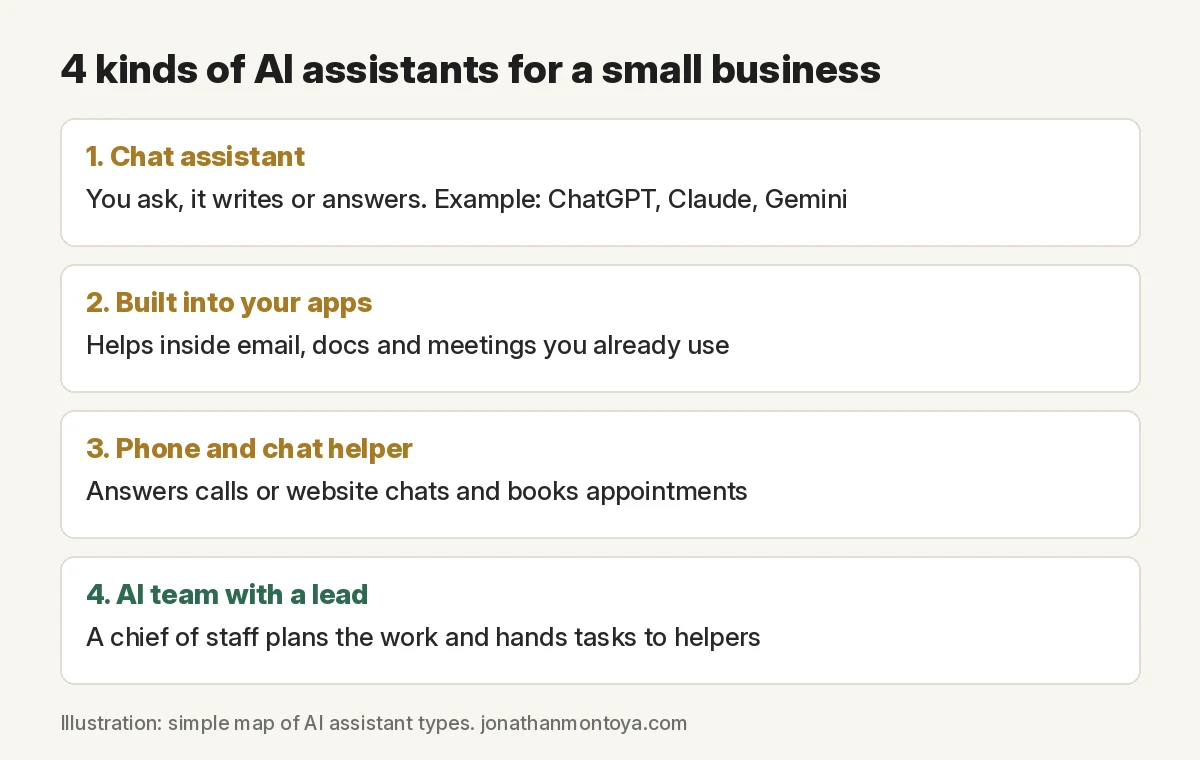
1. A chat assistant
This is the one most people know. You type a question or a job, and it writes back. ChatGPT, Claude and Gemini are the big names.
A chat assistant is great for drafts, ideas and quick research. Most have a free plan to try. The catch is that you have to ask each time, and you have to explain your business again unless you set up memory or projects. See ChatGPT for small business for simple ways to start.
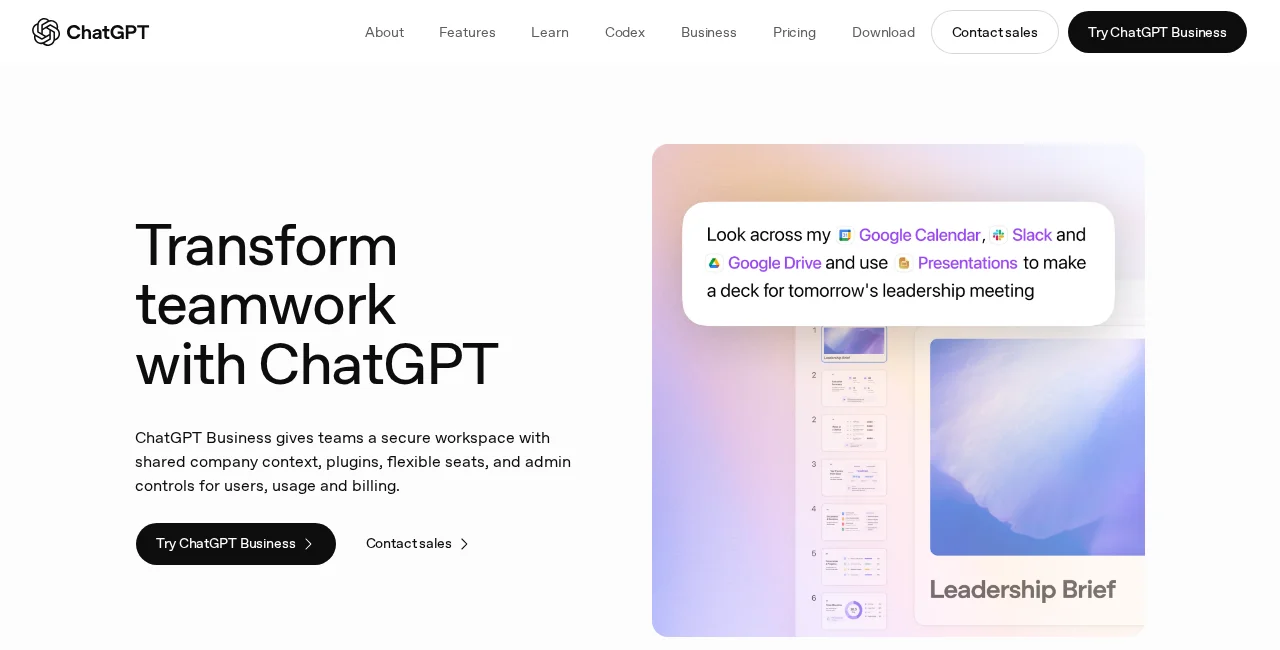
The big tools also sell business plans. OpenAI says ChatGPT Business gives teams “a secure workspace with shared company context, plugins, flexible seats, and admin controls.”
2. AI built into the apps you already use
If your day lives in email, docs and video calls, this can be the easiest place to start. You do not have to learn a new app.
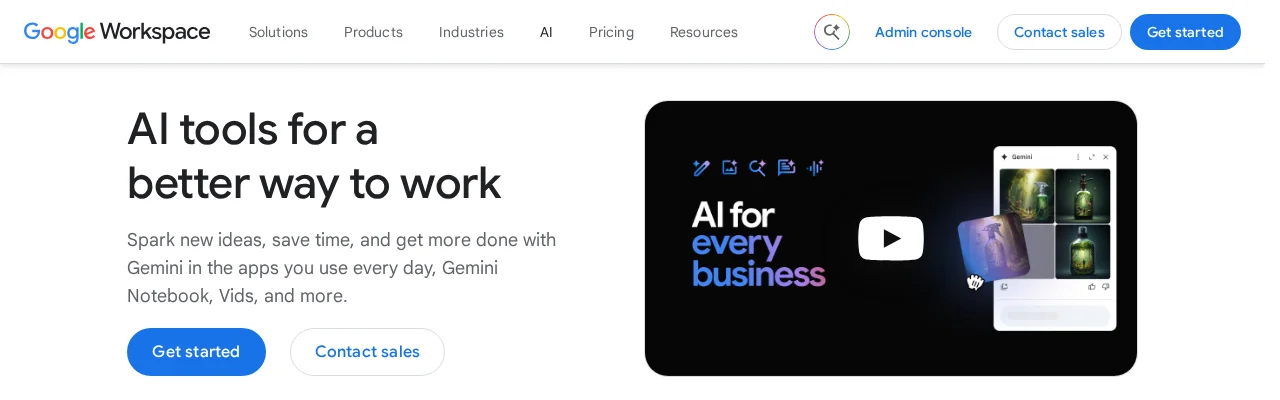
For example, Google says its Workspace Business Standard plan includes a chat with Gemini, which it calls a “secure everyday AI assistant at work.” Google also lists AI inside Gmail, Docs, Sheets and Meet, plus AI notetaking in video meetings.
Features change by plan, so check the plan page before you buy.
3. A phone and chat helper
Some AI assistants talk to your customers for you. An AI receptionist answers calls, answers common questions and can book appointments. A website chatbot does the same in a chat box.
This fits a business that misses calls or gets the same questions all day, like a salon, a cleaner or a contractor. Compare tools in my AI receptionist software guide and my AI chatbot for your website guide.
4. An AI team with a lead
This is the newest kind. Instead of one helper, you get a lead AI that plans the work and hands tasks to other AI helpers, like one for content and one for sales. Then it brings the work back to you to review.
The lead is often called an AI chief of staff. Read what an AI chief of staff is to see how it works.
How to pick the right AI assistant
Match the tool to your biggest pain. Here is a simple guide.
| Your biggest pain | Start with | First job to give it |
|---|---|---|
| Writing takes forever | A chat assistant | Draft replies to your 5 most common emails |
| Email and meetings pile up | AI in your email and calendar apps | Summarize long email threads and meetings |
| Missed calls and the same questions | An AI receptionist or chatbot | Answer your top 10 questions and take messages |
| Too many moving parts | An AI team with a lead | A short Monday brief and a plan for the week |
Before you pick, ask these questions:
- Does it work with my tools? Check that it connects to your email, calendar or CRM.
- Can it remember my business? Memory or saved projects mean less explaining.
- Do I approve before it acts? You want a review step before anything sends or posts.
- What happens to my data? Read the privacy page.
- Can I try it small? Start with a free plan or a short test.
Still unsure if you need AI or a person? Read AI agent vs virtual assistant.
How to start with an AI assistant in one week
- Day 1: Pick one job. Choose a small task you do every day, like email replies.
- Day 2: Write your basics. One page about your business, your offers, your customers and how you talk.
- Day 3: Show good examples. Paste two or three replies you liked. Ask it to match the style.
- Day 4: Set the rule. “Draft only. Do not send, post or spend anything.”
- Day 5 to 7: Check every answer. Fix what is wrong and add the fix to your basics page.
When the drafts are right most days, add a second job. Grow one step at a time.
What to keep human
- Sending, posting and spending. Keep your OK on these, at least until you trust the tool.
- Hard customer moments. An upset customer needs a kind human reply.
- People choices. Hiring, firing and pay stay with you.
- Legal, tax and money advice. Check with a real expert before you act.
Privacy basics
Your business data matters. OpenAI says ChatGPT Business data is never used to train its models. Google says Workspace business data is not used to train its AI models or for ads.
Free and personal plans can have different rules, so check the settings in any tool you use. Never paste in passwords, card numbers or private customer data you are not allowed to share.
Mistakes to avoid
Buying five tools at once. Start with one job and one tool.
No examples. Without good examples, the AI guesses your style.
Letting it send on day one. Review first. Trust comes later.
Explaining your business every time. Save your basics page and reuse it.
Where AIM Agent fits
A single AI assistant helps with one job at a time. As you add more jobs, you become the one who manages every hand off.
AIM Agent is an AI Chief of Staff for business owners. It comes with an AI C-suite (COO, CMO, CFO, CRO and CTO), a Business Bot Builder and 100+ business skills, and it runs on AIM OS, a private vault that holds your notes and memory.
Here is what you get:
- An AI Chief of Staff that helps you plan and run your business
- An AI C-suite: COO, CMO, CFO, CRO and CTO
- A Business Bot for each business or project. Give it a real task and it brings the work back for you to review
- 100+ business skills for content, offers, research and more
- Step by step setup guides and email support

See how an AI team works in a real business in this case study. You stay the one who approves the work. I am a co-founder of AIM Agent and have a financial interest in the product.
Meet AIM Agent
AIM Agent is an AI Chief of Staff for business owners. You give it a real task, and it brings the work back for you to review. You stay the one who approves.
Meet AIM AgentI am a co-founder of AIM Agent and have a financial interest in the product.
Frequently asked questions
What is an AI assistant for small business?
It is AI software that helps with the small, repeat jobs in a business. It can draft emails and posts, sort your inbox, take meeting notes, answer common questions and keep a follow up list. You review the work before it goes out.
What is the best AI assistant for a small business?
The best one is the one that fixes your biggest time drain. If it is writing, start with a chat assistant. If it is email and meetings, try the AI built into the apps you already use. If it is missed calls, look at an AI receptionist.
Can an AI assistant replace a human assistant?
It can take a lot of screen work, like drafts, notes and lists. It cannot build trust with your customers, read the room, or own a hard choice. A good mix is AI for the screen work and people for the human work.
Is my business data safe with an AI assistant?
It depends on the tool and the plan. ChatGPT Business and Google Workspace both say business data is not used to train their models. Read the privacy page of any tool, and do not paste in data you are not allowed to share.
What should I give an AI assistant first?
Pick one small job you do every day, like writing replies to common emails. Show it two or three good examples. Check every answer for a week before you add a second job.
Is AIM Agent an AI assistant?
AIM Agent is an AI Chief of Staff for business owners. It goes past a single assistant. It comes with an AI C-suite, a Business Bot Builder and 100+ business skills, and it brings the work back for you to review.
Sources
Checked November 18, 2026. Plans and features change.
